
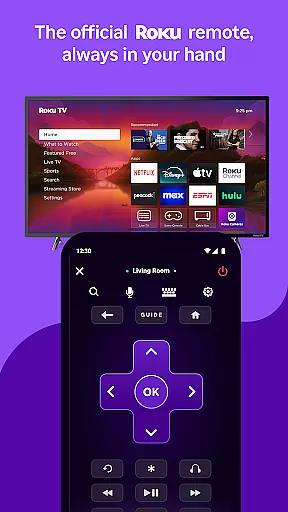
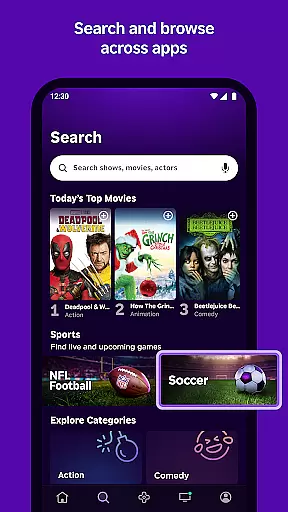
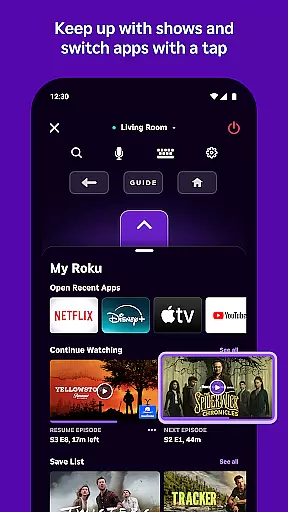
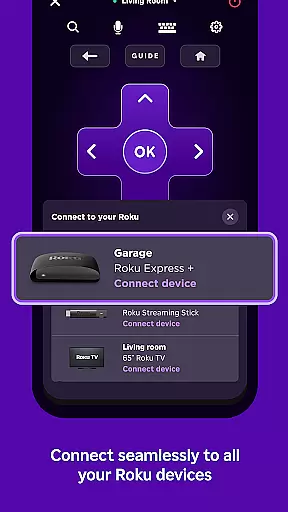
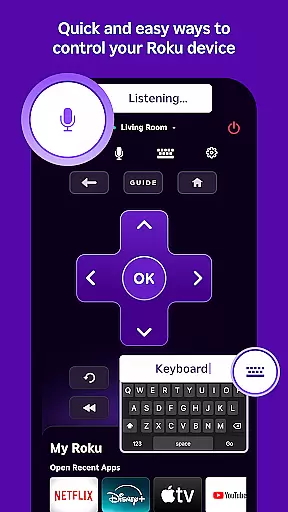
The Roku App is the ultimate streaming companion, designed to enhance your entertainment experience. This versatile application allows you to control Roku devices with an easy-to-use remote interface, making navigation seamless. With voice and keyboard search capabilities, finding your favorite shows and movies is faster than ever.
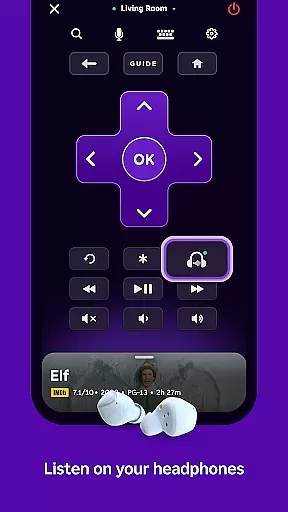
One standout feature is private listening, enabling users to enjoy content without disturbing others. The app also grants access to The Roku Channel, offering free movies and live TV. Additionally, media casting from your phone to TV makes sharing content effortless. These features collectively create a comprehensive streaming solution that maximizes convenience and enjoyment.
The Roku App boasts an impressive array of features that cater to diverse user needs. Its virtual remote functionality provides complete control over Roku devices, eliminating the need for multiple remotes. Voice search in English, Spanish, and other languages streamlines content discovery, while private listening through headphones ensures uninterrupted viewing sessions.
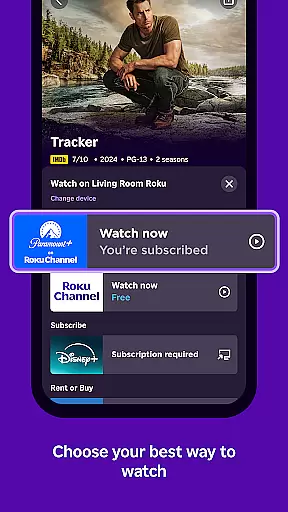
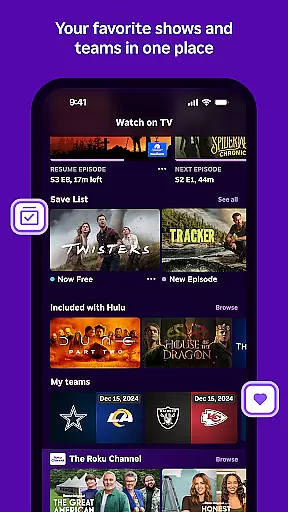
Users can access The Roku Channel directly within the app, providing a vast selection of free entertainment options. Media casting extends this versatility by allowing personal media sharing on larger screens. Furthermore, the mobile keyboard simplifies text entry, enhancing usability across various functions. These thoughtful features demonstrate Roku's commitment to delivering a superior streaming experience.
The Roku App offers a diverse range of content, ensuring users have access to the latest and most popular entertainment options. With The Roku Channel, users can stream free movies and live TV directly from their mobile devices.
Users are not limited to just streaming; they can also cast personal media files such as videos and photos from their phone to their TV. This feature enhances user engagement by allowing them to share personal moments on a larger screen.
Moreover, the availability of various channels within the app ensures that there is something for everyone. While some channels may require payment, the selection is vast and caters to different interests and preferences across multiple countries.
Feature updates and channel offerings are subject to change, which means the content remains fresh and relevant. Users can look forward to new additions and modifications that keep the entertainment experience dynamic and engaging.
User engagement is a key focus for The Roku App, designed to keep users connected and entertained for extended periods. By offering features like private listening with headphones, users can enjoy their favorite shows without disturbing others, thus increasing session durations.
The intuitive remote functionality allows users to control their Roku devices effortlessly, making navigation seamless and encouraging longer usage. Additionally, the ease of entering text using a mobile keyboard simplifies searches and interactions, further enhancing the user experience.
Retention is bolstered by regular updates and the addition of new channels, ensuring that there is always something new to explore. These ongoing enhancements maintain user interest and encourage continued use of the app over time.
Furthermore, localized features such as voice search in multiple languages cater to a global audience, making the app accessible and appealing to a wider demographic. This localization strategy helps in retaining users from different regions by providing a personalized experience.
User-friendly interface
Voice search functionality
Private listening mode
Comprehensive remote control
Free entertainment options
Limited voice search regions
Restricted channel availability
Network connection required
Account login necessary
Device compatibility issues

With the credits you earn play more games
 2.90
2.90
Fool your friends & Family with Fake ultrasound test report
3.60
Scan sets, track your builds, and enjoy intuitive digital instructions.
4.70
Series,Películas y Telenovelas
4.50
Alice Box is an Instrumental Trans Communication app.
3.80
Premium version to enjoy your favorite anime
4.60
Official KennysGifs Stickers
4.20
Create your Songs. Cover Maker with any Voice, Song Generator
3.30
Pop Drama is a premier app crafted for short drama lovers
4.60
SpiritWave is paranormal ITC application.
5.00
Original short dramas with diverse genres for a rich viewing experience!
4.80
Classic dynamic pixel art from Mark Ferrari.
4.70
Come and watch short dramas, reels with diverse genres!
4.40
Start EVP/Spirit Box tonight: real EMF, offline, recording. One-time purchase.
4.10
Browse popular images and videos from Reddit on Android TV!
3.90
Exclusive Short Drama Video! All in HD. Bringe trending reels & enjoy drama time
3.80
Connect. Discover. Control.
3.60
EVP Recorder / Voice Recorder for ghost hunting, to communicate with ghosts.
4.2
Control your AWTRIX 3 easily
4.1


User Reviews