
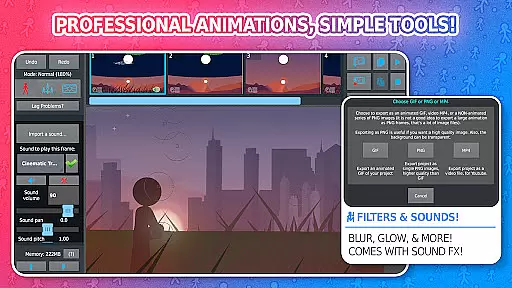
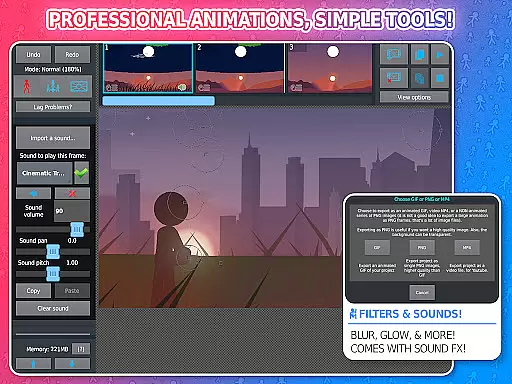
Stick Nodes Pro is a premier animation app designed for creating stickman-based animations on mobile devices. This powerful tool allows users to produce high-quality animated GIFs and MP4 videos, making it a favorite among young animators. The app offers advanced features such as sound effects per frame, customizable filters, and the ability to import and animate images.
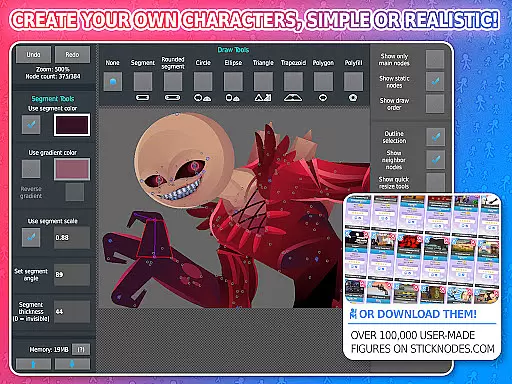
In addition to its core capabilities, Stick Nodes Pro provides a thriving community and compatibility with pre-3.0 Pivot stickfigure files. Users can save, open, and share their projects effortlessly. With over 30,000 stickfigures available for download, this app caters to both beginners and skilled animators, offering an ideal platform for learning and showcasing animation skills.
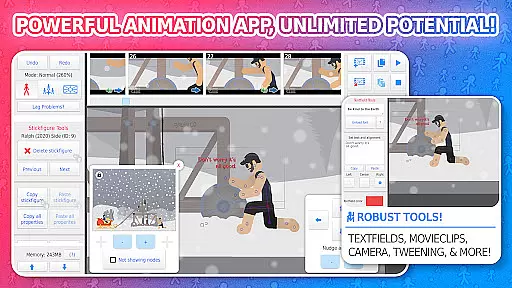
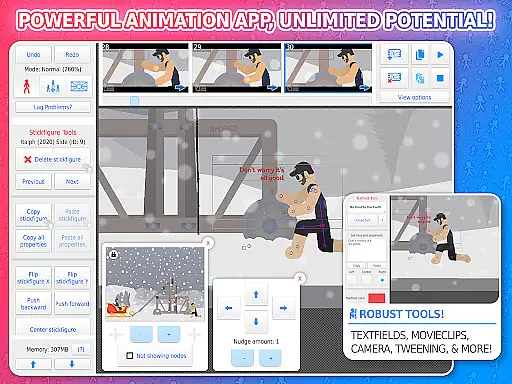
Stick Nodes Pro stands out with its extensive feature set tailored for animators. It includes automatic customizable frame-tweening, which smoothens animations, and a simple camera function for panning, zooming, and rotating scenes akin to Flash's "v-cam." Movieclips enable the creation and reuse of animation objects within projects, enhancing efficiency.
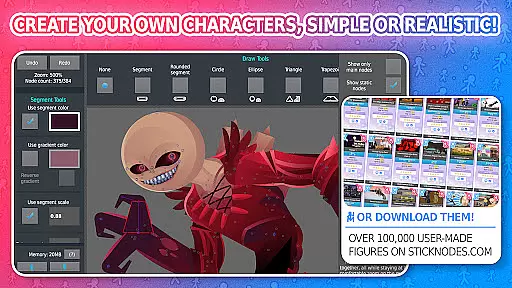
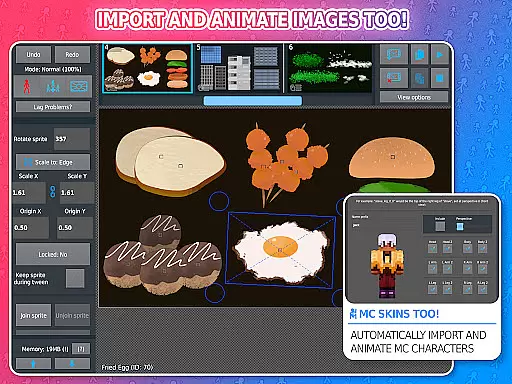
The app supports a variety of shapes, gradients, and text fields for dynamic animations. Pro users benefit from exclusive features like MP4 video export, sound effects, and advanced filters such as transparency, blur, and glow. Additionally, the ability to join stickfigures together facilitates complex animations, while compatibility with Minecraft skins broadens creative possibilities.
Stick Nodes Pro offers an extensive range of content that ensures users have access to the latest and most diverse animation tools. With over 30,000 stickfigures available for download and new ones added daily, animators can explore a vast array of creative possibilities.
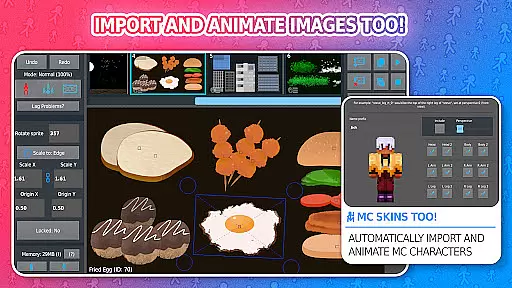
The app allows importing and animating images, applying various filters like blur and glow, and even includes compatibility with Minecraft skins. This diversity in content provides endless opportunities for creativity and innovation in animation projects.
Moreover, frequent updates since its 2014 release ensure that users always have fresh features at their disposal. The thriving community contributes by creating and sharing stickfigures, further enriching the content ecosystem within Stick Nodes Pro.
User engagement is a key strength of Stick Nodes Pro, thanks to its comprehensive feature set designed to keep animators invested in their projects. The ability to save, open, and share projects along with automatic customizable frame-tweening makes it easy for users to create smooth and professional animations.
Advanced functionalities such as movieclips for reusable animations, text fields for dialogue, and sound effects enhance user experience significantly. These features not only extend session lengths but also encourage users to return regularly to refine their work or start new projects.
Additionally, the active community on platforms like Facebook, Reddit, and YouTube fosters a sense of belonging among users. By showcasing their work and collaborating with others, animators remain engaged with the app over long periods, ensuring high retention rates.
User-friendly interface
Extensive feature set
Active community support
Versatile animation options
High-quality export formats
Pro features require purchase
Steep learning curve
Limited free stickfigures
Occasional bugs reported
Heavy app size

Tarot & Oracle Card Readings
 4.50
4.50
Watch whatever you want, whenever you want, wherever you want.
3.30
Binge-worthy short dramas on DramaRush—engaging stories that fit your day.
3.90
Open-source, fast, simple and powerful IPTV app
4.90
Practice and master your ESP and intuition with five mode trainer.
4.20
Colorful flows will relax and calm you down, or get you trippy and creative!
4.90
Control your AWTRIX 3 easily
4.3
VR 360 Cinema Player is the ultimate VR player for playing videos on mobile
3.50
Play casual games to get gift cards and money. More playing, more earning.
4.70
Watch short films, dramas, reels, series and movies anytime on Micro Drama.
4.60
Premium version to enjoy your favorite anime
4.60
Best of icon for christmas
4.30
Exclusive Short Drama Video! All in HD. Bringe trending reels & enjoy drama time
3.80
Necrophone is spirit box ghost hunting app made for spirit communication.
3.70
Explore the unknown!
3.00
With the Steam Mobile App, you can take Steam with you anywhere.
3.00
With the credits you earn play more games
2.90
Christmas Globe: Transform your Wear OS device into a festive timekeeper!
4.4
Raise Christmas Magic with daily missions, magical scanners, and kindness.
4.4


User Reviews