

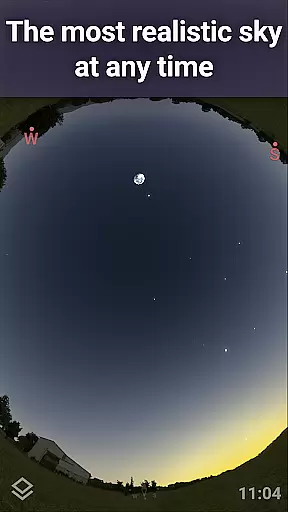
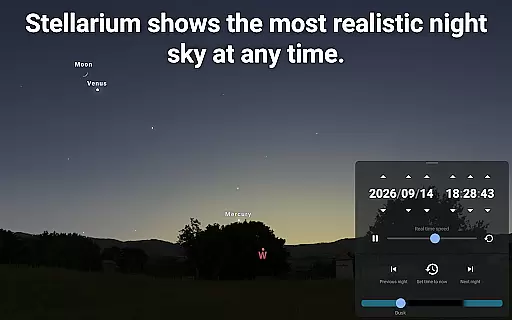
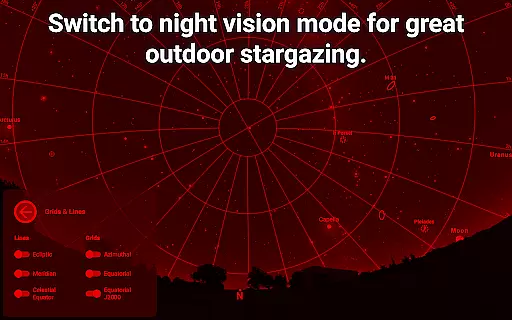
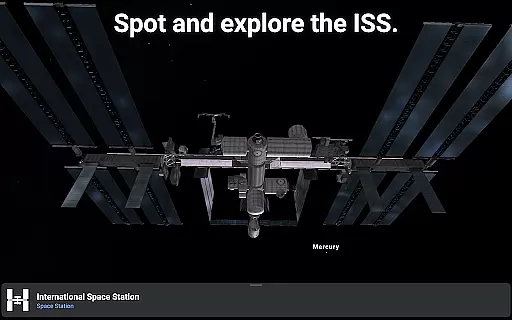
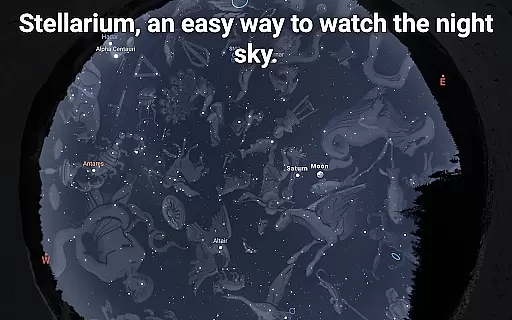
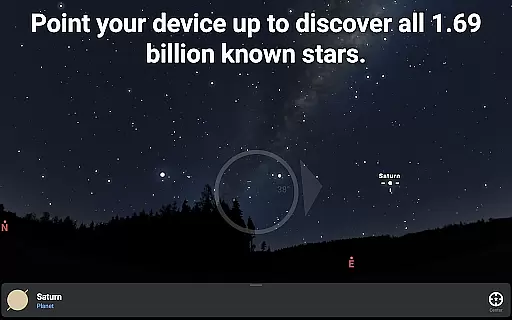
Stellarium Plus is an advanced planetarium app designed for both amateur stargazers and professional astronomers. This educational tool provides a real-time, accurate representation of the night sky, featuring stars, planets, constellations, and deep-sky objects up to magnitude 22. The app offers a unique experience by allowing users to explore the universe through their mobile devices with features such as realistic sunrise and sunset simulations, landscape rendering, and 3D views of solar system bodies.
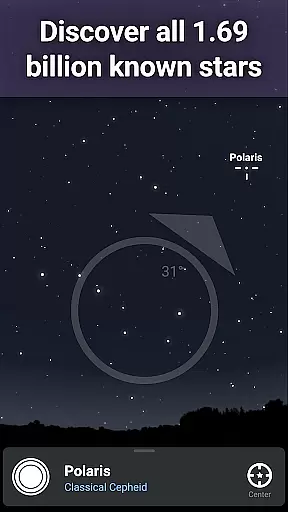
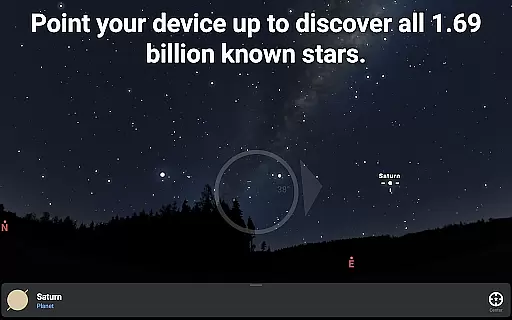
The application stands out with its extensive catalog that includes over 1.69 billion stars from the Gaia DR2 catalog, more than 2 million deep-sky objects, and detailed information on planets, moons, asteroids, and comets. It also supports telescope control via Bluetooth or Wi-Fi, making it an invaluable tool for planning astronomical observation sessions. Whether you're an educator, student, or enthusiast, Stellarium Plus transforms your device into a powerful instrument for learning about astronomy.
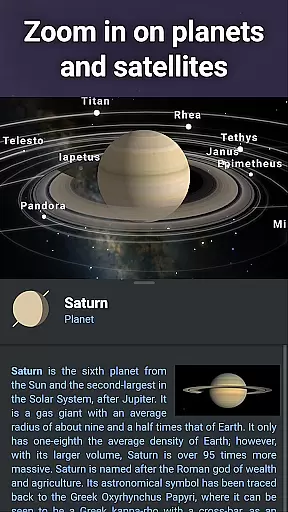
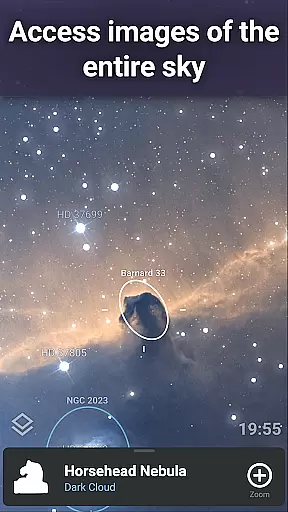
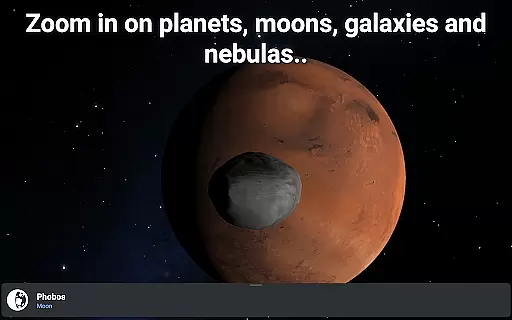
Stellarium Plus boasts a comprehensive set of features tailored for in-depth exploration of the cosmos. One of its key capabilities is the ability to simulate the sky for any location, date, and time, providing users with a dynamic view of celestial events. With access to numerous star catalogs and deep-sky object databases, users can zoom in on high-resolution images of nebulae, galaxies, and planetary surfaces without limitations.
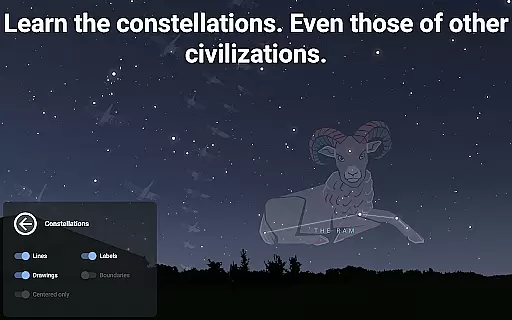
In addition to its observational prowess, Stellarium Plus includes tools for controlling telescopes compatible with NexStar, SynScan, or LX200 protocols, enabling hands-on interaction with the night sky. The app's offline functionality ensures uninterrupted use, even without internet connectivity, thanks to a reduced dataset comprising 2 million stars and 2 million deep-sky objects. Furthermore, its user-friendly interface allows customization of constellation shapes and illustrations based on various cultural perspectives, enhancing the educational value of this versatile astronomy app.
Stellarium Plus offers an extensive and accurate representation of the night sky, making it a reliable educational tool for astronomy enthusiasts. The app includes data from reputable sources such as the Gaia DR2 catalog, which contains over 1.69 billion stars, ensuring that users have access to precise and authoritative celestial information.
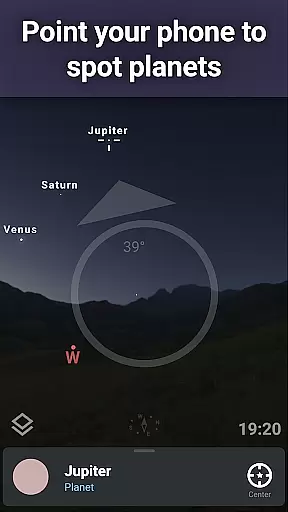
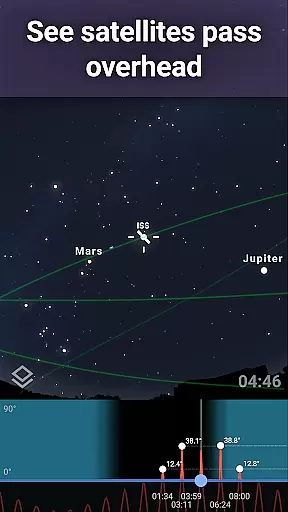
In addition to stars, Stellarium Plus provides detailed information on planets, comets, satellites, and deep-sky objects like nebulas and galaxies. This vast collection is crucial for users who require trustworthy data for academic purposes or personal learning, positioning the app as a credible resource in the field of astronomy education.
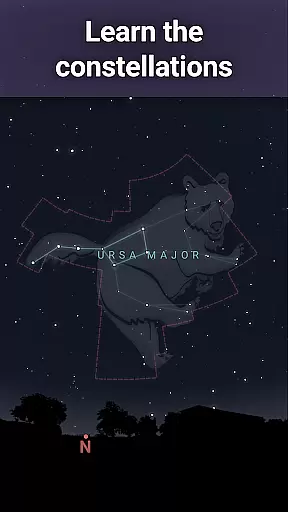
The application's real-time sky mapping feature allows learners to explore how different cultures around the world perceive constellations, enhancing their understanding of global astronomical perspectives. By offering insights into various celestial interpretations, Stellarium Plus fosters a comprehensive learning experience that goes beyond mere star identification.
While Stellarium Plus doesn't offer conventional personalized learning paths like adaptive quizzes or tailored lesson plans, it does provide features that allow users to customize their exploration of the universe. With the ability to simulate the sky from any location on Earth, at any given time, learners can create their own unique journeys through the cosmos, focusing on what interests them most.
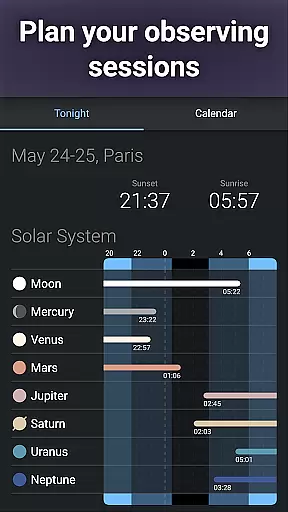
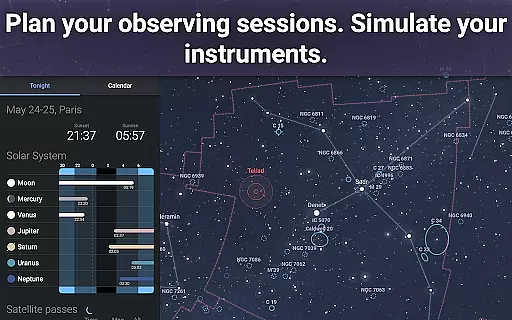
The app's advanced observation tools enable users to prepare for stargazing sessions by predicting the observability and transit times of celestial objects. This functionality supports self-guided learning, empowering users to set personal objectives and track their progress in understanding specific astronomical events or phenomena.
Moreover, Stellarium Plus caters to both amateur stargazers and seasoned astronomers with its 'Plus' features, including telescope control and an extensive database reaching up to magnitude 22. Such depth ensures that each user's learning path can evolve according to their growing expertise and curiosity about the universe.
User-friendly interface
Extensive celestial database
Realistic sky simulation
Telescope compatibility
Offline usability
Advanced features may overwhelm beginners
Requires significant storage space
Some features locked behind paywall
Occasional performance lags
Complex settings not intuitive

Turn scrolling hours into improving your knowledge, communication, intelligence
 4.50
4.50
The Only Official DVSA Theory Test Kit App
4.50
Guitar chord finder, analyzer, smartly visualized theory, progressions, quizzes.
4.70
Master note reading with StaffWars….
4.00
MONOPOLY JUNIOR brings Hasbro's classic the board game to life.
3.00
Visit Daniel's house & make believe. Play doctor, make music, & feed fish.
3.20
Learn to pass DMV permit tests. Driver license practice test 2025.
4.60
Cool math games & learn to read activities- loved by kids, approved by teachers.
4.50
Adventures await with Spider-Man and other Marvel characters!
4.10
Memorize anything efficiently with AnkiDroid! Many pre-built decks available.
4.80
A fast and fun way to learn guitar - works with any guitar.
4.60
Dinosaurs coloring book game. Drawing and painting dinos.
4.50
Learn math, step-by-step
4.30
A magical world of fun, building, and learning with Mickey Mouse and more!
4.20
An aviator’s preparation, study and test tool for FAA Knowledge Exams.
4.10
Your guide to thousands of satellites and spacecraft in orbit around Earth!
3.90
Listen, request and record pronunciations in more than 450 languages. Everywhere
3.90
AR planetarium app that brings the solar system to you via XREAL Glasses.
4.2
Animals pop up and make sounds—learn names and noises in Peekaboo Barn!
4.3

User Reviews