

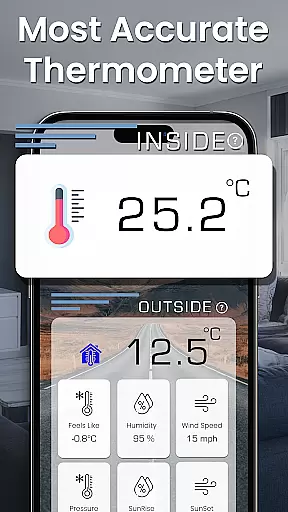
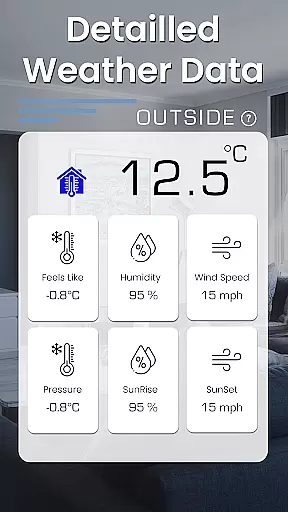
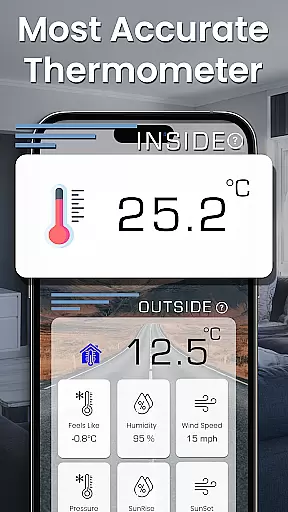
Room Temperature Thermometer is a comprehensive weather monitoring app that transforms your smartphone into an advanced digital thermometer. The app provides accurate indoor and outdoor temperature readings, functioning as both a thermostat and hygrometer. It supports multiple temperature units including Celsius, Fahrenheit, and Kelvin, while offering additional features like sunrise and sunset times, feels-like temperature, air pressure, and wind speed data.
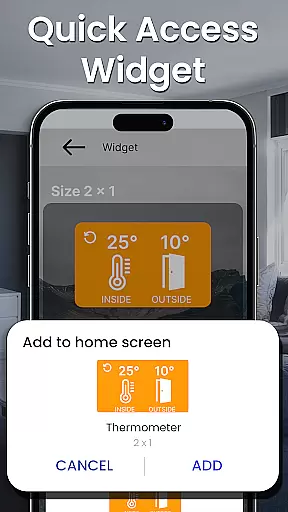
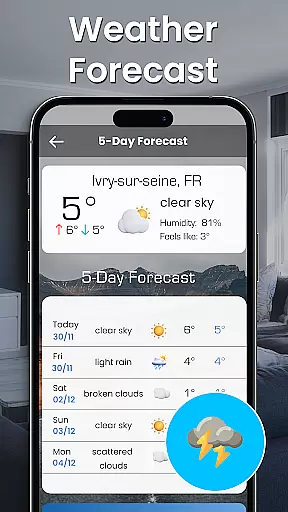
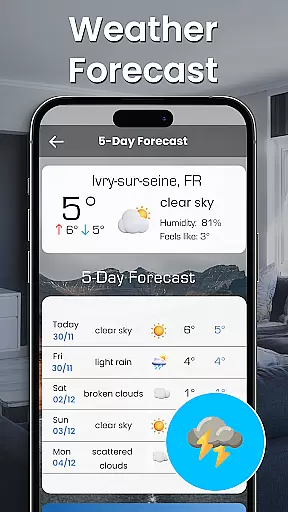
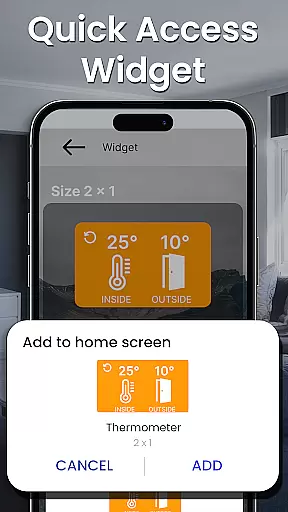
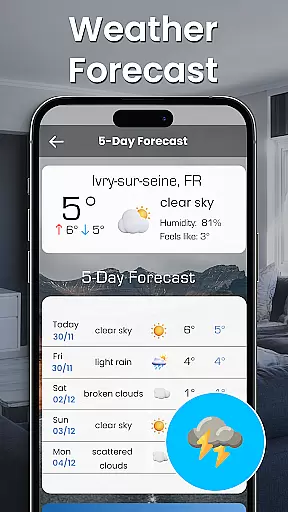
This versatile application serves as your personal weather assistant, delivering hourly, daily, and weekly forecasts alongside 30-day outlooks. The built-in thermometer widget enables quick access to temperature data from your home screen, while the temperature scanner feature allows users to record and save temperature information locally or online. With its auto-calibration capability and AI-enhanced accuracy, the app ensures reliable readings across different environments and devices.
Whether you need to monitor room temperature for energy efficiency or require detailed weather insights for planning, this app provides a complete solution for both casual users and professionals who require precise environmental data.
The Room Temperature Thermometer app stands out with its diverse range of features designed to provide comprehensive weather insights. One of its core capabilities is delivering precise temperature readings through your smartphone's thermal sensors, enhanced by AI algorithms that ensure accuracy within ±3°C. This functionality works seamlessly for both indoor spaces and outdoor areas, utilizing hyper-local weather stations for optimal results.
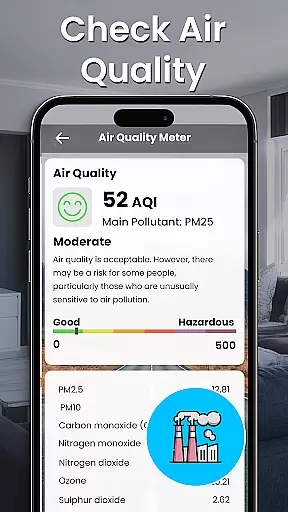
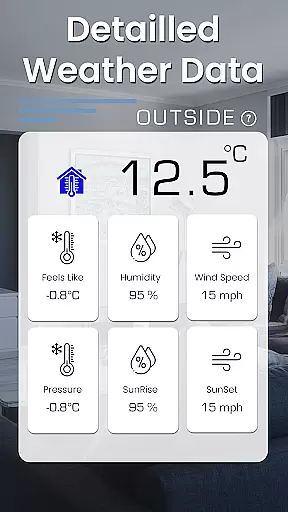
Beyond basic temperature monitoring, the app offers advanced tools including hygrometer readings, atmospheric pressure tracking, wind speed updates, and visibility data spanning kilometers, miles, and knots. Users can customize their experience with multiple temperature unit options (Celsius, Fahrenheit, Kelvin) and benefit from practical utilities such as sunrise and sunset times, feels-like temperature indicators, and a 30-day weather forecast planner. The inclusion of GDPR-compliant privacy measures further enhances user trust.
What sets this app apart is its innovative approach to usability and convenience. Features like the thermometer widget allow instant access to critical data directly from the home screen, while the temperature scanner lets users log historical records. These functionalities make it an indispensable tool for anyone seeking real-time environmental monitoring combined with professional-grade accuracy.
Forecast accuracy and data credibility are essential for any weather application. The Room Temperature Thermometer App provides precise temperature readings by utilizing advanced AI algorithms to ensure that the data presented is reliable and within a u00b13u00b0C margin of error.
This level of precision is achieved through meticulous calibration tailored to specific devices, which allows users to trust the app when planning their day-to-day activities or making important decisions based on weather conditions.
Users benefit from not only current weather information but also detailed forecasts extending up to 30 days ahead. This comprehensive outlook helps them prepare for upcoming weather patterns effectively.
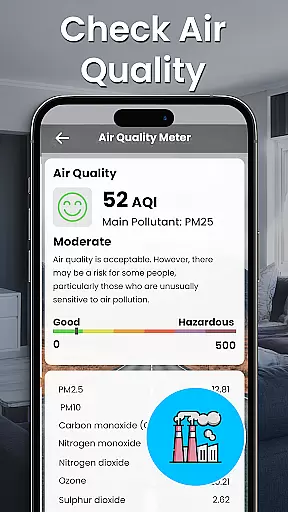
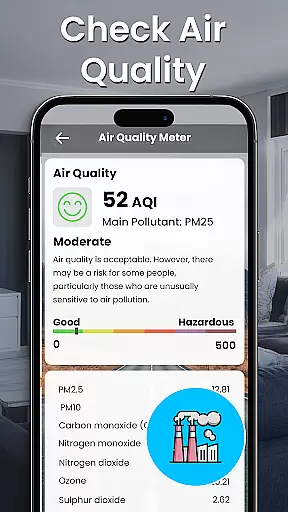
The app's commitment to accuracy extends beyond just temperature; it includes valuable insights into wind speed, atmospheric pressure, and humidity levels, ensuring a holistic understanding of environmental conditions.
The Temporal & Spatial Forecast Range feature in the Room Temperature Thermometer App offers extensive visibility over varying distances and timeframes. Users can access hourly, daily, and weekly forecasts, as well as a 30-day extended outlook, providing them with the necessary information to plan both short-term and long-term.
In addition to temporal coverage, the app delivers spatial data spanning across different units such as kilometers, miles, and knots. This ensures that no matter where you are located or what unit preference you have, you will receive accurate and relevant information regarding your location's weather dynamics.
With global tracking capabilities, this app monitors temperatures around the world, from bustling cities like New York to vast regions like California, and even entire countries including the UK and USA. Such wide-reaching coverage guarantees that users stay informed about their local environment as well as any remote locations they might be interested in.
By integrating auto-calibration features with support for multiple temperature units (Celsius, Fahrenheit, Kelvin), the app maintains high standards of forecast accuracy while catering to diverse user needs worldwide.
Accurate readings
User-friendly interface
Multiple temperature units
Comprehensive weather data
GDPR compliant
Requires thermal sensors
Accuracy varies
Depends on local stations
AI calibration needed
Background apps affect performance
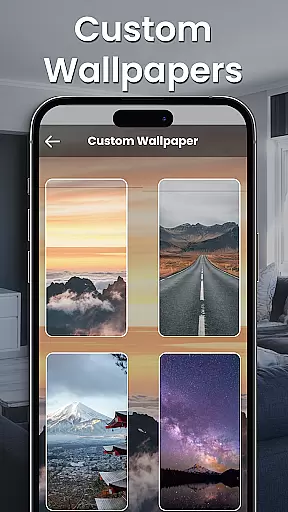
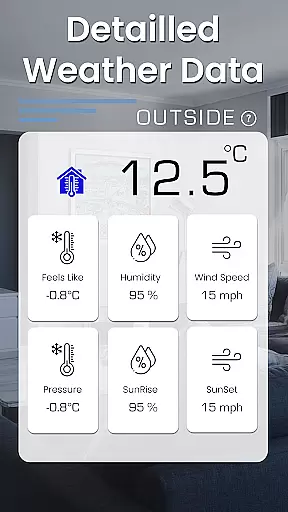
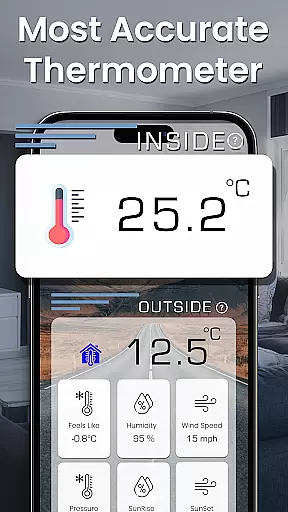
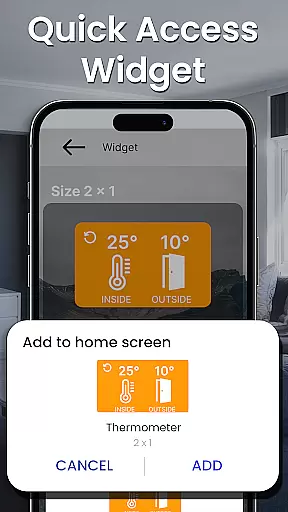

Accurate weather forecast and beautiful weather & clock widgets
 4.20
4.20
Local weather forecast, reliable daily weather report
4.30
The most accurate weather app, hourly and daily weather, severe weather alerts
4.50
Arrive safely! Travel weather forecasts for your entire trip at time of arrival.
3.60
No ads, No data collected. Beautiful and powerfully customizable weather app
4.90
weather forecast, weather radar, weather widget in one local weather app
4.70
Stay ahead of the weather with Daily Weather
4.10
Weather watch face for Wear OS 5+
4.40
Your ultimate app for real-time weather information!
4.70
Weather - Local weather forecast, weather daily & hourly, weather radar
4.80
My Tide Times Pro is the only tide tables and forecasts application you'll need.
4.80
Weather Forecast, Trending News, Hurricane & Storm Tracker, Alerts & Live Radar.
4.80
Accurate, beautiful weather with landscapes depicting weather, sky, season.
4.50
All-in-one weather radar launcher with rain, temperature maps & local forecast.
4.30
Stay Ahead Of Changing Weather Conditions
4.00
Know the weather earlier.
3.90
Most precise & accurate compass app give true North South East West directions.
3.00
Retro TV-style digital watch face with weather, heart rate, steps & events!
4.4
Your local weather app with storm radar, rain tracker, weather maps & AQI.
4.5

User Reviews