

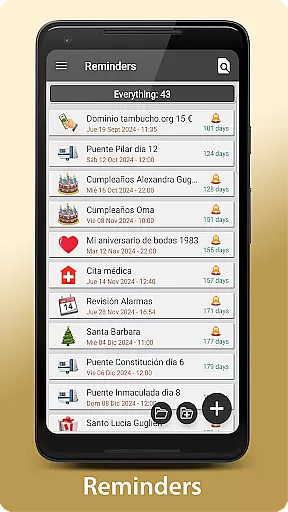
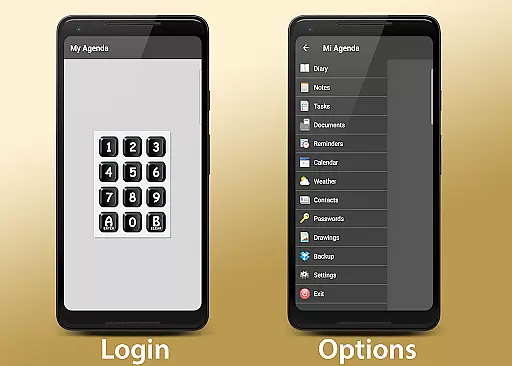
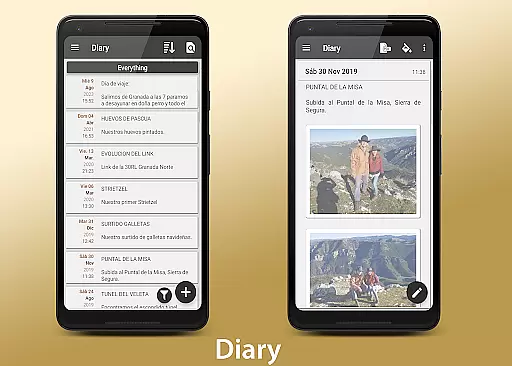
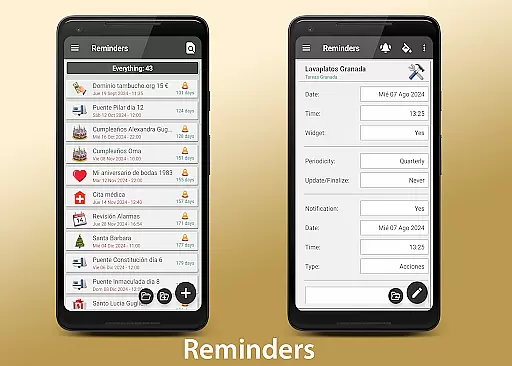
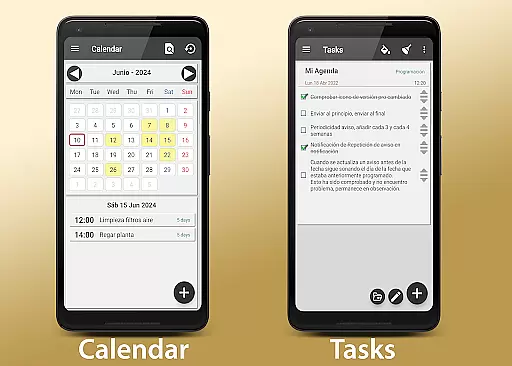
My Agenda Pro is a comprehensive lifestyle management app designed to streamline your daily tasks and keep everything organized in one place. This all-in-one personal assistant allows you to maintain a visual diary with text, photos, and voice notes, ensuring no detail is missed. With personalized task lists, reminders, and calendar views, staying on top of deadlines has never been easier.
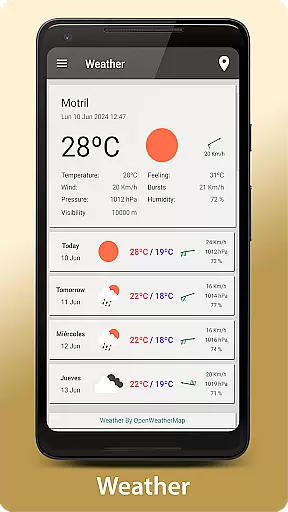
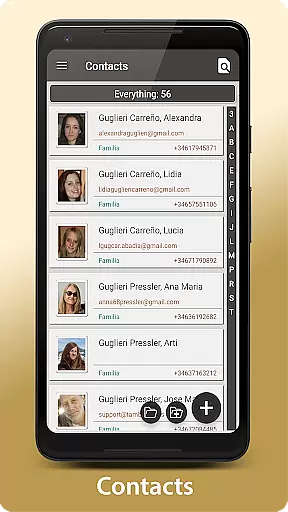
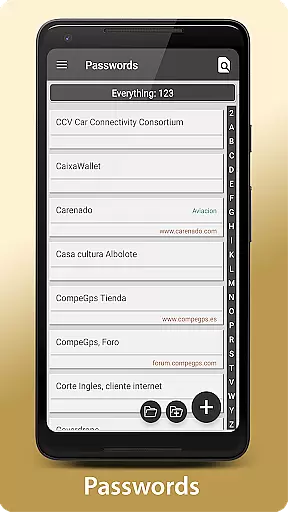
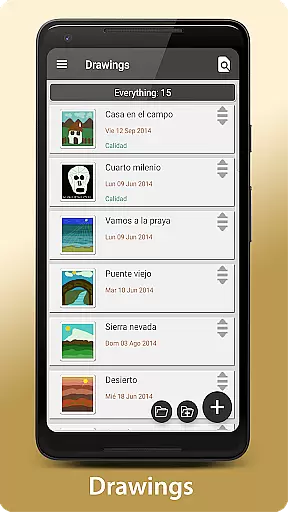
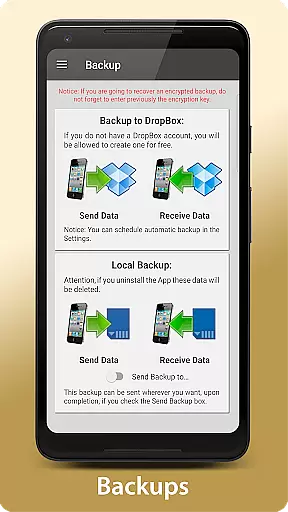
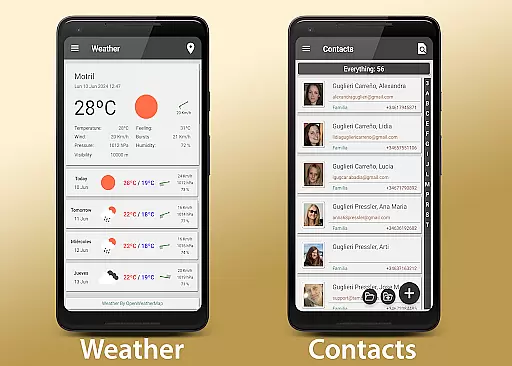
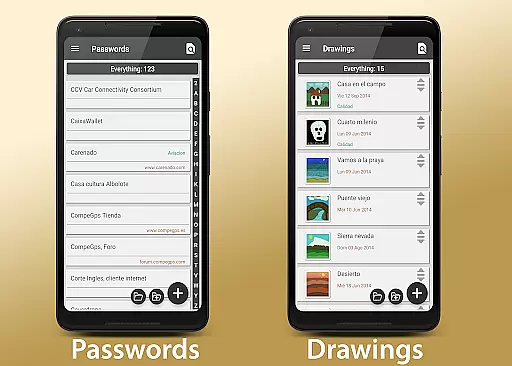
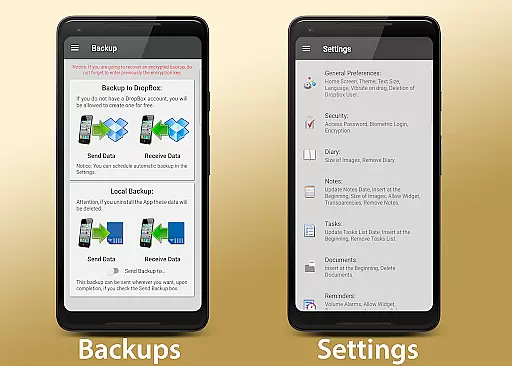
In addition to its organizational features, My Agenda Pro offers a 15-day weather forecast for any location worldwide, helping you plan activities effectively. The app also provides secure storage for contacts and passwords, encrypted for your protection. You can unleash your creativity with drawing tools and ensure data safety with automatic backups to Dropbox and other manual options like Drive or Email.
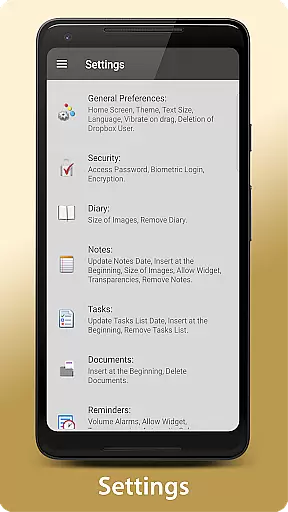
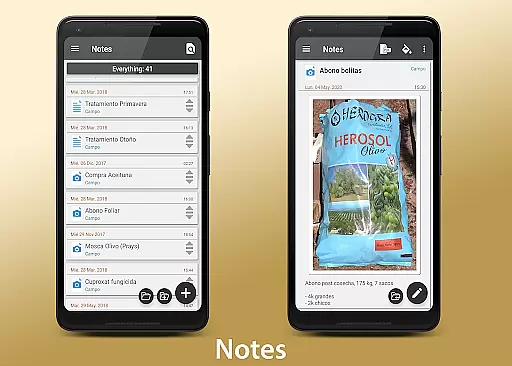
Custom widgets bring your favorite reminders directly to your home screen, while flexible organization options let you group, reorder, and color-code entries. Sharing capabilities allow you to convert notes into PDFs and send them via email or messaging apps. Security features include password protection, fingerprint access, and encryption. Whether you need help managing your day or securing sensitive information, My Agenda Pro is the ultimate tool for maintaining control over your life.
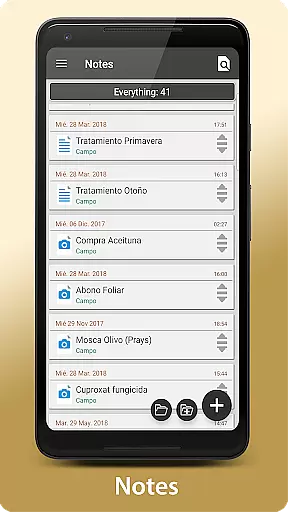
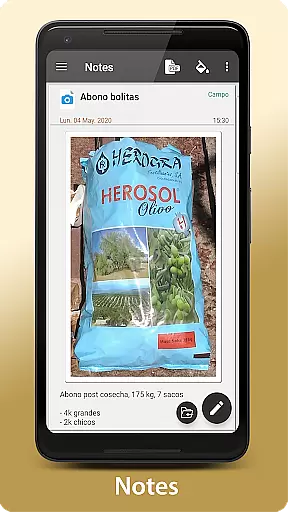
My Agenda Pro stands out with its rich array of features tailored to enhance productivity and security. One of the key highlights is the ability to create a complete visual diary using various media types such as text, photos, and voice notes. This feature ensures that every important moment and idea is captured vividly and comprehensively.
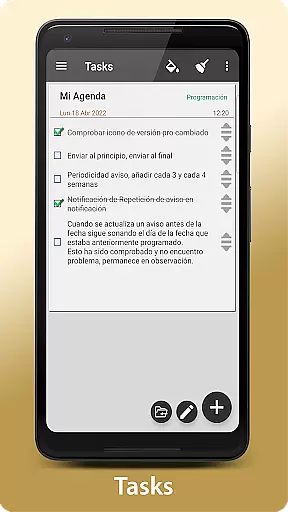
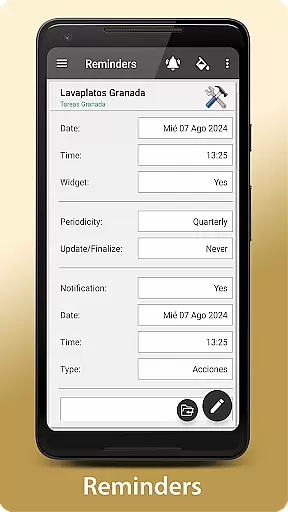
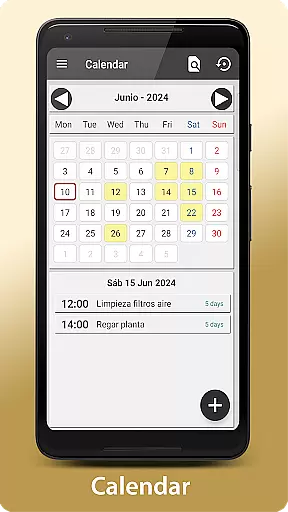
The app's task management system is robust, offering personalized lists, deadlines, and notification preferences. Tasks can be viewed in either a calendar or list format, providing flexibility in how you organize your schedule. Additionally, the built-in 15-day weather forecast helps you plan outdoor activities by giving you detailed meteorological insights for any global location.
Security is paramount in My Agenda Pro, which offers encrypted storage for contacts and passwords, accessible via password, fingerprint, or encryption. Creativity tools allow freehand drawing and sketching, while automatic backup solutions ensure your data remains safe through synchronization with Dropbox and other services like Drive, Email, and WhatsApp. Customizable widgets and sharing functionalities further enhance user experience by bringing essential information to your fingertips and enabling easy distribution of notes in PDF format.
My Agenda Pro offers an extensive range of features that cater to various aspects of daily life, ensuring comprehensive lifestyle management. The app includes a visual diary for personal thoughts, task management with reminders, and weather forecasts.
With dedicated sections for secure storage of contacts and passwords, users can trust that their sensitive information is encrypted and easily accessible. This all-in-one approach ensures that every important facet of a user's lifestyle is covered.
The inclusion of creative tools for drawing and sketching, alongside automatic backup options to cloud services, enhances the user experience by providing both utility and peace of mind. These features collectively contribute to a holistic lifestyle management solution.
By integrating customizable widgets and flexible organization options, My Agenda Pro allows users to tailor their experience to individual preferences, making it a versatile tool in managing one's personal and professional life effectively.
Authenticity and credibility are at the forefront of My Agenda Pro's design philosophy. Each feature within the app is crafted based on real user needs and feedback, ensuring that the content provided is both genuine and valuable.
The app provides verified 15-day weather forecasts for locations worldwide, giving users reliable data to plan their activities. Additionally, the secure handling of personal data through encryption demonstrates a commitment to maintaining high standards of privacy and security.
Users can convert notes into PDFs and share them across platforms like email and WhatsApp, knowing that these documents are created from authentic entries made within the app. Such functionality not only adds convenience but also reinforces trust in the appu2019s content integrity.
Furthermore, My Agenda Pro offers direct support from its development team, assuring users that expert assistance is readily available whenever needed, thus enhancing the overall credibility of the application.
User-friendly interface
Comprehensive task management
Secure data encryption
Versatile note-taking options
Automatic cloud backup
Premium version costs
Occasional sync issues
Limited free features
Heavy on storage
Complex settings
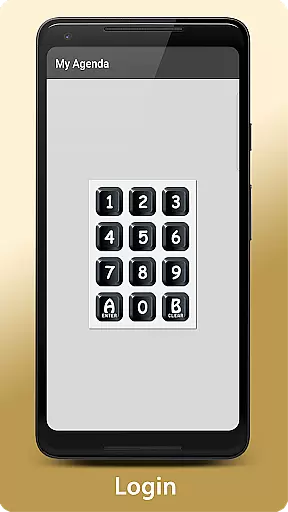
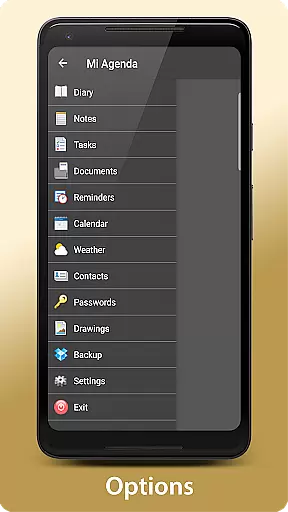
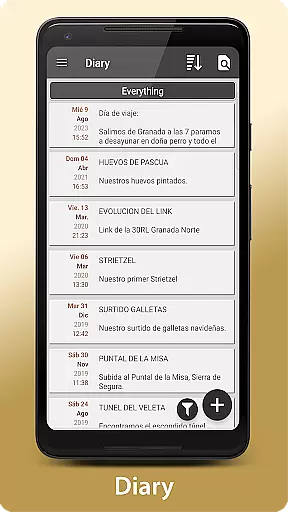
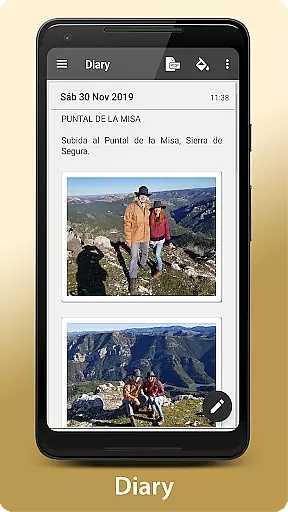

Unique informative Dial with Live Moon Phase at a glance!
 3.60
3.60
Cute Adorable Animals now on your wrist with our Wear OS watch face!
4.40
Use your device sensors to detect energy and convert it into spoken words.
4.10
Discover the "To Be a Christian" App: Your Guide to Deepening Faith!
5.00
Discounts, savings, and rewards
4.20
Make money, get paid cash rewards & gift cards for every survey. Earn today!
4.60
Crochet made easy: step-by-step tutorials, beginner patterns & projects
4.60
Falling Fruit is a massive collaborative map of food in our cities.
3.20
Control your Tapo smart devices from anywhere.
4.60
Daily lessons from A Course in Miracles with scheduled reminders
4.80
Play. Earn. Repeat. Get rewarded for playing mobile games. Welcome to Mobius!
4.80
Digital smart watch face made for Wear OS.
4.70
What is my face shape? Find out your face shape from picture, see fitting frames
3.90
Going above and beyond known spirit communication
3.60
An Eerie Musical Trigger Toy for Spirits to Play with!
3.50
The Miracle Box includes methods used by Steve Huff of Huff Paranormal.
3.20
Healthy eating timer app to track meal pace, improve habits, and eat slowly.
4.1
Duo Watch Face (animated)
4.2
Big bold hybrid watch face with 30 colors, 5 fonts & 5 complications.
4.5

User Reviews