

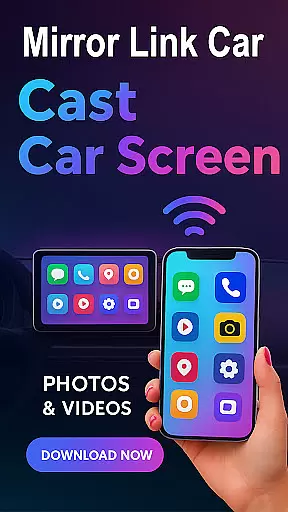
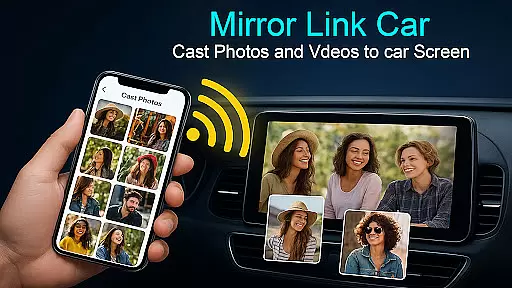
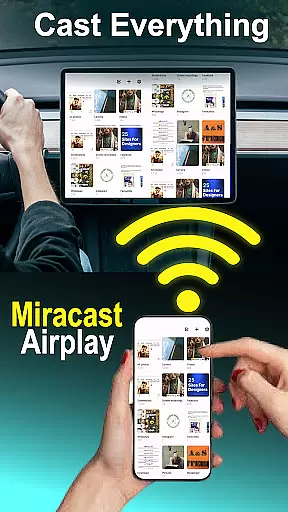
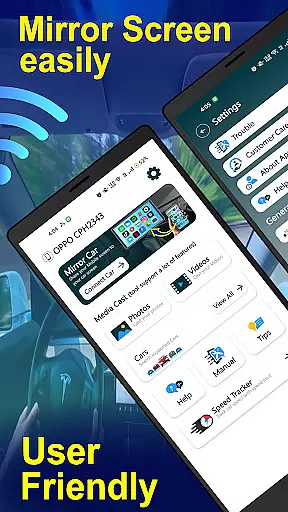
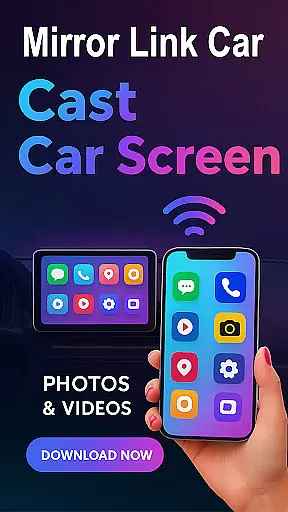
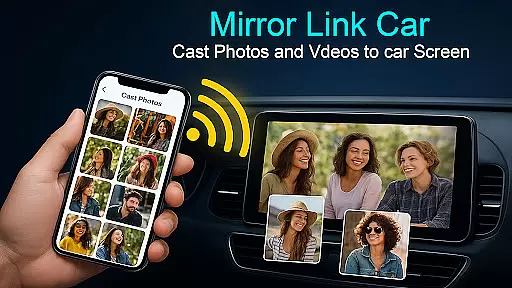
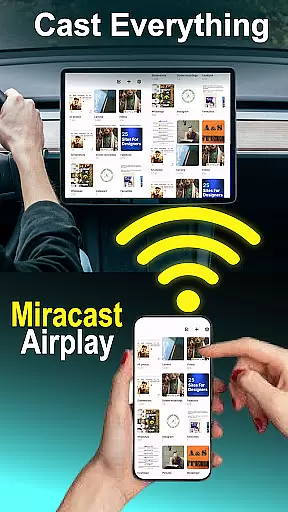
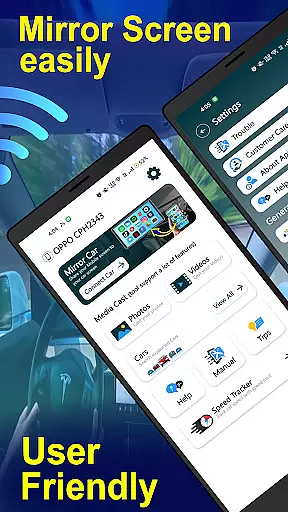
Mirror Link - Cast to Car is a powerful application that transforms your car's infotainment system into a smart display. By wirelessly mirroring your phone, it allows you to enjoy a full in-car multimedia experience without distractions. The app supports both wireless and wired connectivity options, ensuring flexibility and convenience for various use cases.
With features like Wireless Screen Mirroring, USB Connection Support, and compatibility with multiple infotainment systems, this app provides a seamless connection between your smartphone and car display. Whether you're navigating through GPS, streaming music, or managing calls, Mirror Link ensures a smooth and responsive interface. It also extends beyond the car, allowing screen mirroring to Smart TVs and home entertainment systems.
This app is particularly useful when parked, enabling users to watch videos or access apps directly from their car's touchscreen. Its hands-free functionality minimizes distractions while driving, making it an essential tool for modern vehicles. Smarter driving starts here, enhancing both safety and entertainment on the road.
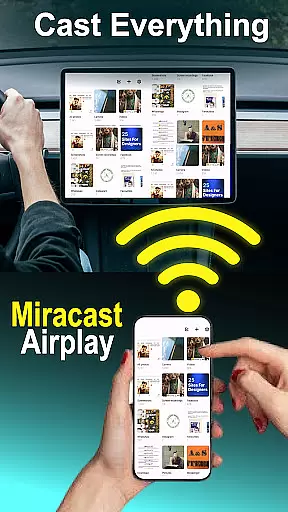
The Mirror Link - Cast to Car app boasts several top-tier features designed to enhance user experience. One of its standout capabilities is Wireless Screen Mirroring, which connects your smartphone to your car screen without any cables using Wi-Fi Screencast. This feature ensures a clutter-free environment and easy setup.
In addition to wireless options, the app supports USB Connection, providing a stable and lag-free screen casting experience. Users can choose between wireless or wired based on their preferences, ensuring universal compatibility with most car infotainment systems that support standard screen mirroring protocols.
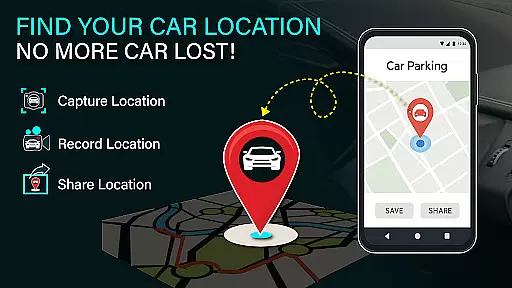
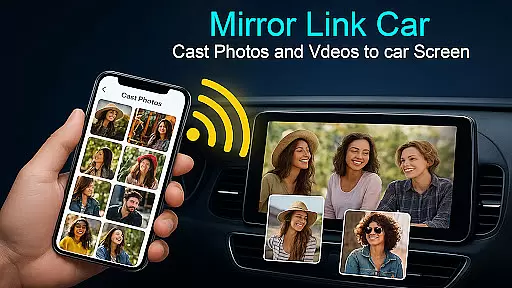
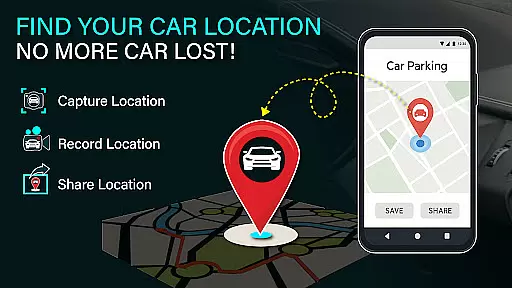
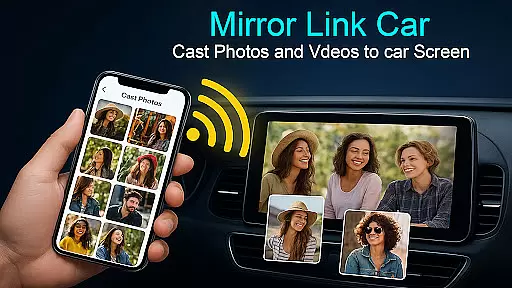
Beyond basic connectivity, Mirror Link offers a Multimedia Dashboard Experience where users can watch videos (when parked), use GPS, manage calls, and stream apps directly from their car's touchscreen. The app also includes Smart TV Compatibility, extending its utility beyond automotive settings. With one-click quick car connection via supported CarLink/Mirror Link protocols, users enjoy fast setup and minimal downtime.
Functionality completeness in a car screen mirroring app like Mirror Link - Cast to Car is crucial for ensuring that users can seamlessly integrate their smartphones with their vehicle's infotainment system. This app offers both wireless and wired connectivity options, catering to different user preferences and technological capabilities of various car models.
The app supports key features such as Wireless Screen Mirroring via Wi-Fi Screencast, USB Connection Support for stable casting, and compatibility with systems that support standard screen mirroring protocols. These features provide comprehensive coverage, allowing users to enjoy an enhanced driving experience while maintaining focus on the road.
With functionalities extending beyond just cars to include Smart TVs and home entertainment systems, Mirror Link - Cast to Car ensures broad application scope. Users benefit from hands-free functionality which minimizes distractions during driving by automating music play/pause functions and enabling one-click quick connections through supported protocols.
Overall, this level of functionality completeness not only enhances convenience but also promotes safer driving practices by reducing manual interactions with mobile devices while driving.
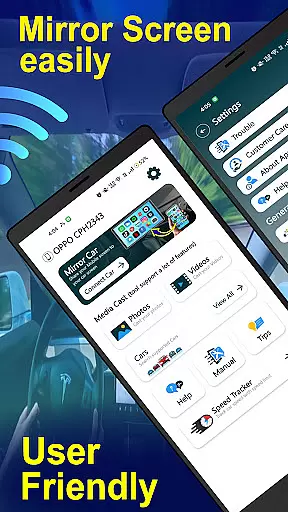
Usability and operational smoothness are vital components of any technology designed for use within vehicles, where safety and ease-of-use take precedence. Mirror Link - Cast to Car excels in these areas by providing intuitive setup processes alongside reliable performance once connected.
Users can easily enable Mobile Hotspot on their smartphones and connect it to compatible car panels using straightforward steps outlined in the appu2019s instructions. The requirement for both devicesu2014the smartphone and the caru2014to support technologies like Miracast or Wireless Display simplifies the connection process significantly.
Once set up, users gain access to a multimedia dashboard experience that includes GPS navigation, call management, and streaming apps directly from their vehicle's touchscreen interfaceu2014all without needing constant interaction with their phone. This streamlined operation contributes greatly towards minimizing driver distraction.
In summary, Mirror Link - Cast to Car delivers exceptional usability paired with smooth operational capabilities, making daily commutes more enjoyable while prioritizing driver safety above all else.
User-friendly interface
Wireless and wired options
Wide device compatibility
Quick and stable connections
Enhanced multimedia experience
Requires compatible hardware
Limited to supported systems
May need additional setup
Parked usage recommended
Dependent on network stability
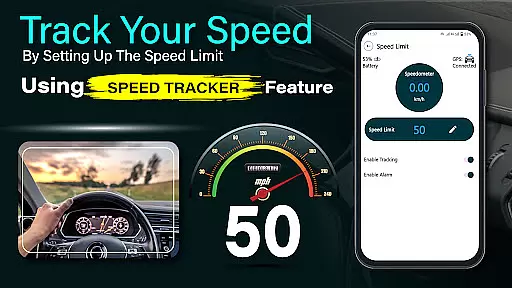
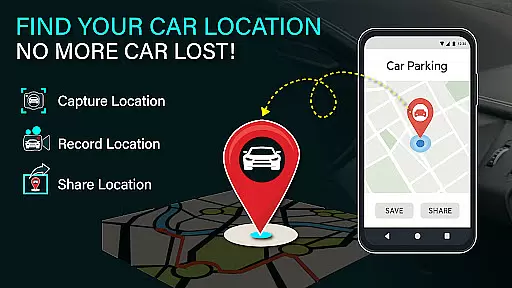
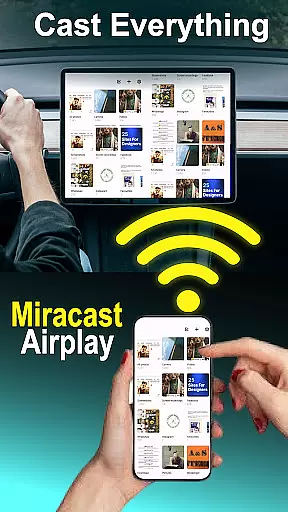
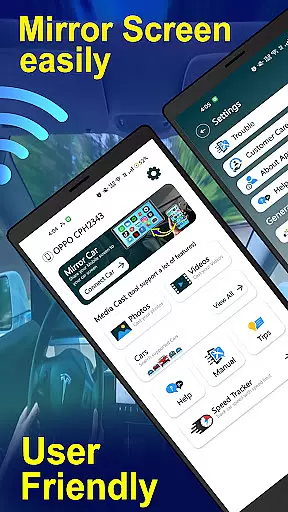

Game Booster GFX for smoother gaming experience. Enjoy 120 FPS and 4x Game Space
 4.20
4.20
Read Holy Quran Feel Like Real Quran & Listen Al Quran Mp3 Audio Online Offline.
4.70
If you are looking for melon playground mod that fun you deffinitely try our app
2.70
Read Quran pak offline & listen online mp3 Quran in Al Quran Majeed app
4.3
Al QURAN-القرأن الكريم app to read Quran offline just like an actual Quran book
4.30
CloudEye 365 is a easy-handling APP
3.60
An impressive collection of tools, characters, weapons, skins and more!
4.30
Manage apps & elevate your gaming experience with Game Launcher: Gaming Hub app.
4.30
The best PS2 games from your childhood come to life in their mobile version!
4.00
TV USB connector app provides you a seamless cast option from your phone to tv.
4.70
Game booster GFX may reduce interruptions and improve gaming experience.
4.50
Enjoy Minecraft Mod Scary Neighbor Granny for Minecraft PE.
4.30
View your cameras anywhere and anytime
4.20
You can remote control and play much easier.
4.10
charging your phone by other phone easly
4.00
Demo version of the mcpro24fps manual video camera. Try and buy a full version!
4.00
A Pydroid Quick Install repository provider.
4.00
Mirror link car connector to share your screen with car dashboard
3.80
Connect your phone to any endoscope camera, USB camera, or borescope with ease.
3.70

User Reviews