

GBA.emu is an advanced open-source Gameboy Advance emulator based on VBA-M, designed with a minimalist UI and optimized for low audio/video latency. It supports a wide range of devices from the original Xperia Play to modern devices like the Nvidia Shield and Pixel phones. The app includes high-level BIOS emulation, eliminating the need for a BIOS file, and supports .gba file formats optionally compressed with ZIP, RAR, or 7Z.
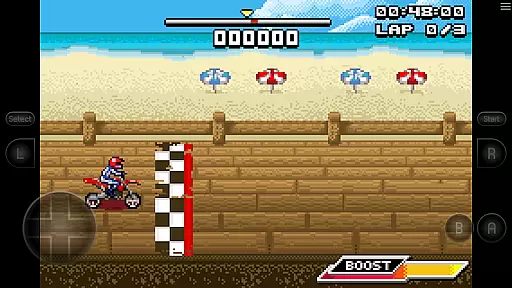
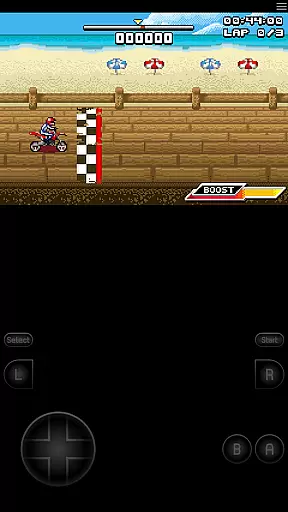
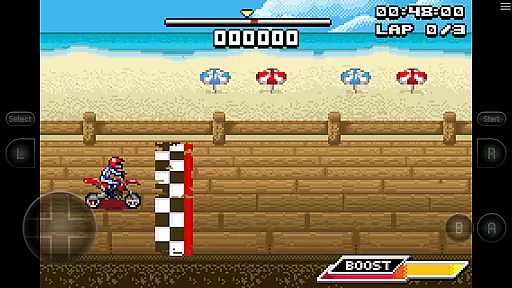
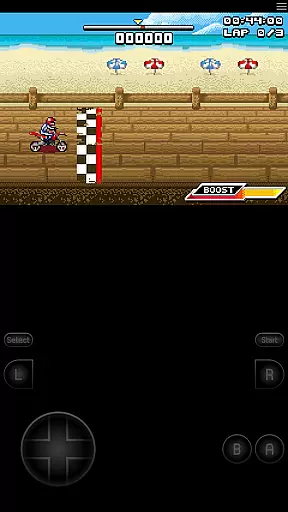
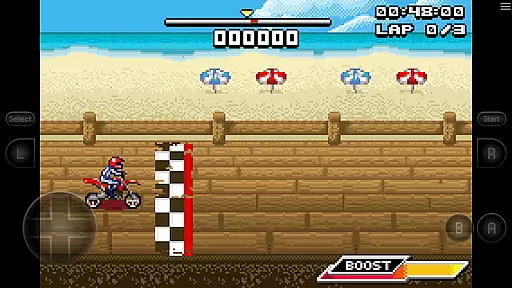
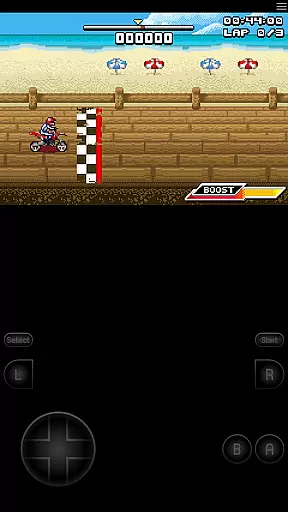
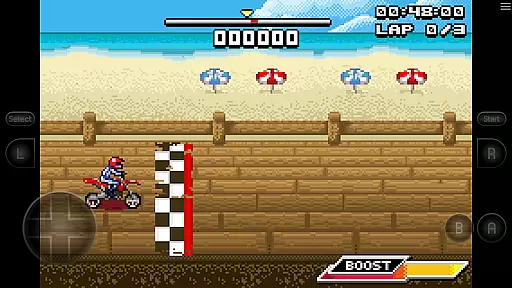
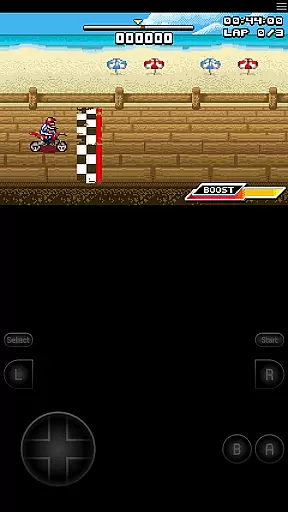
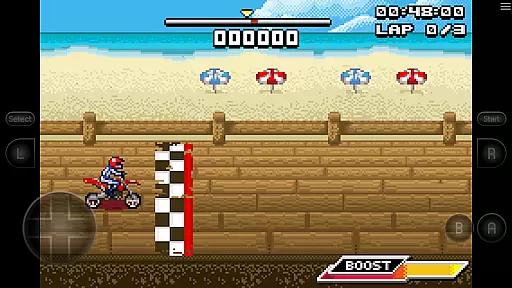
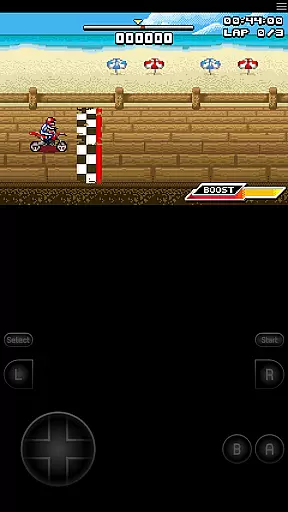
One of its standout features is the inclusion of cheat code support using VBA-M-compatible files (.clt extension) and hardware sensor support such as accelerometer, gyroscope, and light sensors. Configurable on-screen controls and Bluetooth/USB gamepad & keyboard support compatible with any HID device recognized by the OS make it versatile for various gaming setups. Additionally, the bike racing game Motocross Challenge is included, courtesy of developer David Doucet.
GBA.emu offers a rich set of features that enhance the emulation experience. High-level BIOS emulation removes the necessity for a BIOS file, streamlining the setup process for users. The emulator supports .gba file formats and can handle files optionally compressed with ZIP, RAR, or 7Z, providing flexibility in game file management.
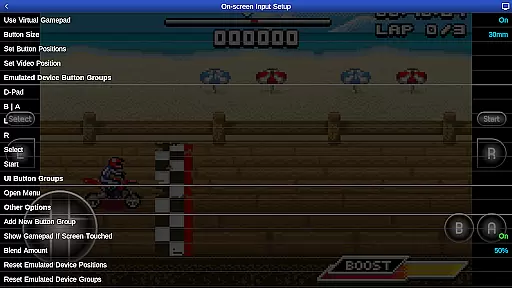
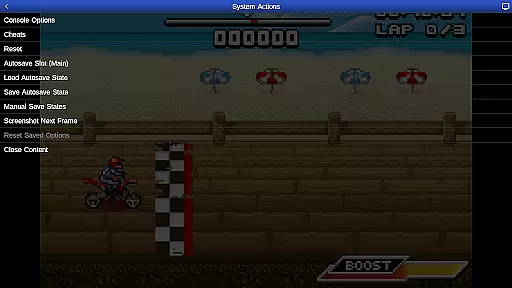
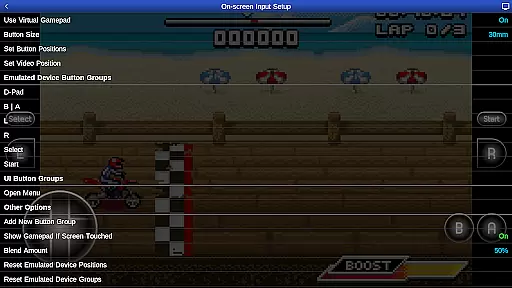
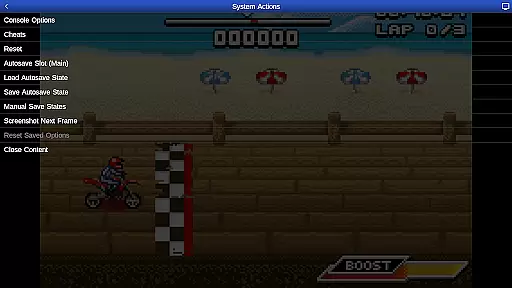
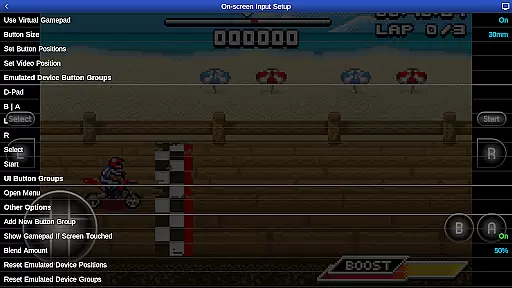
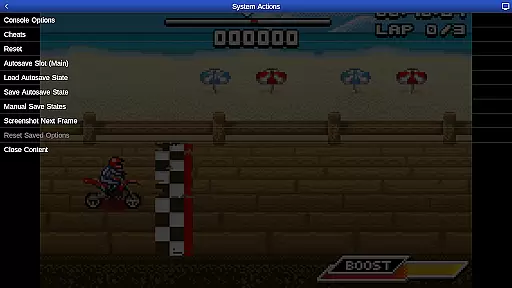
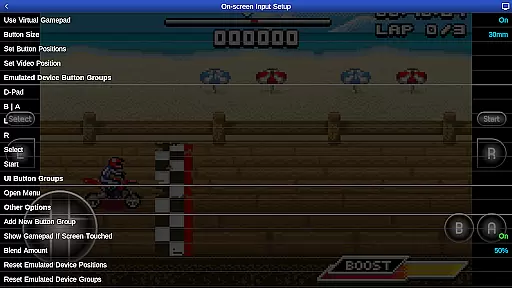
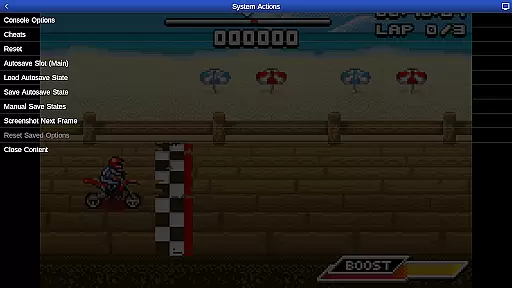
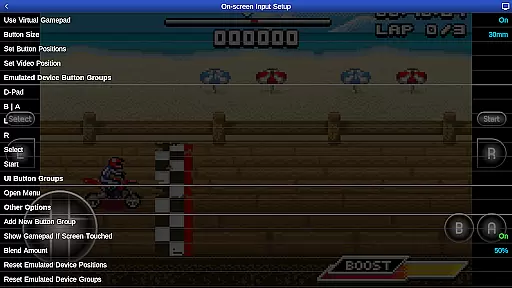
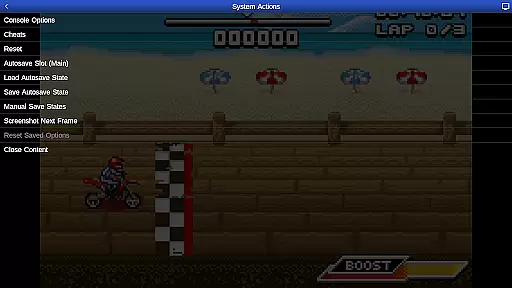
Cheat code support using VBA-M-compatible files (.clt extension) allows gamers to enjoy enhanced gameplay without the need for any "Master" codes. The app also supports hardware sensors including accelerometers, gyroscopes, and light sensors, offering immersive interactions. Configurable on-screen controls and compatibility with Bluetooth/USB gamepads and keyboards ensure a customizable and comfortable user experience across different devices.
GBA.emu brings authentic arcade gaming to your mobile device by emulating the beloved Gameboy Advance console. This emulator meticulously replicates the original hardware's behavior, ensuring that classic games run as they were intended.
The app achieves this authenticity through high-level BIOS emulation, eliminating the need for additional BIOS files. By supporting a wide array of devices from older models like the Xperia Play to modern smartphones, GBA.emu guarantees a nostalgic experience across generations.
Players can relive their favorite moments with precise controls and low audio/video latency, making each gaming session feel just like playing on the original console. The inclusion of Motocross Challenge adds an extra layer of nostalgia for enthusiasts seeking classic bike racing thrills.
Control responsiveness is at the heart of GBA.emu's design, offering players a seamless and immersive gaming experience. The emulator supports configurable on-screen controls, allowing users to customize their interface for optimal comfort and precision.
For those preferring physical controllers, GBA.emu provides robust support for Bluetooth and USB gamepads, including popular models like Xbox and PS4 controllers. This compatibility ensures that every action is registered instantly, without any noticeable input lag.
Additionally, the app leverages hardware sensors such as accelerometers and gyroscopes, enabling motion-based gameplay where applicable. These features collectively enhance control responsiveness, letting gamers focus solely on their virtual adventures without distraction or delay.
High-level BIOS emulation
Versatile file format support
Hardware sensor integration
Customizable controls
Included game demo
No included ROMs
Device-specific issues
Limited official support
Complex setup for beginners
Dependent on third-party updates

Nostalgia.GBC is a high quality GBC emulator.
 4.50
4.50
Frenetic party game, pass the bomb to the other players!
3.80
M64Pro FZX Classic Emulator for Android
4.0
Challenge your friends across the world to see who can jump the farthest!
4.50
Slice up a juicy storm!
4.20
Punch your way through the Streets of Rage once again!
4.80
Ready… Set… DASH! Play now!
4.70
Addictive basketball game with challenging one-touch controls
4.50
Thoughtful strategy and tactical thinking are required to win each battle!
4.30
This is an emulator for a certain 64 bit console with online cloud backup.
4.80
Merge bowmasters to win the bow and arrow war! Play the fun archery game!
4.60
Flip the bottle! Do tricks and don't let the bottle fall!
4.50
The precise emulator of 8 bit handheld... Now even better!
4.50
Suck the other’s blood and be the longest surviving mosquito!
4.40
Mine & Craft Block Mini World! Survival Crafting and Building & Creative Online.
4.30
Genesis/Mega Drive/CD & Master System/Mark III Emulator
4.30
Epic offline war strategy game - build your city, train your army, conquer
4.20
Neogeo MVS/AES Emulator
3.30
Machine Gun Fire Rumbles in the Jungle
4.3

User Reviews