

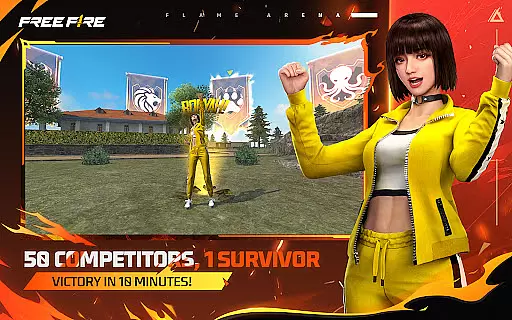
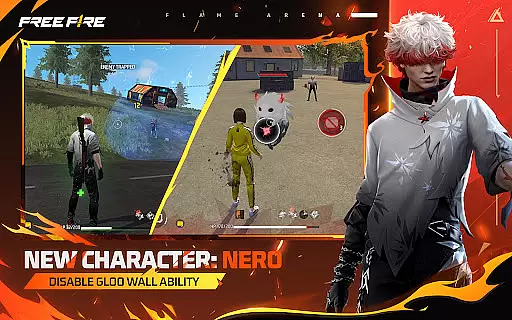
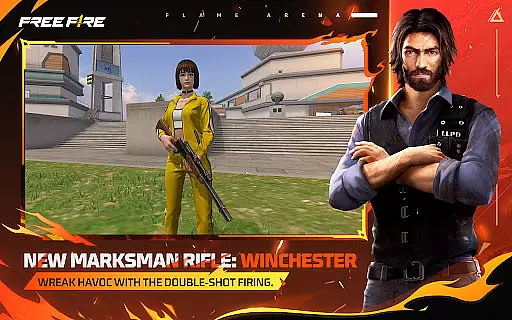
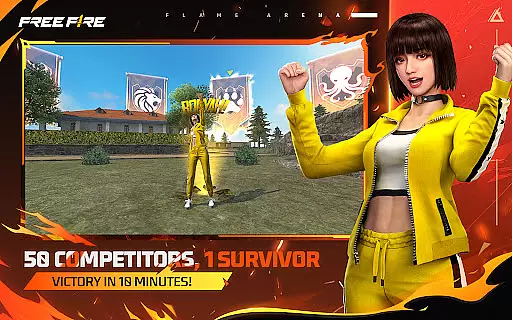
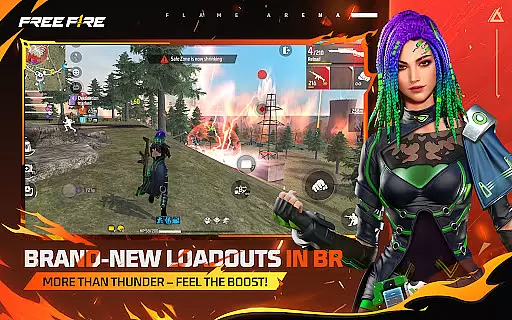
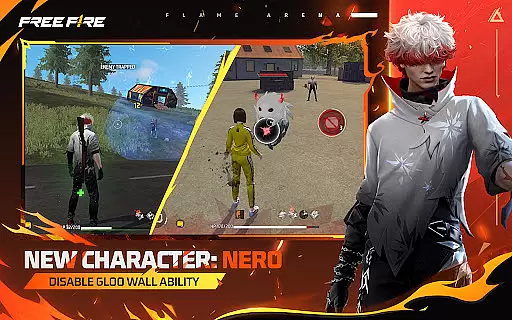
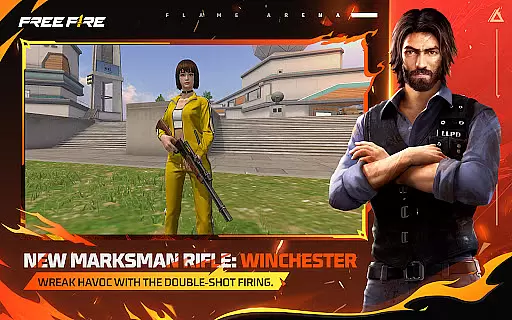
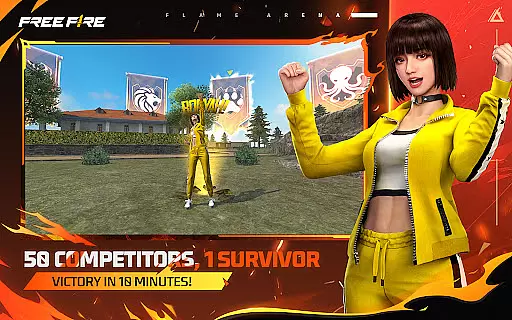
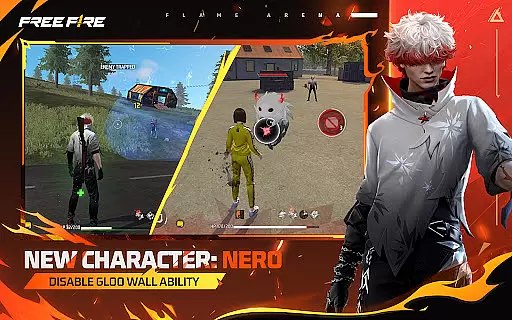
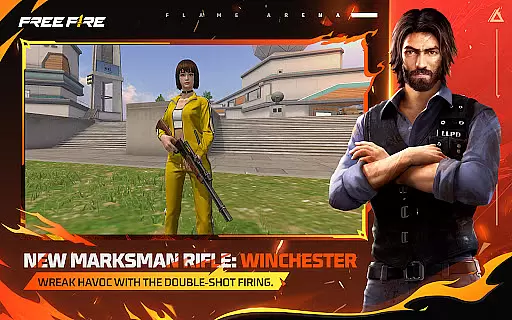
Free Fire is a fast-paced action game that places players in the middle of thrilling survival challenges. The core gameplay revolves around 50 players battling it out on a remote island, with each match lasting about 10 minutes. Players parachute onto the map, scavenge for weapons, and aim to be the last person or team standing. The Flame Arena mode adds an extra layer of excitement, where teams compete to keep their banners flying high while utilizing special flame weapons that can turn the tide of battle.
Apart from its classic battle royale experience, Free Fire offers unique features such as Player Cards, which allow gamers to showcase their performance and achievements during events. With options like 4-man squads and in-game voice chat, strategic teamwork is emphasized. The game also boasts smooth graphics and realistic visuals, ensuring an immersive experience optimized for mobile devices.
The game's appeal lies in its combination of quick matches, strategic depth, and social interaction. Whether playing solo or in a squad, Free Fire provides an accessible yet competitive environment suitable for both casual and hardcore gamers alike.
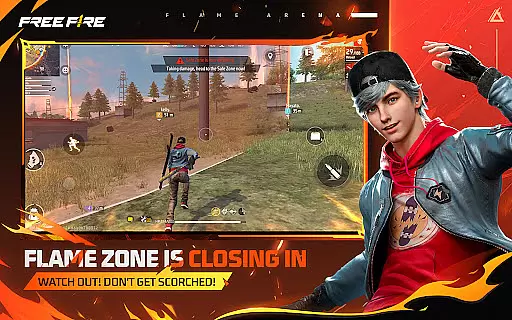
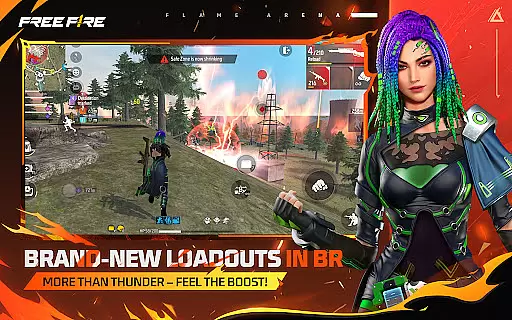
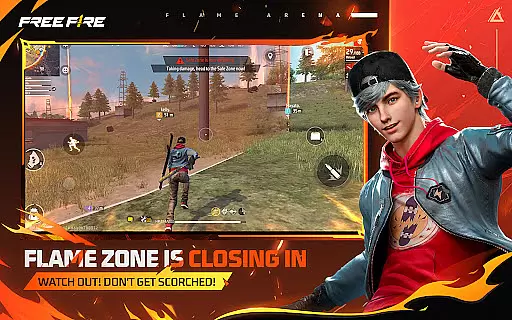
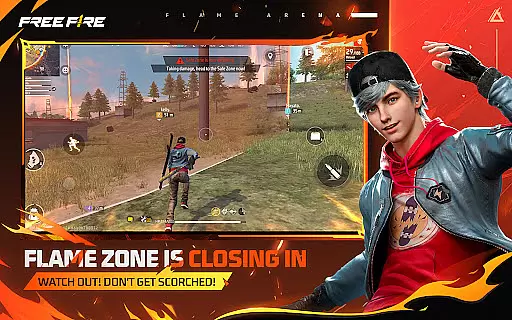
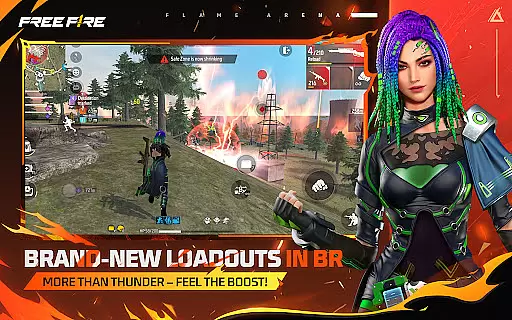
Free Fire stands out with its diverse range of features designed to enhance the gaming experience. One notable aspect is the Flame Arena mode, which introduces exclusive commentary and fiery zone mechanics that add new dimensions to traditional battle royale gameplay. Players must adapt to the shrinking Safe Zone, now transformed into a blazing ring of fire, while leveraging powerful flame weapons that deal area damage and provide tactical advantages.
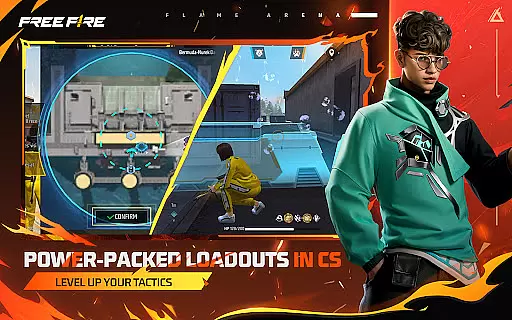
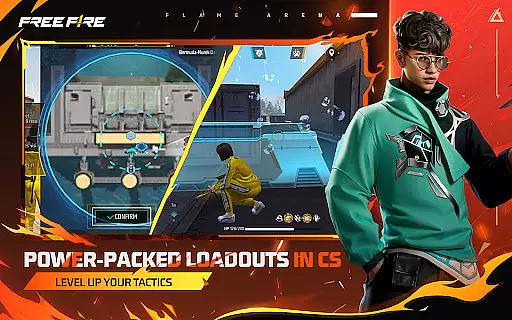
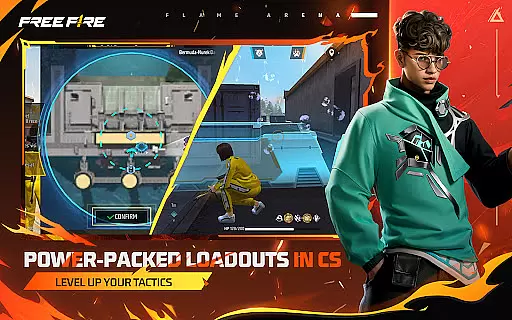
In addition to its main gameplay, Free Fire allows users to create personalized Player Cards. These cards not only display individual stats but also offer vibrant designs unlocked through participation in events. This feature fosters a sense of identity and progression within the community. Furthermore, the inclusion of Clash Squad—a fast-paced 4v4 mode—adds variety by focusing on economic management and precise weapon purchases, appealing to those who prefer more structured combat scenarios.
The game supports 4-man squads with real-time voice communication, enabling seamless coordination among teammates. Coupled with easy-to-use controls and optimized graphics, these elements ensure that players can fully immerse themselves in the action-packed world of Free Fire without compromising performance on mobile platforms.
In the realm of action-packed mobile gaming, control responsiveness and latency are pivotal for an immersive experience. Free Fire addresses this by offering a finely-tuned control system that ensures every tap and swipe on your screen translates instantly into in-game actions.
The game employs advanced touch controls that are both intuitive and highly responsive, allowing players to maneuver their characters with precision. Whether it's adjusting your aim in the heat of battle or executing a tactical retreat, the controls offer a seamless connection between the player's decisions and the character's movements.
Furthermore, Free Fire optimizes its network code to minimize input latency, ensuring that even players with less-than-ideal internet connections can enjoy a smooth gameplay experience. This optimization is crucial in fast-paced scenarios where split-second decisions can mean the difference between victory and defeat.
Ultimately, the combination of responsive touch controls and minimized latency not only enhances the overall gaming experience but also levels the playing field, allowing skill to be the determining factor in the Flame Arena.
Combat feedback tightness is essential in action games like Free Fire, where players need immediate and clear responses to their actions during intense battles. The game delivers on this front by providing crisp visual and audio cues that keep players informed and engaged throughout firefights.
Every shot fired, explosion triggered, or special ability activated comes with distinct sound effects and visual indicators that are both satisfying and informative. These elements work together to heighten the sense of immersion, making each combat encounter feel impactful and exhilarating.
Moreover, the game's hit registration system is meticulously crafted to provide accurate feedback. Players can trust that their shots will register correctly, which is vital when engaging enemies from a distance or in chaotic close-quarters combat situations.
This attention to detail in combat feedback not only improves the player's ability to make quick tactical adjustments but also adds to the overall excitement and satisfaction derived from emerging victorious in the ever-shrinking battlefield of the Flame Arena.
Fast-paced matches
Engaging team modes
Vibrant event rewards
Smooth mobile graphics
Real-time voice chat
Limited single-player content
Occasional server issues
Monetized upgrades
Repetitive maps
High skill gap




EIGHT open-source Quake 1-3 engines brought to your Android device!
 4.70
4.70
Five years ago, Carl ‘CJ’ Johnson escaped the haze of Los Santos, San Andreas…
3.30
Feeling lucky?
4.10
Pure sniper shooter game. Stealth sniper mission & daily quest. Special force
4.60
Aim the arrow and become a legendary archer! Multiplayer action & shooting games
4.40
Plan. Adapt. Assassinate.
4.80
Rockstar Games brings its biggest release to mobile yet.
4.40
Break the ragdoll and relieve your stress! This is the ultimate de-stress game.
4.40
Run, jump & race through crazy obstacle courses in this 3D obby parkour game!
4.1
Memorize Scripture and climb through a vibrant hand-drawn Bible adventure!
5.00
Become the ultimate expert in deer hunting through intense shooter attacks!
4.90
BLEACH anime action RPG. Relive the story, unleash Bankai, battle Hollows!
4.80
Survive the Wild West: Bullet Hell Roguelite Action Awaits!
4.70
Play PSP games on your Android device, at high definition with extra features!
4.60
This time, the terror has followed you home!
4.60
Be a spider hero and conquer the vice town
4.50
A Legendary Action RPG With Ninja Shadow Legends Fighting Style Offline Games!
4.40
NEOGEO's masterpiece game is now available in the app!
4.30
Kick all fighters out of the arena! Enjoy the casual fighting game experience
4.30


User Reviews