

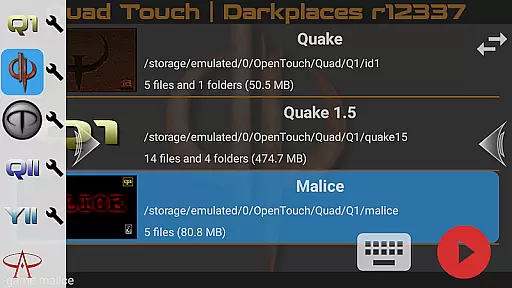
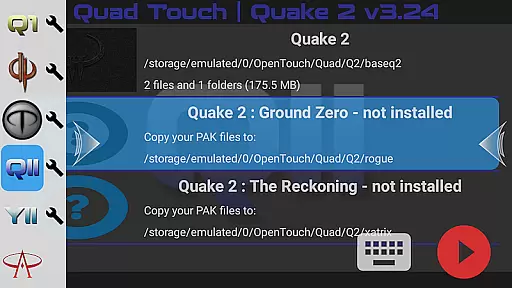
Quad Touch brings the most advanced Quake engines to Android, offering an unparalleled first-person shooter experience. The app includes multiple engine options such as DarkPlaces, QuakeSpasm, FTEQW, and more, each providing unique features for different Quake versions.
With full gamepad support, built-in keyboard, weapon wheel, and customizable touch controls, Quad Touch ensures a seamless gaming experience. Players can enjoy enhanced graphics, multiplayer modes, and access to official expansion packs, delivering countless hours of immersive gameplay.
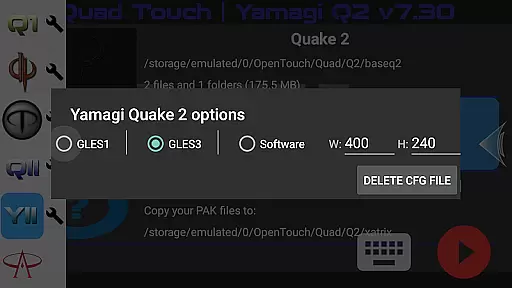
Quad Touch stands out with its diverse selection of Quake engines, catering to both purists and those seeking enhanced graphics. The inclusion of DarkPlaces and Yamagi Quake 2 engines offers modern features while maintaining the classic Quake feel.
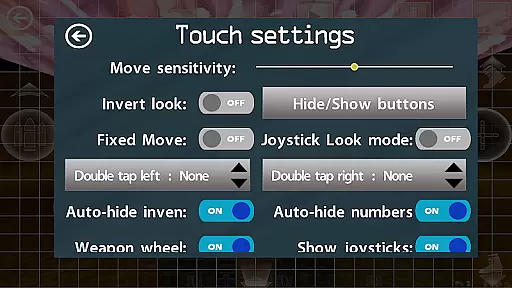
The app provides innovative touchscreen controls, gyro aim assist, and fully navigable UI via gamepad. With support for mods, total conversions, and importing/exporting settings, users can personalize their experience. These robust features make Quad Touch the ultimate choice for Quake enthusiasts on mobile.
Control responsiveness and latency are crucial factors in action games, determining how quickly and accurately a player's input is reflected in the game. Quad Touch offers some of the most advanced FPS touch screen controls available on Android, ensuring that every tap and swipe is registered with precision.
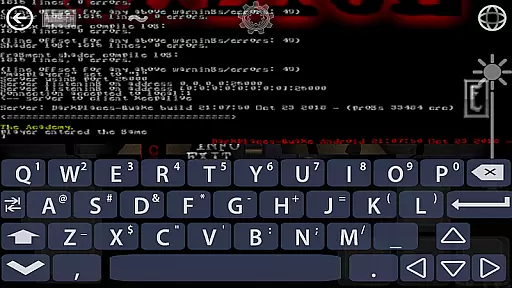
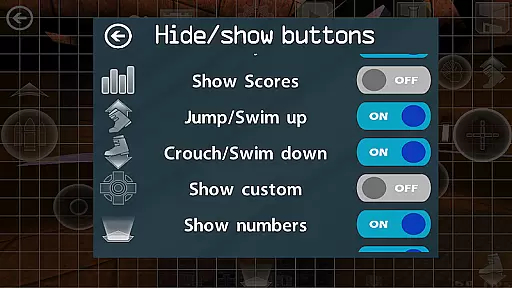
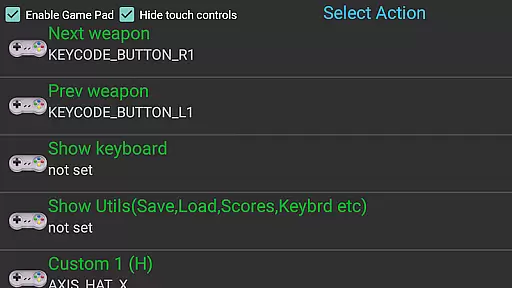
The app supports full gamepad integration, providing an authentic console-like experience. With built-in keyboard functionality and customizable buttons, users can tailor their controls to suit their playstyle. This level of customization ensures that players can optimize their setup for maximum responsiveness.
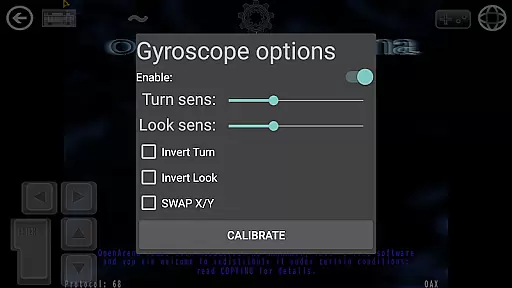
Quad Touch also features gyro aim assist, which leverages your device's gyroscope to enhance aiming accuracy. This feature adds another layer of control, making it easier to hit your mark in fast-paced scenarios. The combination of touch, gamepad, and gyro controls creates a versatile and responsive gaming experience.
Ultimately, the responsive controls and low latency offered by Quad Touch ensure that players can fully immerse themselves in the action without being hindered by unresponsive inputs. Whether playing classic Quake engines or modern adaptations, gamers can expect a seamless and engaging experience.
Combat feedback tightness refers to how well a game communicates the impact of combat actions to the player. In Quad Touch, this aspect is meticulously crafted to provide a visceral and immersive experience. The app includes various engines like DarkPlaces, QuakeSpasm, and FTEQW, each offering enhanced graphics and gameplay mechanics that contribute to tight combat feedback.
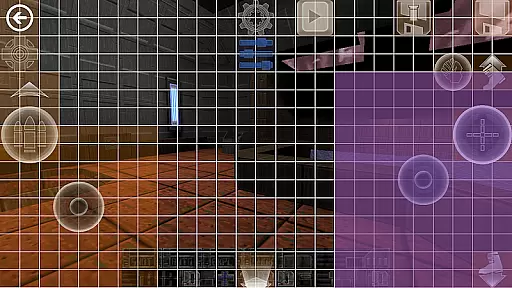
One standout feature is the Weapon Wheel, allowing quick access to different weapons during combat. This intuitive design ensures that players can switch between armaments effortlessly, maintaining the flow of battle. Additionally, six custom buttons can be bound to specific commands, further enhancing the responsiveness of combat interactions.
Quad Touch also provides full console access for all supported games, enabling players to fine-tune settings for optimal performance. This level of control allows users to adjust parameters that affect combat feedback, such as hit registration and visual effects, ensuring a personalized and satisfying experience.
With its robust engine support and customizable interface, Quad Touch delivers tight combat feedback that keeps players engaged and immersed in the action. Gamers can expect precise and impactful responses from their combat maneuvers, heightening the overall excitement and enjoyment of the game.
Advanced engine options
Customizable controls
Full gamepad support
Enhanced graphics
Active development
No included game data
Complex setup
High-end device needed
Occasional bugs
Steep learning curve
NEOGEO's masterpiece game is now available in the app!
 4.30
4.30
Retro pixel war game! Destroy enemies and survive the chaos!
4.5
Try not to fall while rolling the ball high in the sky and on the ground!
4.20
A roguelike hack'n'slash game
4.70
Throw shurikens and cut through your enemies!
4.60
Aim the arrow and become a legendary archer! Multiplayer action & shooting games
4.40
Plan. Adapt. Assassinate.
4.80
Run with thousands of foods and feed them to each other!
4.70
Pick your weapon up and fight all the monsters to survive.
4.40
Shooting Defense Game! Defend the dungeon from the heroes!
4.80
Battle in! Gunship Helicopters vs Tanks! Fast PVP Combat in Modern War Vehicles!
4.70
Survive the Wild West: Bullet Hell Roguelite Action Awaits!
4.70
This time, the terror has followed you home!
4.60
Carjack the open world like it's 1989!
4.50
Supreme Duelist is a funny fighting mobile game
4.50
Rockstar Games brings its biggest release to mobile yet.
4.40
A funny game with open world offline games and many Online multiplayer games
4.30
NEOGEO's masterpiece game is now available in the app!
4.10
Castlevania: Symphony of the Night
3.70

User Reviews