

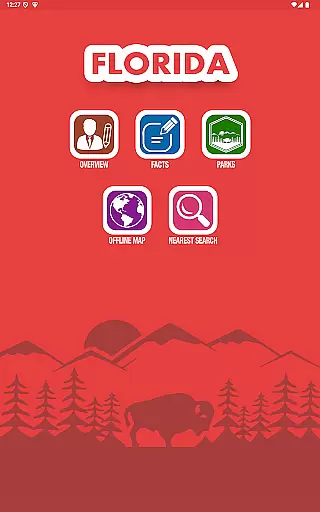
Florida State Parks is a comprehensive travel companion app designed for both tourists and locals exploring the natural beauty of Florida. The app provides detailed offline information about Florida's National and State Parks, as well as National Forests, ensuring users have access to valuable resources even without an internet connection. With over 100 years of history behind these protected areas, the app highlights unique terrains and cultural landmarks that attract more than 300 million visitors annually.
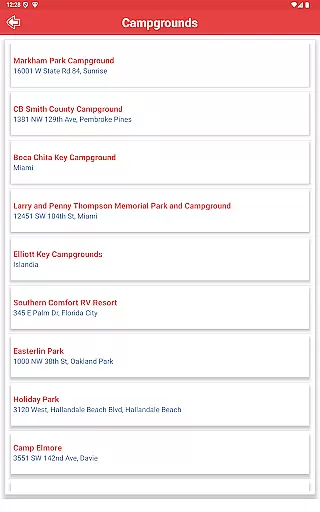
One of the standout features is its fully zoomable offline map, complete with interactive points of interest (POIs). Users can tap on any POI to receive detailed information and routing guidance. Additionally, the app offers safety tips, nearby place searches based on GPS location, and directions from the user’s current location to park entrances. Whether you're looking for campgrounds, restaurants, or emergency services like hospitals and drug stores, this app has got you covered.
The app also includes sections dedicated to Florida's culture, history, symbols, and famous places, making it not just a navigation tool but an educational resource as well. Its built-in compass and ability to search for nearest amenities such as gas stations, shopping malls, and railway stations make it indispensable for travelers who want to explore Florida safely and efficiently.
Florida State Parks stands out due to its extensive range of features tailored specifically for travelers and outdoor enthusiasts. One of the key functionalities is the offline map system, which allows users to navigate through parks and forests without needing an internet connection. This interactive map contains numerous points of interest, each providing detailed information and routing options at the tap of a finger.
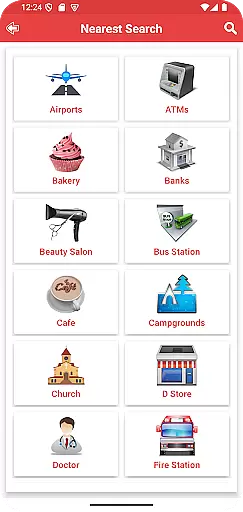
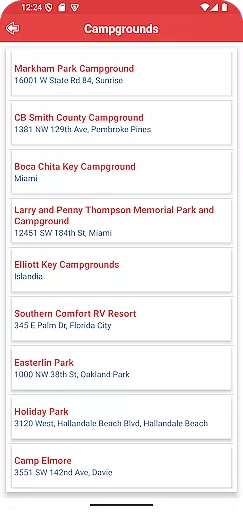
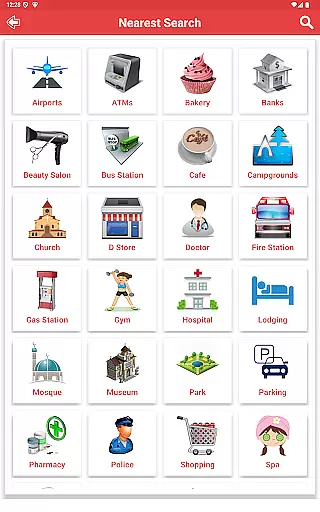
Beyond navigation, the app offers practical tools such as a built-in compass and the ability to search for nearby places based on distance or GPS coordinates. It lists essential amenities including campgrounds, restaurants, bars, hospitals, drug stores, banks, ATMs, shopping malls, pizza huts, gas stations, and railway stations. Furthermore, it provides crucial safety precautions and commuting tips, ensuring users are well-prepared for their adventures.
Additional noteworthy features include sections dedicated to Florida's state facts, cultural insights, historical data, and famous landmarks. These elements transform the app into more than just a navigational aid; they create an immersive experience that educates users about the rich heritage and natural wonders of Florida while helping them plan safe and enjoyable trips.
When it comes to planning your visit to Florida's National and State Parks, having reliable booking information is crucial. The Florida State Parks app provides authentic and trustworthy details about park locations, ensuring that your travel plans are based on accurate data. This level of booking authenticity allows users to make informed decisions about their trips.
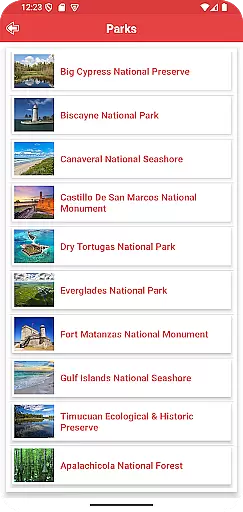
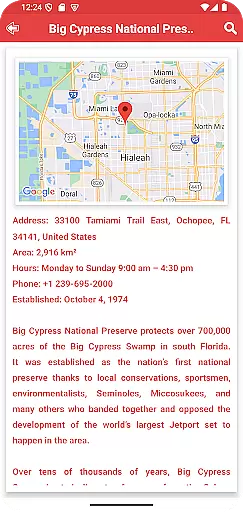
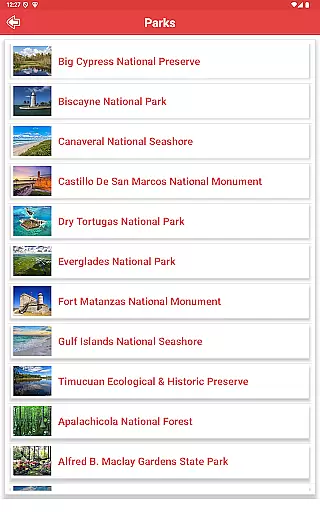
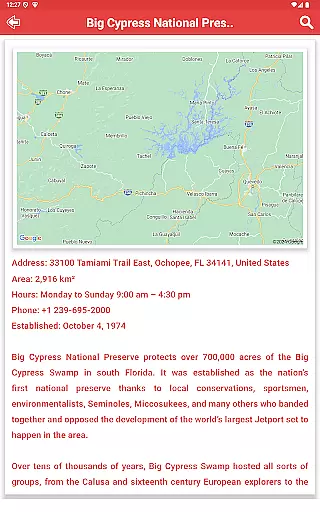
The app lists all State and National Parks in Florida, including National Forests, with comprehensive information on each location. Users can access details such as park amenities, operating hours, and any restrictions or guidelines. This ensures that visitors have a clear understanding of what to expect before they arrive at their chosen destination.
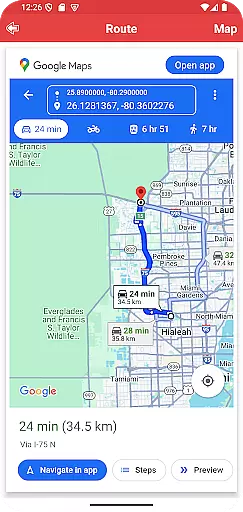
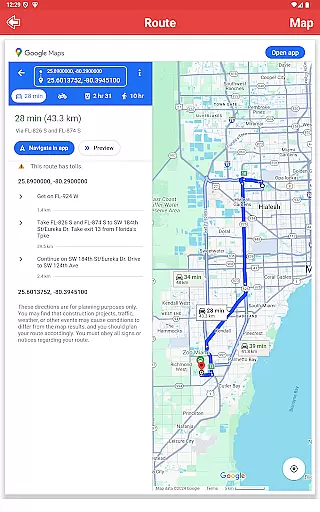
Moreover, the app offers real-time directions from the user's current location to the selected park, enhancing the reliability of travel arrangements. With fully zoomable offline maps and interactive guides, users can confidently navigate to parks without worrying about internet connectivity issues during their journey.
Understanding the costs associated with visiting parks is essential for travelers who want to manage their expenses effectively. The Florida State Parks app excels in providing price transparency by clearly outlining any fees related to park entry, camping, or special activities. This openness helps users plan their visits according to their budget constraints.
In addition to detailing costs, the app also highlights free attractions and areas within the parks, allowing visitors to enjoy nature without financial barriers. By presenting this information upfront, the app empowers users to make cost-effective choices while exploring Florida's natural beauty.
Furthermore, the app includes valuable tips for moving around and commuting safely within the state, which can lead to additional savings. These insights into affordable transportation options and economical lodging alternatives contribute to an overall transparent pricing experience for users seeking adventure in Florida's great outdoors.
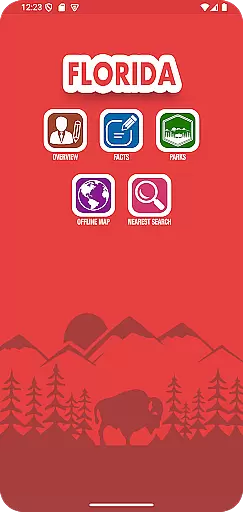
User-friendly interface
Offline map functionality
Comprehensive POI database
Integrated safety tips
GPS-based location services
Limited to Florida region
No live weather updates
Occasional GPS inaccuracies
Heavy storage usage
Complex first-time setup

Iowa 511 is the Iowa Department of Transportation's traveler information app.
 3.80
3.80
The Official Freedom Trail Foundation app.
4.30
The #1 Parent App in Brevard County
4.1
GPS Live Satellite Earth to find route navigation and current location map
4.00
Replace your car trips with the world’s largest shared electric vehicle company.
4.90
Download now and start earning rewards on hotels, tours, and everything travel.
4.50
Flight booking, hotel booking & more - all in one place with the Southwest App!
4.50
Get Moving Made Easier® with the official U-Haul® Moving & Storage app.
3.40
Stack Upside with your current credit & debit rewards for even more cash back!
4.50
One app, 300,000+ travel experiences, tours, and tickets you’ll remember.
4.90
Manage your travel on Delta with access to boarding passes, flight info & more.
4.80
View current Montana road conditions, cameras, plows, and timelapse videos.
4.70
Save on gas and convenience with the earnify™ App
4.70
Get faster fuel rewards, exclusive offers, and helpful tools!
4.70
Book rooms at any of 4.2M properties worldwide. Find flight deals every day!
4.60
Travel light with our easy-to-use mobile app, the perfect flying companion.
4.40
MyTSA gives you 24/7 access to info that passengers frequently request from TSA.
4.10
View US public land boundary maps on your device.
3.70
View current Idaho road conditions, road cameras, and timelapse videos.
4.0
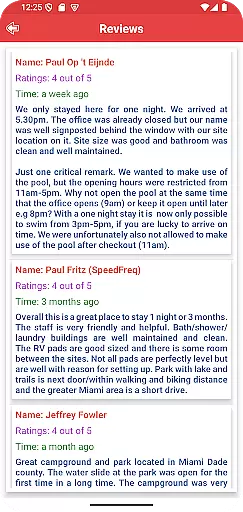
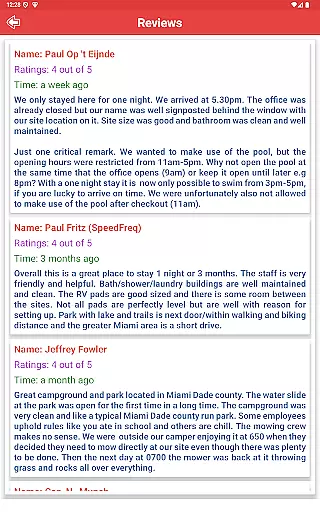
User Reviews