

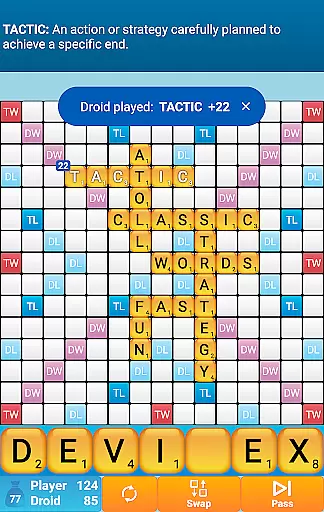
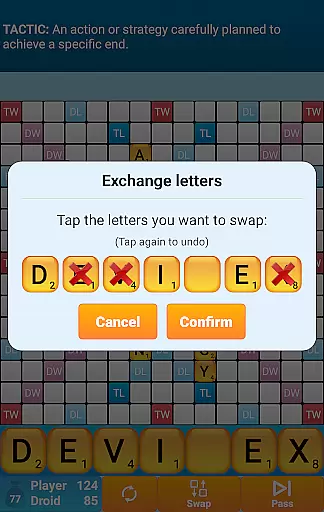
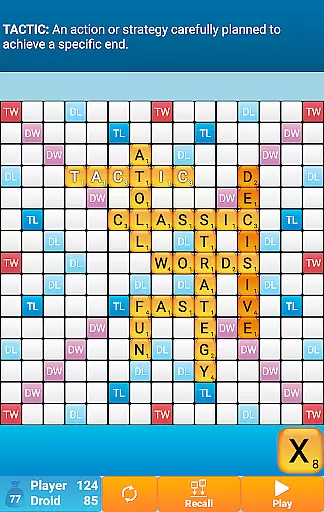
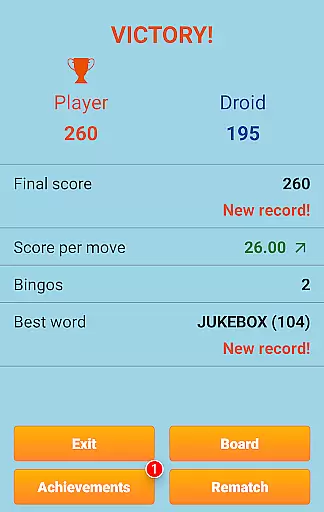
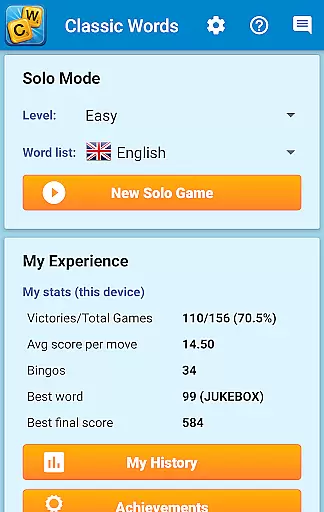
Classic Words Plus is a premium word game that offers an engaging solo experience against AI on your smartphone or tablet. Designed for crossword enthusiasts, this app provides an ad-free environment with exclusive features like the Teacher mode and a Pass-and-Play option for two players offline.
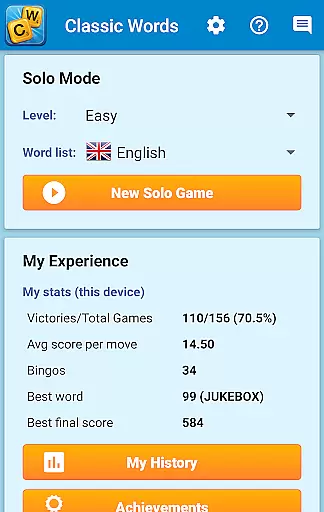
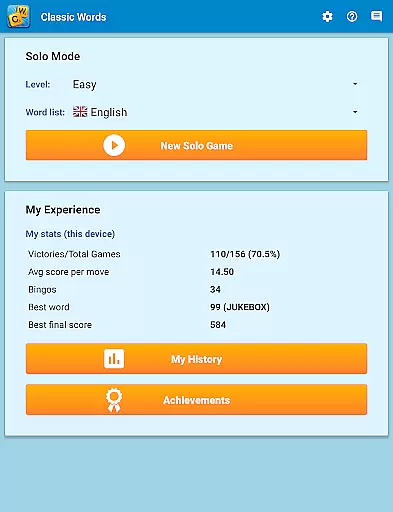
With support for six difficulty levels and multiple languages including English, Spanish, French, Italian, German, Dutch, and Polish, it caters to both beginners and tournament-level players. The game enriches vocabulary through built-in definitions and challenges strategic thinking by allowing users to play against the computer's AI at varying skill levels.
This app is perfect for those who enjoy board games but are tired of the delays and potential cheating in online multiplayer settings. Classic Words Plus ensures fair play with random letter draws and an AI that doesn't have an unfair advantage, making it ideal for quick training matches and learning new words.
Classic Words Plus stands out with its smart artificial intelligence that can be set across six levels of difficulty, ensuring a challenging experience for any player. Users can display word definitions simply by swiping, which enhances learning and engagement while playing.
The game supports offline play, making it accessible anytime, anywhere without internet dependency. It also boasts a diverse linguistic range, accommodating different languages and their specific rules, such as German Umlauts and the Polish Ezset.
Players will appreciate the attention to detail in adapting letter distribution and point values according to each language's official tournament standards, providing authenticity and fairness in gameplay. This feature-rich game is designed not only for entertainment but also serves as an educational tool for improving spelling and expanding one's lexicon.
Clue quality and clarity are essential in word games, as they guide players to form valid words while enhancing their vocabulary. Classic Words Plus excels in this area by offering clear and precise clues through its built-in word definitions. This feature enriches the player's understanding of new words, making each game not just a challenge but also an educational experience.
The game supports multiple languages, including English, Spanish, French, Italian, German, Dutch, and Polish. Each language uses high-quality dictionaries, such as the NASPA Word List 2020 for English, ensuring that the clues provided are accurate and authoritative. Players can swipe any word to display its definition, which adds a layer of learning and engagement to the gameplay.
Classic Words Plus offers six difficulty levels, allowing players to choose the complexity of the clues they receive. Whether you're a beginner or an advanced player, the game adapts to your skill level, providing appropriately challenging clues. This adaptability ensures that players remain engaged and continue to improve their word skills over time.
By focusing on clue quality and clarity, Classic Words Plus creates an environment where players can enjoy the game without frustration. The absence of cheating, thanks to the game's offline nature and random letter generation, further enhances the reliability of the clues. This makes every victory feel earned and every challenge fair, contributing to a satisfying gaming experience.
Puzzle variety is crucial in maintaining player interest and ensuring that each game session feels fresh and engaging. Classic Words Plus offers a rich diversity of puzzles through its dynamic board layouts and extensive word lists. With support for seven languages, including specialized dictionaries like the NASPA Word List 2020 for English, the game provides a vast array of word combinations and challenges.
The game features six levels of difficulty, ranging from beginner to expert. This range allows players to select puzzles that match their current skill level while also offering opportunities to advance. As players progress, they encounter increasingly complex boards and more sophisticated word options, keeping the gameplay exciting and rewarding.
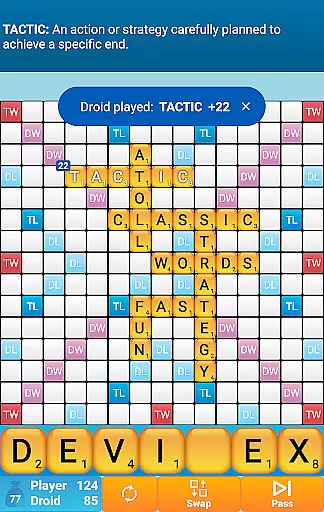
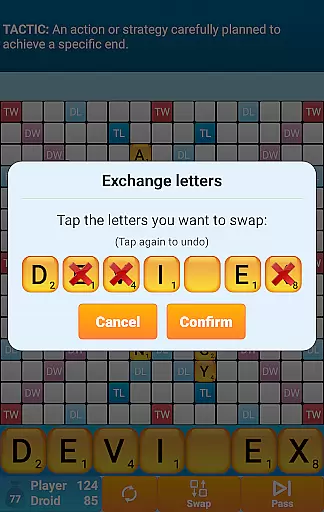
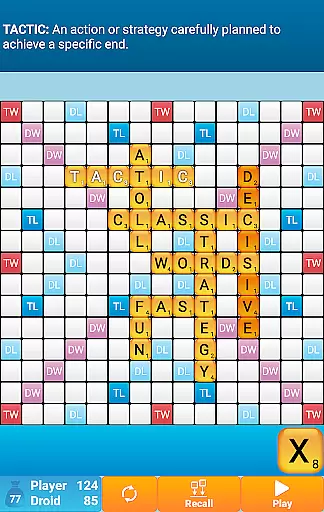
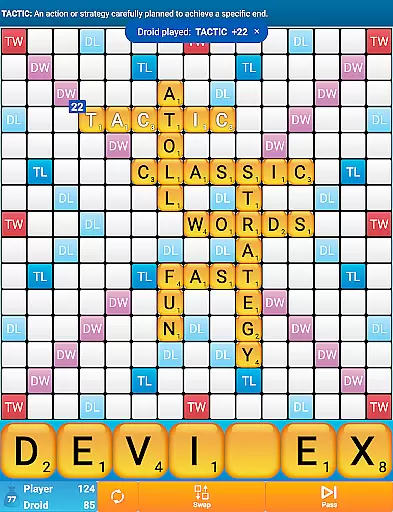
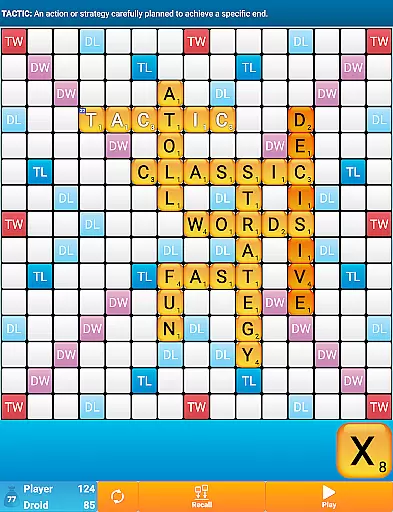
Classic Words Plus includes unique game modes, such as Pass-and-Play for two players, which adds another layer of variety. This mode lets players compete offline on a single device, providing a different type of challenge compared to solo play against the AI. The inclusion of high-scoring squares like Double Letter, Double Word, Triple Letter, and Triple Word further diversifies the strategic elements of the puzzles.
Moreover, the game's smart AI ensures that each puzzle feels unique and challenging. The AI's ability to adapt to various skill levels means that players face a wide range of tactical scenarios, preventing the game from becoming repetitive. By continuously introducing new and varied puzzles, Classic Words Plus keeps players engaged and invested in improving their word game skills.
Ad-free gaming
Multi-language support
Educational value
Offline functionality
Versatile AI opponent
No online multiplayer
Limited social interaction
Premium cost
Complex for beginners
Device-specific

Heads Up, charades for kids family & friends. Enjoy guessing game in holiday!
 4.60
4.60
Get the Party Started with the Ultimate Charades Game! Give Hints, Make Guesses.
3.90
Search for FAITH and FUN!
4.90
Crossword puzzles for all ages- easy to hard. All offline!
4.90
Enjoy the beautiful scenery and endless word search puzzles!
4.70
Mind-challenging word game — form words with letters and beat your opponent!
4.50
Word search for watch. You can already wear your word search always at wrist!
3.30
A roguelike word game!
4.70
Daily Word Search Puzzles
4.10
The 2 player games of hangman: save the hangman! Hangman 2player come! Ahorcado!
4.90
Play this visually-pleasing word game specially designed for seniors!
4.90
Great Word Game with Friends!
4.80
Play word games to find as many words as you can. Use mode of crossword puzzles!
4.80
A fun multiplayer word game. Who can make the highest scoring words?
4.80
Play this fun word connect game to calm and train your brain.
4.60
3000+ levels of word puzzles fun. Connect words, improve vocabulary, boost IQ!
4.60
Using letters and numbers, decode hidden words in this сryptogram game!
4.40
Play word games with friends! Smart puzzles, custom tiles & multiplayer fun!
4.40
Train your brain and unscramble letters in this fun social crossword puzzle!
4.10

User Reviews