

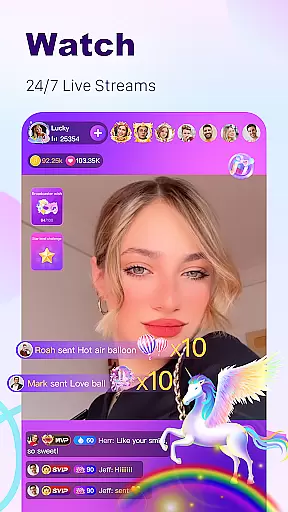
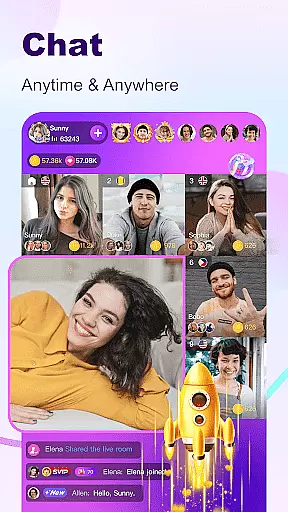
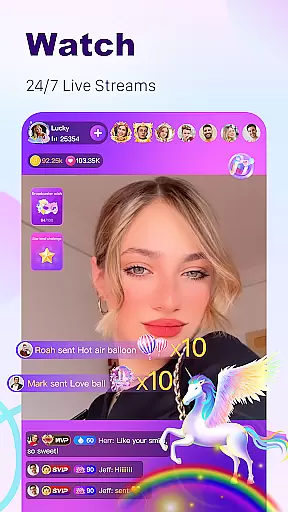
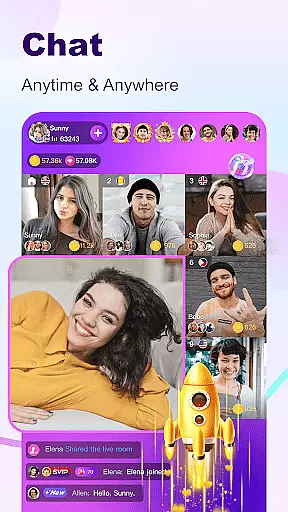
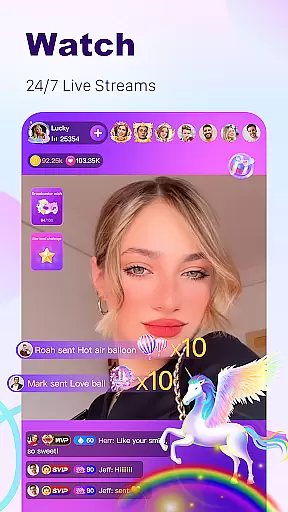
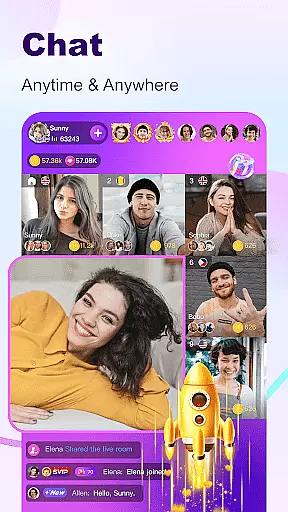
BuzzCast is a dynamic social platform that combines live streaming, instant messaging, and creative short videos to connect users worldwide. The app allows you to watch 24/7 live streams, engage in live video or voice chats, and even create your own broadcasts to build a following. With AI-powered translation, BuzzCast breaks language barriers, enabling seamless global communication.
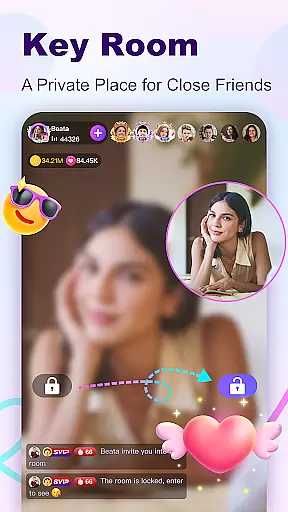
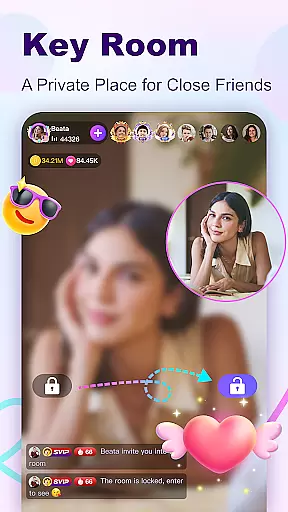
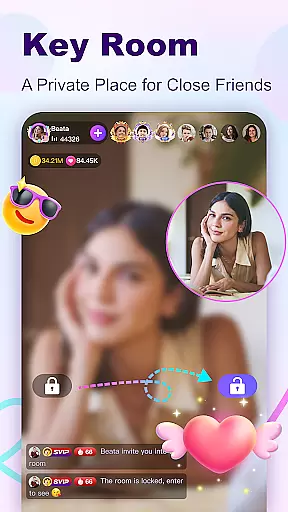
One of the standout features is the ability to form meaningful connections through unlimited messaging after following other users. Additionally, BuzzCast offers private live rooms with password protection, ensuring a secure space for more personal interactions. Whether you're looking to become a social media influencer or simply enjoy engaging with a diverse community, BuzzCast provides the tools and environment to make it happen.
BuzzCast stands out with its comprehensive set of features designed to enhance user interaction and engagement. The app's live streaming functionality is open to everyone, allowing users to broadcast without restrictions on level or follower count. This democratizes content creation and lets anyone share their talents and life moments with a global audience.
The Instant Message Chatting feature supports multimedia communication including texts, photos, emojis, videos, and voice messages. Users can easily follow others and initiate conversations, fostering new friendships. Another highlight is the Creative Short Videos section, where users can post 15-second clips using various editing tools like special effects, stickers, and popular music tracks. These videos can go viral within the community, offering creators a chance to gain recognition and followers.
BuzzCast also includes unique elements such as Live PK challenges, where broadcasters compete in talent showdowns while viewers support their favorites with virtual gifts. The Nearby Moments feature helps users discover people in their vicinity, potentially leading to offline friendships. Overall, BuzzCast creates an immersive social experience that prioritizes user connection and creativity.
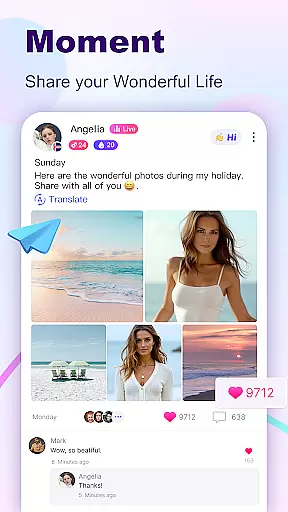
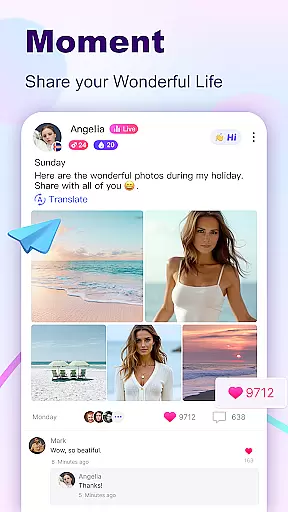
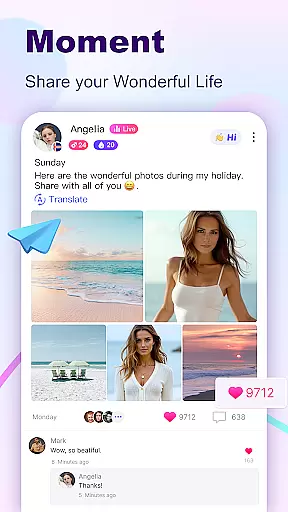
In the BuzzCast community, user profile customization plays a crucial role in expressing individuality and building connections. Users can personalize their profiles by sharing moments and updates as posts visible to everyone in the square. This feature allows individuals to showcase their interests, talents, and daily lives, creating an engaging social environment.
BuzzCast also emphasizes authenticity verification to ensure a trustworthy platform. By encouraging genuine interactions, the app fosters a community where users feel confident in the identities of those they connect with. The ability to follow others without limitations further enhances this sense of trust and engagement.
The app's AI-powered automatic translation breaks language barriers, enabling unlimited global chatting. This inclusivity not only broadens users' social circles but also enriches their cultural experiences. As a result, BuzzCast becomes more than just a live streaming app; it evolves into a vibrant international community.
By combining robust customization options with stringent authenticity checks, BuzzCast empowers users to create meaningful connections while maintaining a secure environment. These features collectively contribute to making BuzzCast a unique and appealing social platform for people worldwide.
BuzzCast excels in facilitating connection discovery through its innovative features designed to bring people together. The app's Nearby Moments function enables users to easily discover people in their vicinity, opening opportunities for both online and offline friendships. This localized approach to social networking helps users engage with their immediate community while still enjoying global connectivity.
The platform's instant messaging system revolutionizes how users interact with potential new friends. With just one click, users can follow interesting profiles, send greetings, and begin meaningful conversations. The ability to exchange various media formats - including texts, photos, emojis, videos, and voice messages - ensures that communication remains dynamic and personal.
BuzzCast's creative short video feature further enhances connection discovery by allowing users to share 15-second video clips with their followers. This format encourages authentic self-expression and helps users find like-minded individuals who appreciate their unique content. The app's trending algorithm ensures that popular videos gain visibility, increasing opportunities for meaningful connections.
Through these comprehensive connection discovery mechanisms, BuzzCast creates a multifaceted social experience that goes beyond traditional networking platforms. The combination of local discovery, diverse communication methods, and creative expression tools makes BuzzCast an exceptional space for building lasting relationships.
User-friendly interface
Global user base
AI translation
Private live rooms
Viral video potential
High battery usage
Occasional lag
Limited moderation
Ads between videos
Complex navigation







Watch, Edit, Upload and Share Gaming Clips
 4.00
4.00
The video chat to meet people in the blink of an eye!
3.90
Live video chat to connect with people around the world. Video chatting on Olive
4.40
Social calendar for friends to make plans, group chat, share events & schedules
4.60
Unlimited calls & texts | WiFi voice line plus group txt | Call & text now
4.50
SuperLive is a super popular video-streaming social network
4.60
Create your personal AI chatbot: talk, roleplay, and connect with characters!
4.10
A little connection can go a long way
4.60
Join your friends and discover videos you love, only on TikTok
4.10
Raise cute Pengus with friends
4.70
The hottest live chat app so far. Video chat and meet great people...
4.60
Date single & make friend
4.60
Calling and texting app. 2nd virtual line plus new phone number. Txt & talk now.
4.40
FREE calling and texting (SMS texts + MMS) in US & Canada with FREE phone number
4.30
Build Your Team With One App
4.30
Dating for singles. Meet lonely people nearby online. Find your match here!
4.20
Random chat & meet online. Find your soulmate or someone special and have fun!
3.90
Resonate & Date with New Match
3.70
Message and video call your family and friends!
2.60

User Reviews