

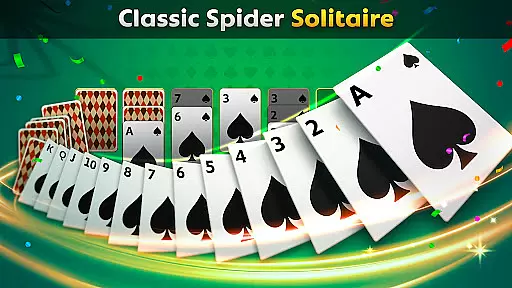
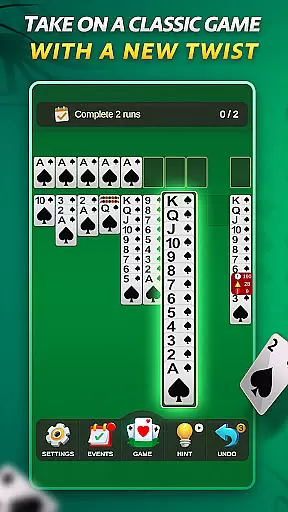
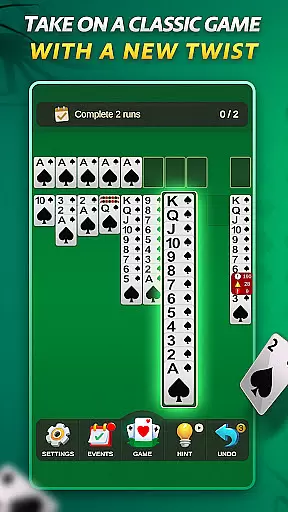
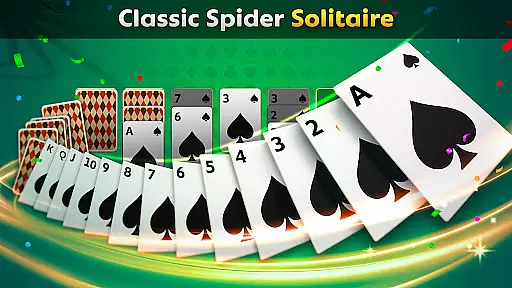
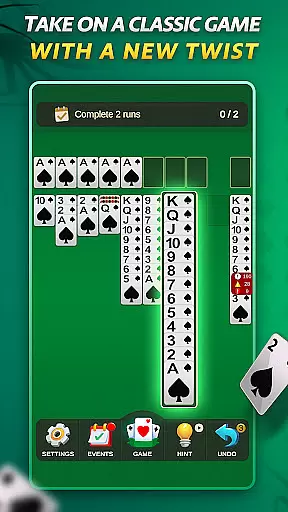
Spider Solitaire offers a modern twist on the classic card game, providing players with an engaging and polished gaming experience. The app features multiple modes including full Spider Solitaire and the quicker Spiderette variation, catering to both casual and serious gamers.
With daily challenges, special events, and collectible badges, this version keeps the gameplay fresh and exciting. Its intuitive design and optimized mobile interface ensure smooth and enjoyable sessions, while the absence of in-app purchases guarantees a fair and uninterrupted experience.
Spider Solitaire stands out with its variety of features designed to enhance the classic gameplay. Players can enjoy different modes such as Spider Solitaire and Spiderette, each offering unique challenges and suit options for varied difficulty levels.
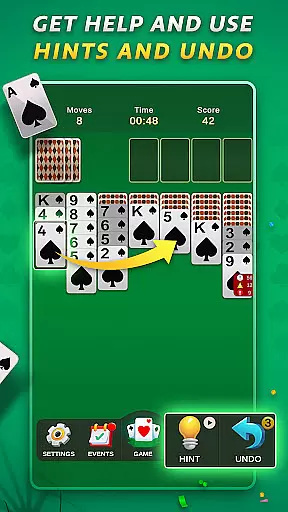
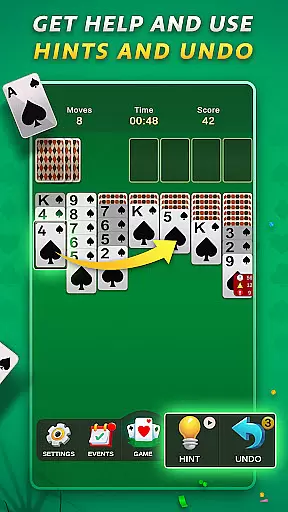
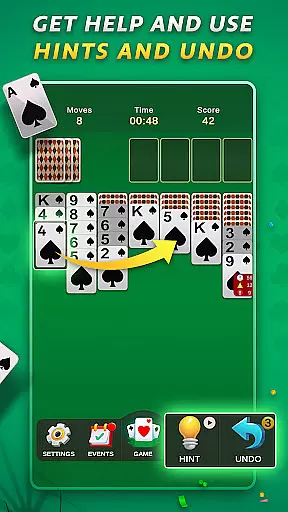
The app includes daily challenges and special events that keep the game engaging, along with badges that users can collect by completing tasks. Free play mode, undo and hint options provide flexibility and assistance, ensuring a user-friendly experience without any paywalls or in-app purchases.
Random Number Generation (RNG) is crucial in card games to ensure that every shuffle and deal is genuinely unpredictable. Spider Solitaire employs certified RNG algorithms, guaranteeing that each game starts with a random card distribution, thus maintaining the integrity of the gameplay.
The implementation of RNG in this app ensures that no two games are alike, providing players with a unique experience every time they play. This randomness is key to keeping the game challenging and engaging, as players cannot predict the sequence of cards.
For users, this means an authentic and fair gaming experience where success depends solely on skill and strategy rather than pre-determined outcomes. The certification of RNG adds an extra layer of trust, assuring players that the game has undergone rigorous testing for fairness.
By prioritizing RNG fairness and certification, Spider Solitaire upholds the highest standards of digital card gaming, offering peace of mind to its players while they enjoy their favorite pastime.
Control fluidity and input latency are vital components in digital card games, impacting how smoothly and responsively the game operates. Spider Solitaire excels in delivering a seamless user experience through optimized touch controls and minimal delay between actions.
This app's design focuses on intuitive gestures and swift response times, allowing players to drag, drop, and arrange cards effortlessly. Such fluid interaction ensures that even complex moves can be executed without frustration, enhancing overall gameplay satisfaction.
Players benefit from this optimization as it allows them to focus on strategy rather than struggling with unresponsive controls. Quick reaction times mean that every move feels instantaneous, keeping players immersed in the game.
Spider Solitaire's commitment to control fluidity and low input latency sets it apart from other card games, ensuring that every session is not only enjoyable but also consistently responsive across different devices and screen sizes.
Intuitive design
No in-app purchases
Daily challenges
Variety of modes
Collectible badges
Limited to solitaire
Ads between games
Not multiplayer
Requires internet
Events time-limited




The Fox in the Forest is a beautifully illustrated trick-taking card game.
 4.50
4.50
Shards of Infinity is the follow up deckbuilder to Ascension.
3.40
Euchre Offline! Master strategy fun, install and play NOW!
4.70
Addictive Classic Solitaire of 2025! Relax with classic and fun card games now!
4.90
Easy play. Relax with daily solitaire fun!
4.60
Collect sets and runs but don't give away a card your opponent needs!
4.60
Learn the tricks in classic Spades offline. No Wifi, Spades always feels right!
4.90
Play classic FreeCell with large cards, offline mode and online daily challenges
4.60
A fun and challenging rougelike dungeon card game.
4.5
Large Card Solitaire Games: Play the addictive solitaire classic card games now!
4.90
Relax and unwind with Solitaire: Card Games.
4.70
Play for fun, practice or get advice for 400+ VP games and over 2000 pay tables.
4.60
Defeat your landlord in this slot machine roguelike deckbuilder!
4.60
Play and Master the Fun Classic Card Games with Friends
4.60
Play Solitaire card game and experience pure brain training.
4.50
A fresh take on traditional solitaire card games
4.50
Craft and plan your strategy with Vault of the Void's dynamic deckbuilding!
4.40
Collect and play the original CCG on Arena. Magic is now on your phone!
4.10
Become a hero or a villain as you make choice in the fairy Middle Ages!
3.50

User Reviews