

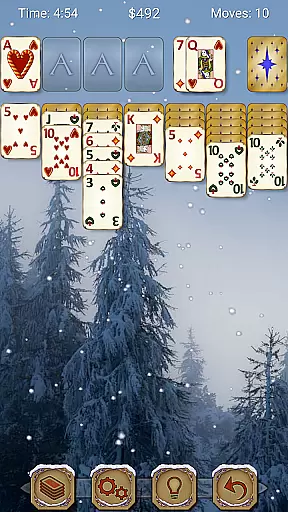
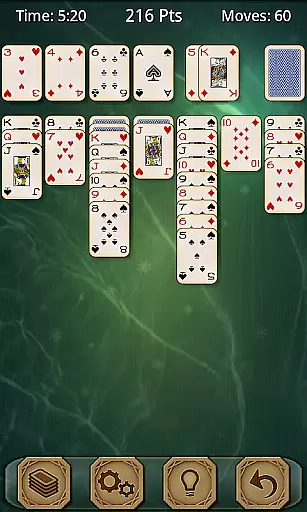
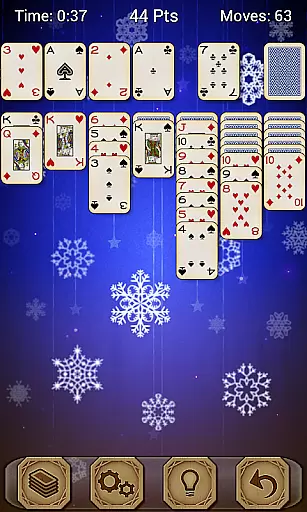
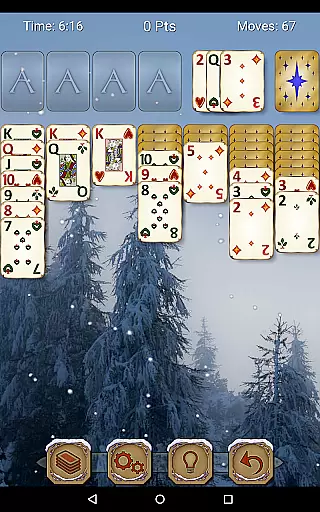
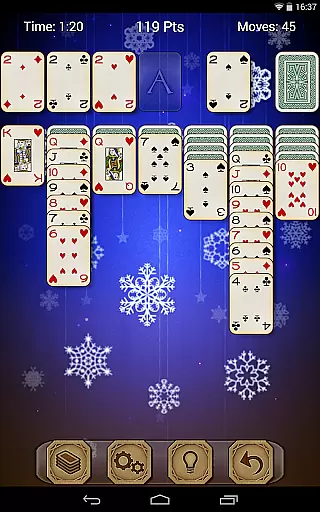
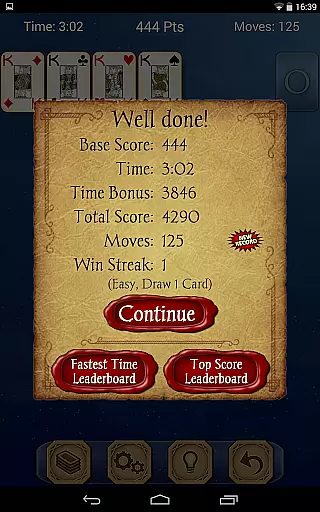
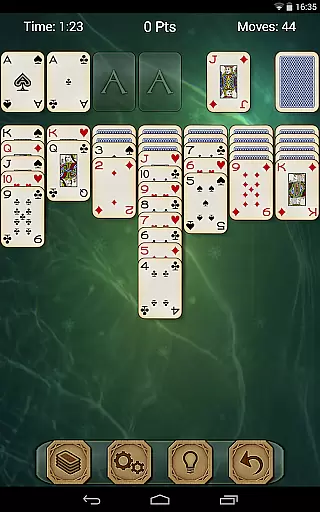
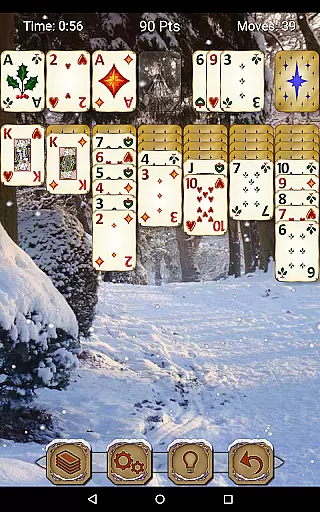
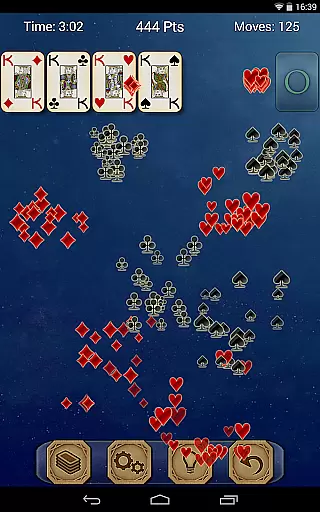
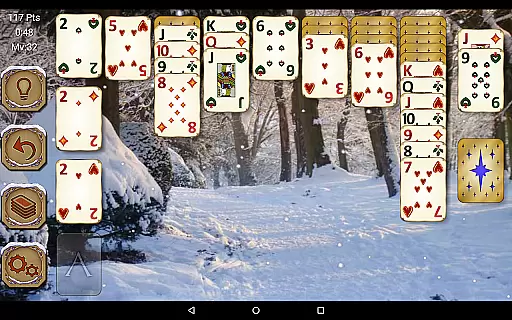
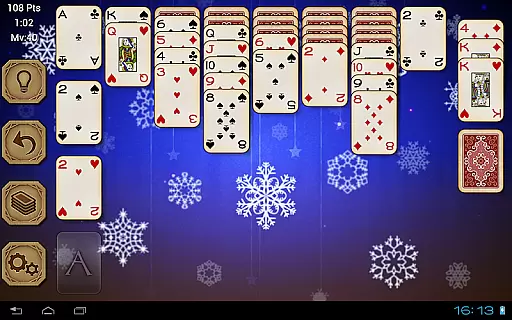
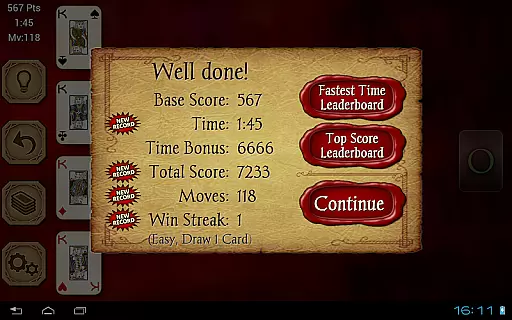
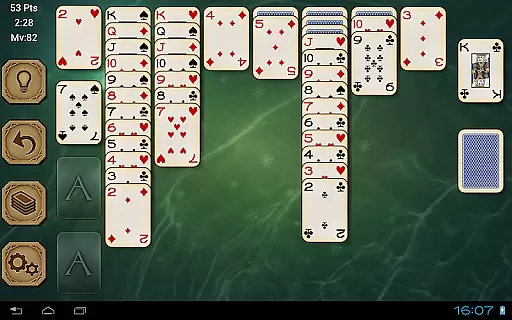
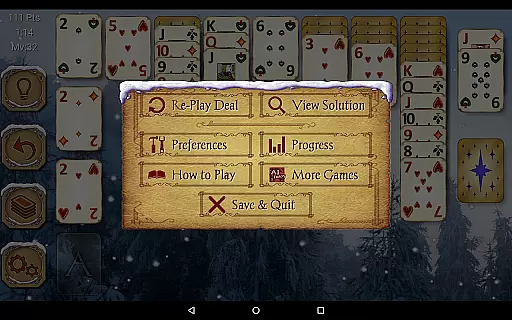
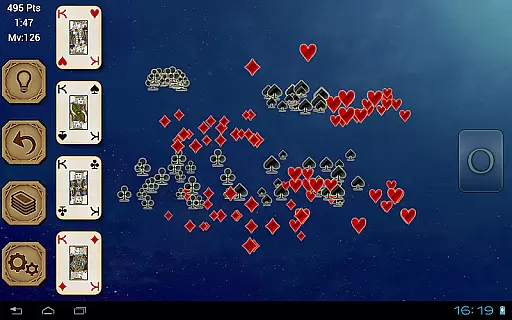
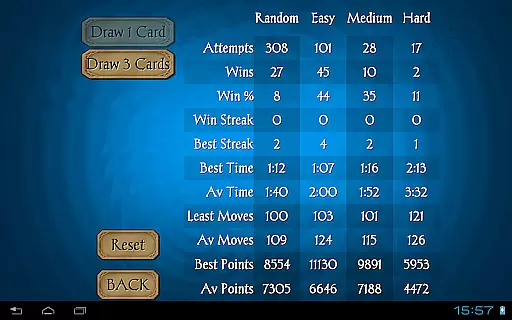
Solitaire Pro is a premium card game app developed by AI Factory, offering the classic Solitaire experience (also known as Klondike and Patience) with enhanced features. The app provides multiple play options including 1 or 3 card draw, various scoring systems, difficulty levels, and layout preferences. It stands out with its gorgeous graphics, left- or right-handed play modes, and the ability to customize backgrounds and card designs using personal photos. Designed for both tablets and phones, it supports landscape and portrait orientations and offers additional functionalities such as undo, hints, achievements, leaderboards, and detailed game stats.
This paid version removes all advertisements, ensuring an uninterrupted gaming experience. Whether you're a casual player or a Solitaire enthusiast, Solitaire Pro delivers a polished and immersive gameplay experience that caters to different skill levels and preferences. Its comprehensive feature set makes it suitable for players seeking a traditional Solitaire experience with modern enhancements.
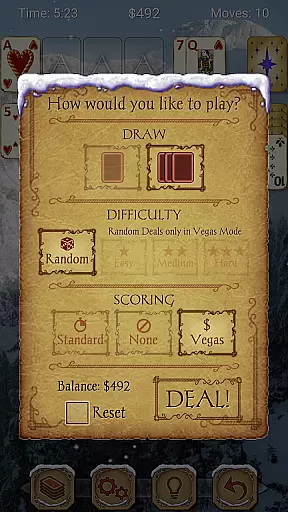
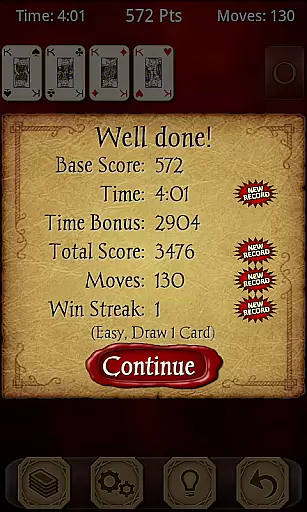
Solitaire Pro boasts a rich array of features designed to enhance the classic Solitaire experience. The app includes adjustable difficulty levels ranging from easy to hard, providing challenges for beginners and experienced players alike. Users can choose between standard scoring, no scoring, or Vegas scoring systems, allowing for personalized gameplay styles. The app also supports both 1-card and 3-card draw modes, catering to different strategic preferences.
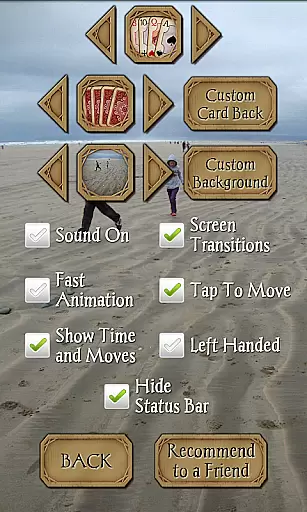
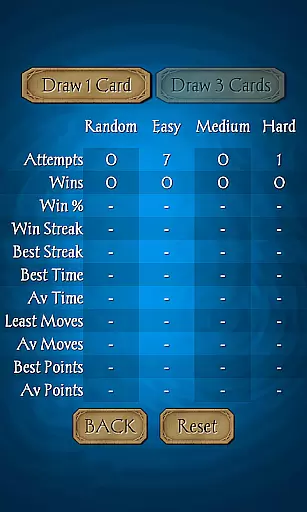
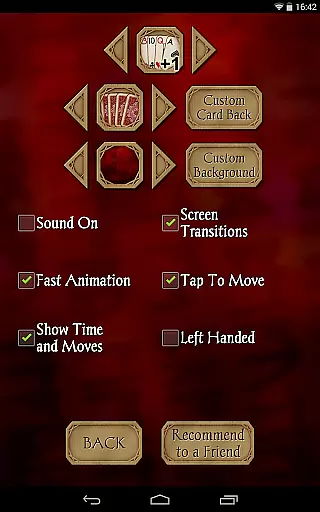
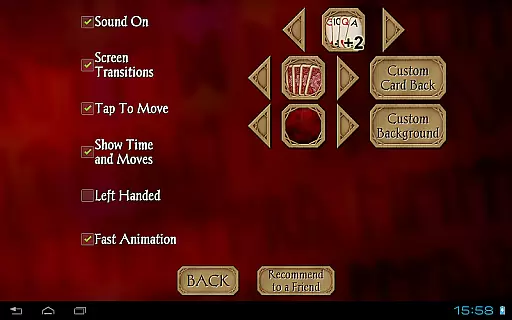
Customization is a key highlight, with options to select from various card sets, card backs, and backgrounds. Players can even upload their own images to create a truly unique playing environment. Additional features include tap-to-move functionality, undo and hint options, and comprehensive game statistics. With support for landscape and portrait orientations, Solitaire Pro ensures optimal usability across different devices and resolutions. Leaderboards and achievements add a competitive edge, while the solutions viewer helps users improve their skills in non-random games.
Random Number Generation (RNG) fairness is crucial in card games like Solitaire Pro to ensure that every game starts with a randomly shuffled deck, providing an unpredictable and unique experience each time. This randomness is key to maintaining the integrity and excitement of the game.
Solitaire Pro employs advanced algorithms to guarantee that its card shuffling is truly random. The game offers different difficulty levels, including Random, Easy, Medium, and Hard, allowing players to choose their preferred challenge while still experiencing fair play conditions.
For players, this means that every session is a new challenge, free from predictable patterns or repetitive outcomes. The certification of RNG ensures that no external factors can influence the shuffle, thus upholding the game's fairness and enhancing user trust.
The assurance of RNG fairness not only elevates the gaming experience but also adds a layer of credibility. Players can focus on honing their skills and strategies without worrying about biased or manipulated game outcomes, making each victory genuinely rewarding.
Control fluidity and input latency are vital aspects of any digital card game, determining how smoothly and responsively the game reacts to player inputs. In Solitaire Pro, these elements are fine-tuned to offer a seamless and enjoyable user experience.
The game supports both landscape and portrait modes on resolutions above 320x240, ensuring that players can enjoy a visually comfortable setup regardless of their device orientation. This adaptability enhances control fluidity, allowing users to focus on their game strategy rather than screen adjustments.
With features like tap-to-move cards and intuitive touch controls, Solitaire Pro minimizes input latency. Players can swiftly navigate through their card stacks and make moves with precision, which is essential for maintaining the flow of the game and preventing frustration.
By prioritizing control fluidity and reducing input latency, Solitaire Pro delivers a polished and engaging experience. Gamers can immerse themselves fully in the classic game of Solitaire, enjoying every move and decision without technical hindrances breaking their concentration.
User-friendly interface
Highly customizable
Variety of scoring systems
Ad-free experience
Comprehensive statistics
Paid version only
No offline multiplayer
Limited social features
Similar to free version
Occasional bugs


Compete against the computer in this classic trick-taking game.
 4.20
4.20
This classic partnership trick-taking card game is always ready to play!
4.60
Enjoy a beautiful solitaire card game with classic rules and relaxing play.
4.60
Train your brain playing the most relaxing & addictive 2025 solitaire game !
4.60
Strategy and luck combine in our favorite partnership card game.
4.2
Fantasy Realms - A combo-licious card game.
3.10
World Series of Poker: Texas Hold em, Video Poker & Omaha Poker Card Games!
4.20
Play Blackjack and and earn gift cards
4.50
Classic Solitaire Card Game: Join a Tripeaks Solitaire Game with a Twist
4.70
Classic Solitaire: A smart mix of fun, relaxation, and brain training!
4.90
The world’s largest Spades game! Enjoy the classic card game with 52 card deck
4.70
Relax, strategize, and enjoy endless card fun with vintage solitaire.
4.70
Play for fun, practice or get advice for 400+ VP games and over 2000 pay tables.
4.60
Play your cards carefully in this 4 player trick-taking card game!
4.60
Swipe and be the Queen!
4.60
FreeCell Solitaire Card Game: Play Classic Solitaire Card Game from MobilityWare
4.50
Play the legendary Blackjack 21! Win like a pro in this exciting casino game!
4.50
Spider Solitaire Pro, classic Spider Solitaire Klondike game,as Freecell,Pyramid
4.20
Kill the monsters & grab the loot in the classic card game!
3.70

User Reviews