
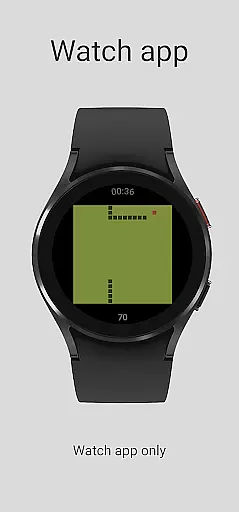
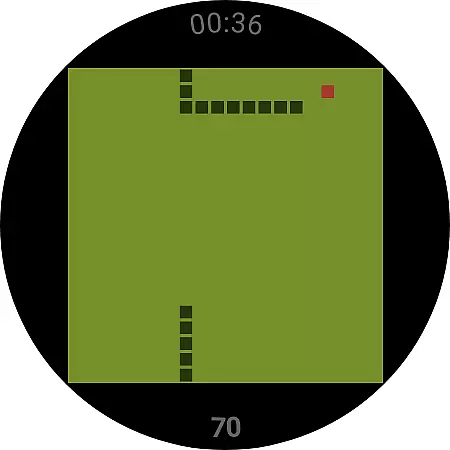
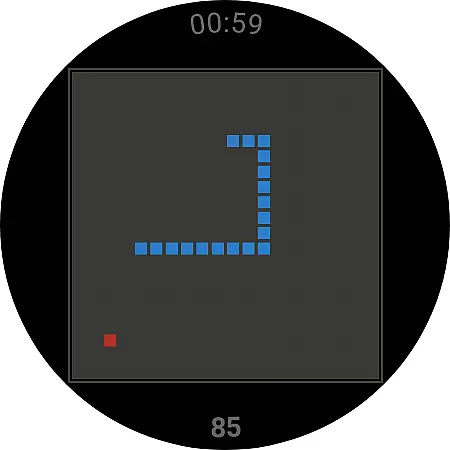
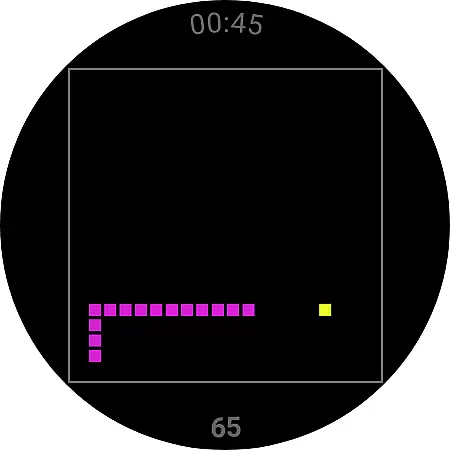
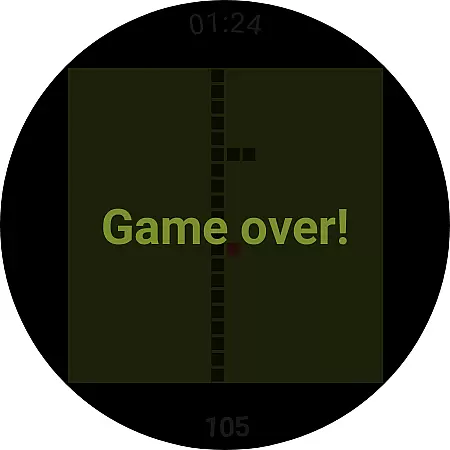
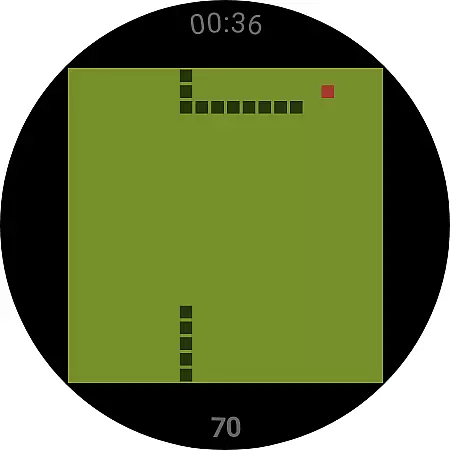
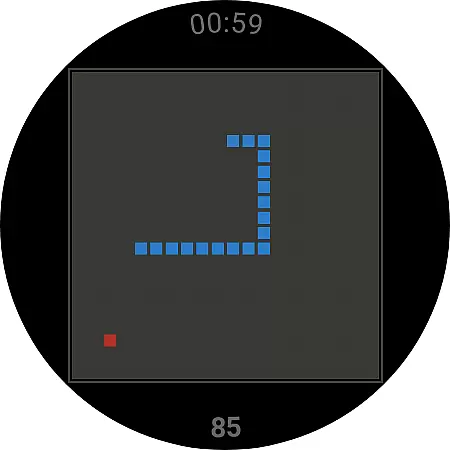
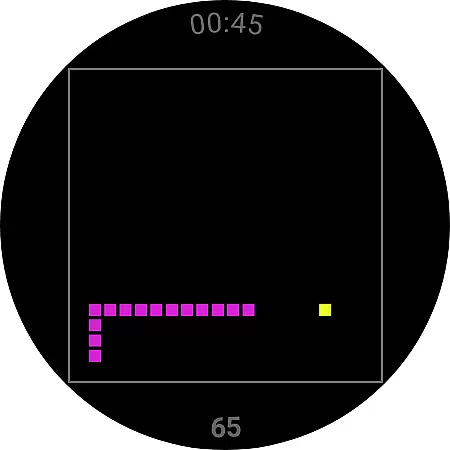
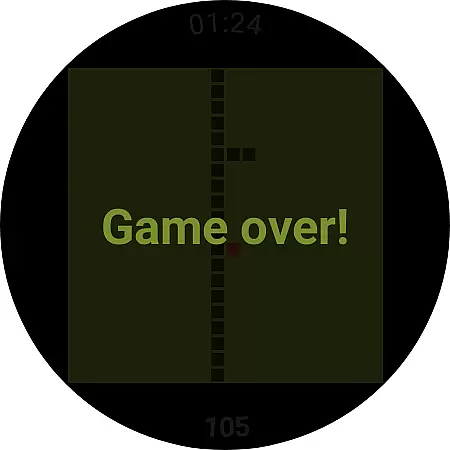
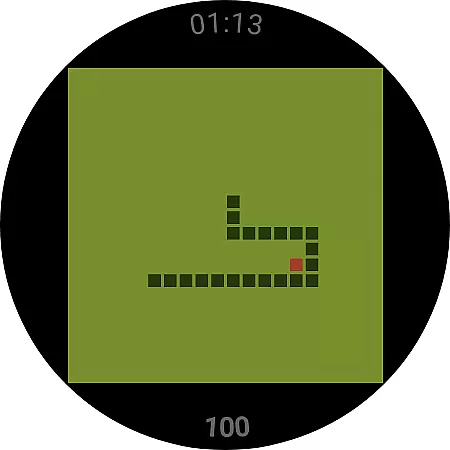
Snake is a classic arcade-style game designed specifically for Wear OS devices. The core gameplay involves controlling a snake that grows longer as it consumes items on the screen, challenging players to avoid collisions while maximizing their score.
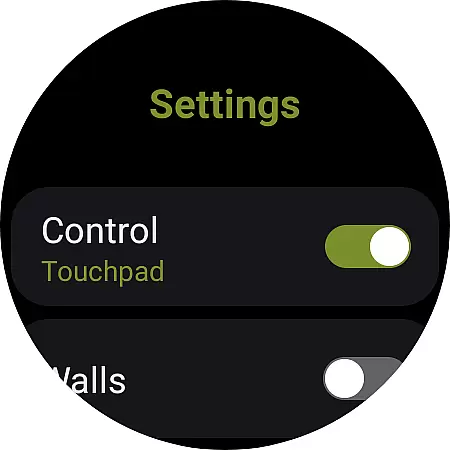
This app offers intuitive touchpad controls optimized for smartwatches, including swipe gestures and tap-based navigation. With customizable settings such as wall collision rules, Snake provides an engaging experience tailored to both casual gamers and nostalgic players seeking a modern twist on a timeless classic.
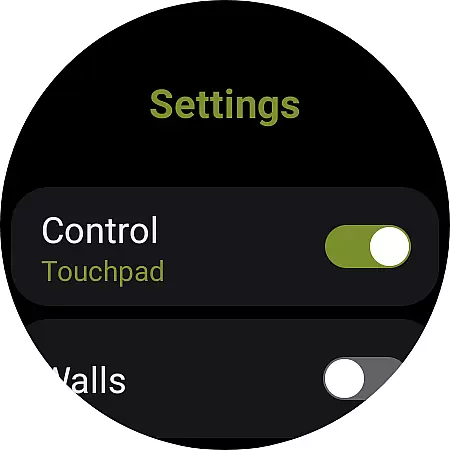
Snake brings several unique features to enhance the traditional gameplay experience. One standout feature is its adaptive control system, which allows users to choose between swipe gestures or border taps for movement, ensuring smooth interaction on small screens.
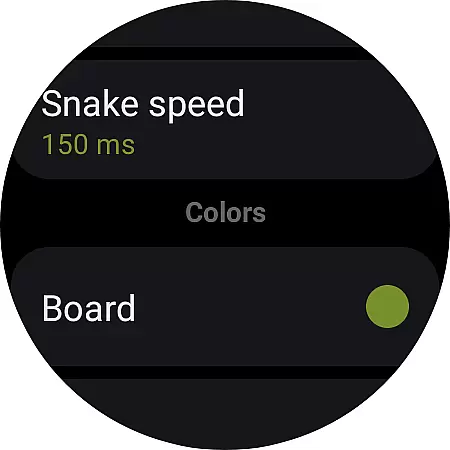
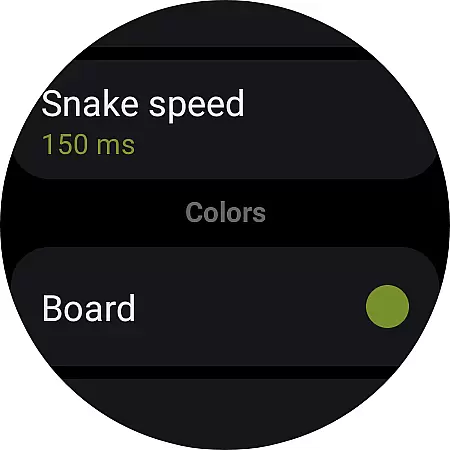
The app also includes adjustable settings like wall behavior, where players can decide whether hitting walls ends the game or teleports the snake to the opposite side. These thoughtful additions not only preserve the original charm of the snake game but also make it more versatile and enjoyable for today's wearable technology users.
The hallmark of any successful casual game lies in its ability to deliver straightforward yet engaging core mechanics. Snake for Wear OS exemplifies this principle through its intuitive and easy-to-grasp gameplay. Players simply navigate the snake across the screen, aiming to consume items while avoiding collisions.
This application capitalizes on the classic snake game style, ensuring that users can dive into the action with minimal learning curve. The minimalist control scheme, involving either swiping on the touchpad or tapping the borders of the board, makes it exceptionally suited for the smaller form factor of Wear OS devices.
By focusing on essential gameplay elements and removing unnecessary complexities, the game ensures that players can enjoy quick, satisfying sessions. This approach not only enhances accessibility but also broadens the potential audience, making it ideal for users seeking instant entertainment on their smartwatches.
In today's fast-paced world, the ability to engage with a game during short breaks is a significant advantage. Snake for Wear OS addresses this need by offering flexible session lengths that cater to on-the-go gaming. Whether you have a minute or more, the game allows you to jump in and out seamlessly, providing instant gratification.
The simplicity of starting and stopping the game complements its session design. With just a few taps, players can begin a new game or resume from where they left off, making it perfect foru96f6u788e moments throughout the day. This feature ensures that users are not tied down to lengthy playtimes, aligning perfectly with the wearable device's purpose.
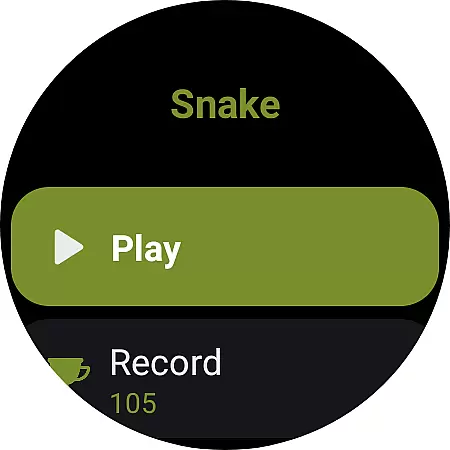
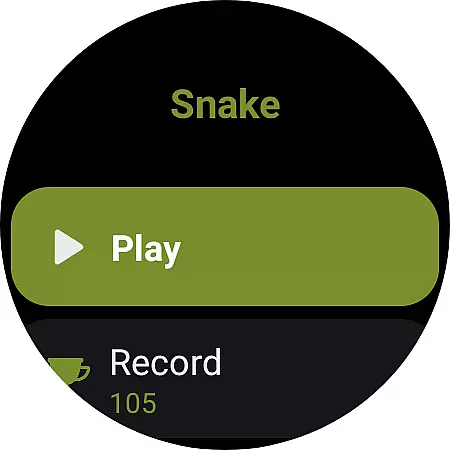
Moreover, the option to reset records adds another layer of flexibility, encouraging continuous engagement without the pressure of maintaining unbroken streaks. This thoughtful design prioritizes user convenience and enjoyment, making each session feel rewarding regardless of its duration.
User-friendly interface
Customizable controls
Lightweight design
No data collection
Perfect for quick play
Limited to Wear OS
Requires manual setup
No multiplayer mode
Basic graphics
Few advanced options

11 classic games featuring Freddi Fish, Pajama Sam, Putt-Putt, and Spy Fox.
 3.80
3.80
Defeat your enemies by creating a larger army of bullets!
4.40
Blend & Match! Mix colors on paper, compare with objects, aim for perfect match!
4.30
Join Tom and friends and care for them. Create fun stories and play mini-games.
4.30
Make funny fake chats & videos with celebs — prank your friends!
4.2
Catch a fish.
4.5
No internet. Play Fun Mini Puzzles, Color Blocks & Cards, 2 Player, Boys & Girls
4.50
A satisfying yarn puzzle. Unravel the tangled threads in the right order!
4.80
Miraculous Ladybug is here to dance and play with the talking cat Angela.
4.30
Black hole games - eat tiles, grow bigger, and master the fun
4.80
Sort 3D items into boxes and clear the board in this fun, relaxing puzzle game!
4.80
Search for hidden objects scattered around hand-drawn worlds.
4.70
Repair, Refit, Repaint. Customize your truck today!
4.60
1V1 Hunting Game
4.40
Adds up the dots on a group of dominoes with your phone's camera and keeps score
4.30
The official Taskmaster app. A jam packed extravaganza of Taskmaster fun!
4.00
Five new incredible party games to liven up any gathering!
3.30
Compete with opponents through precise archery skills
3.20
Jurassic beast with one goal tear down everything in sight
4.1
User Reviews