
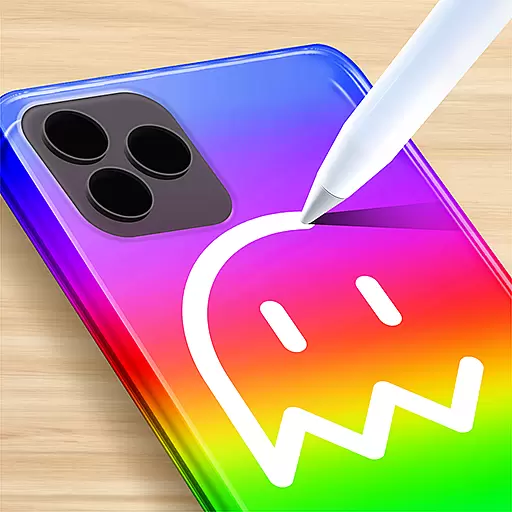
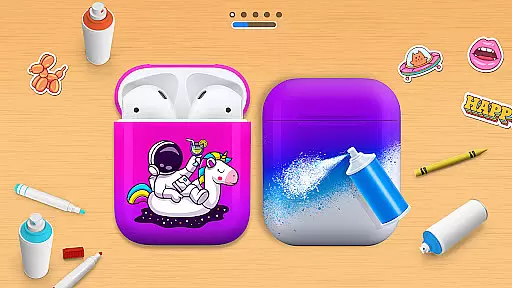
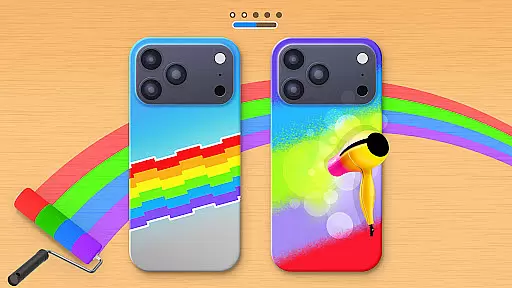
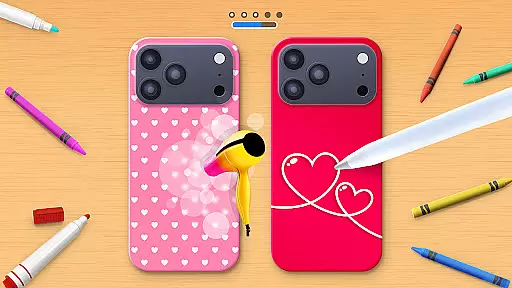
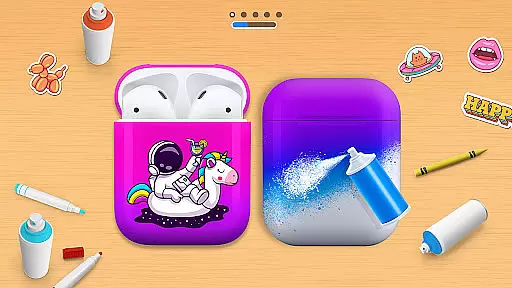
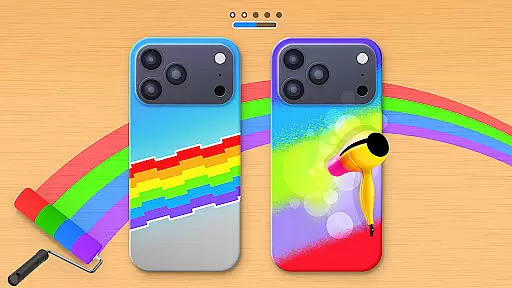
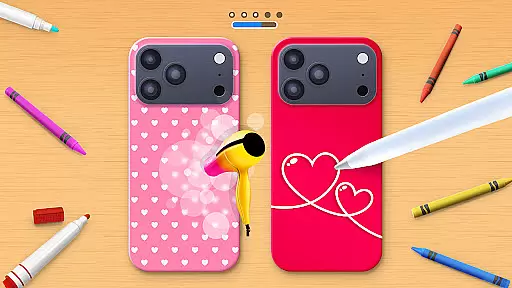
Phone Case DIY is a creative simulation game that allows users to design and customize their own phone cases, earbuds, and headphones. With endless color options and patterns, the app provides a platform for expressing personal style through digital crafting.
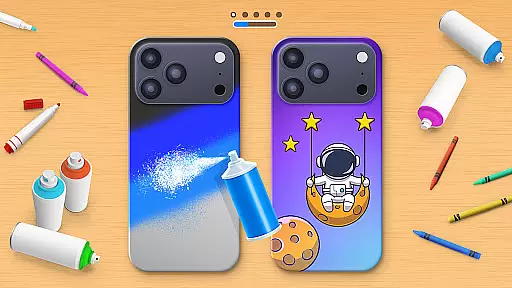
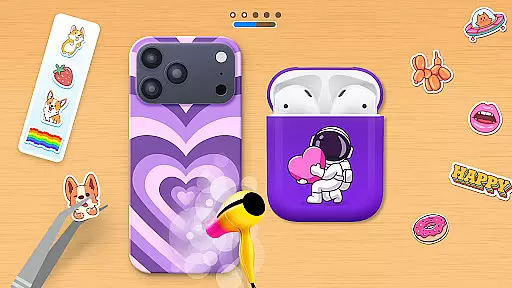
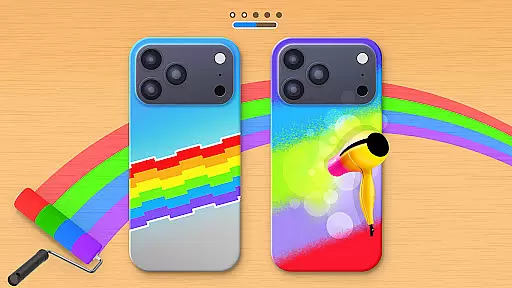
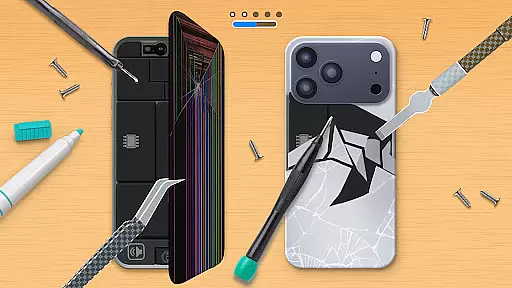
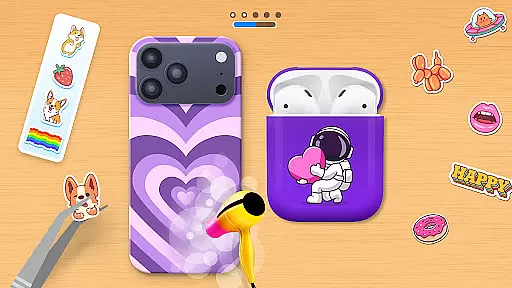
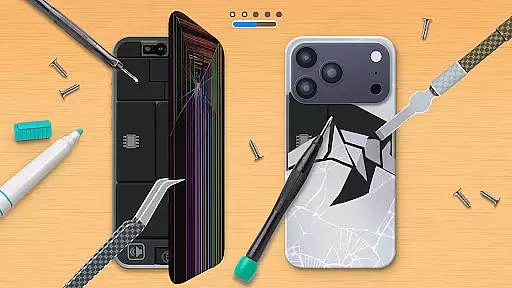
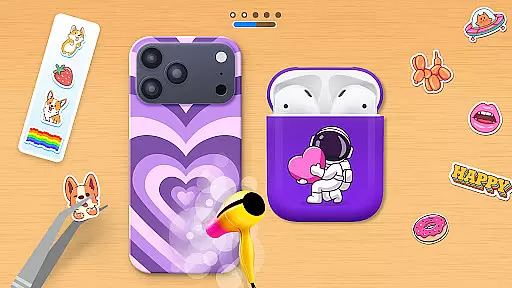
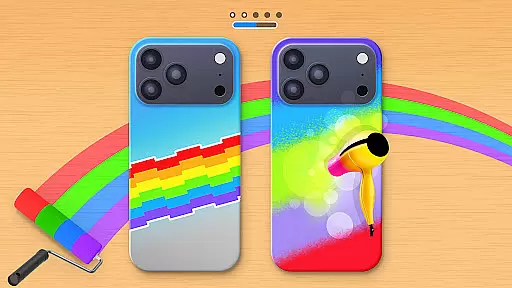
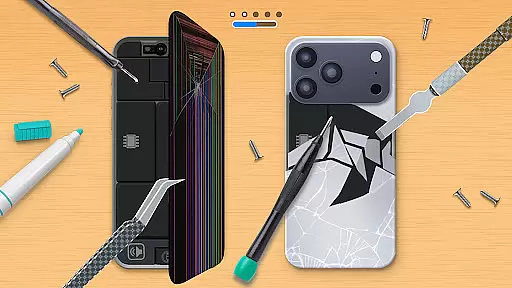
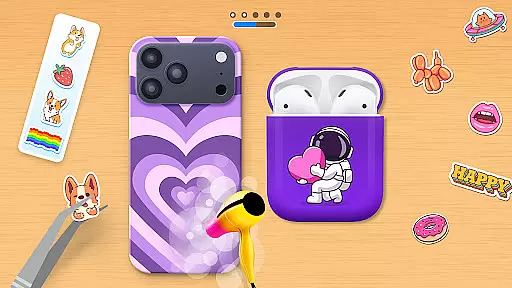
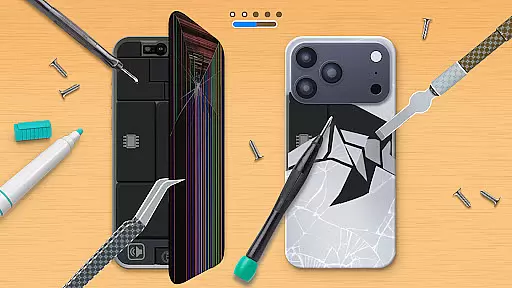
The app features various customization tools including painting, acrylic art, stickers, and cleaning functions. Users can also repair damaged phone cases and participate in global leaderboards to showcase their design skills.
Ideal for those who enjoy arts and crafts, Phone Case DIY offers a fun way to explore creativity while learning about design principles. The app's engaging features make it suitable for both casual and serious designers.
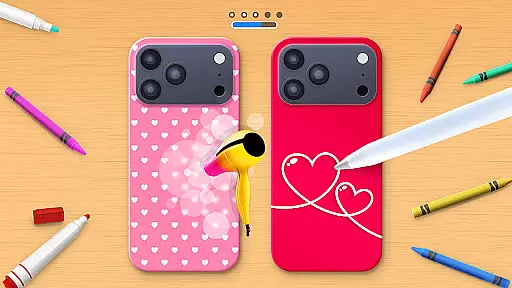
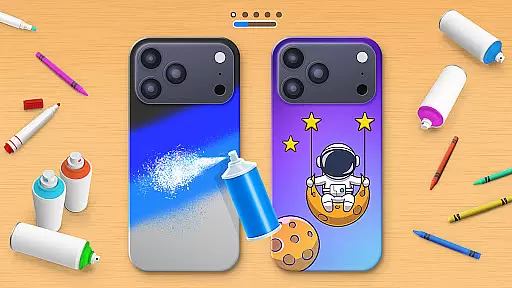
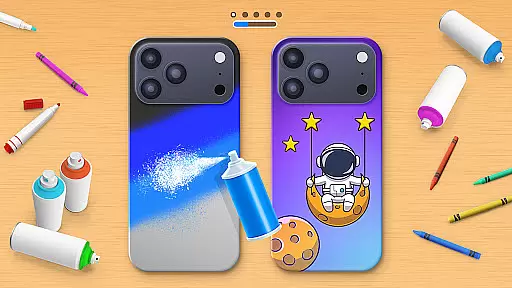
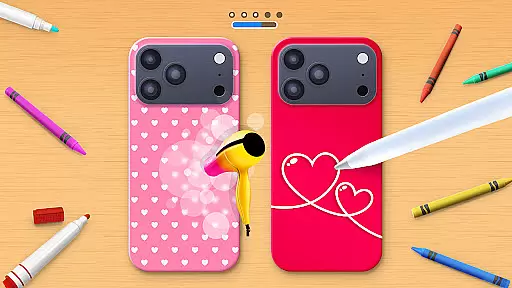
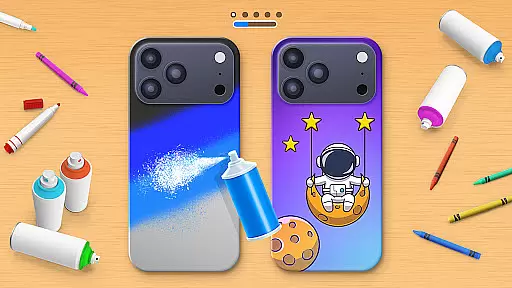
Phone Case DIY stands out with its comprehensive set of design features. Users can paint phone cases with vibrant colors and intricate patterns, creating unique designs that reflect their personality.
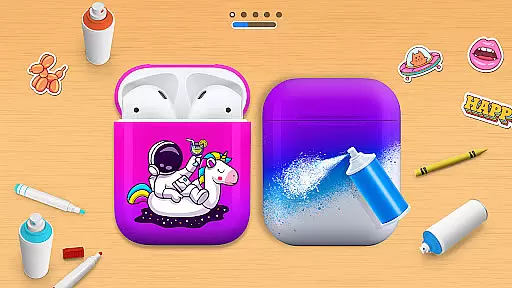
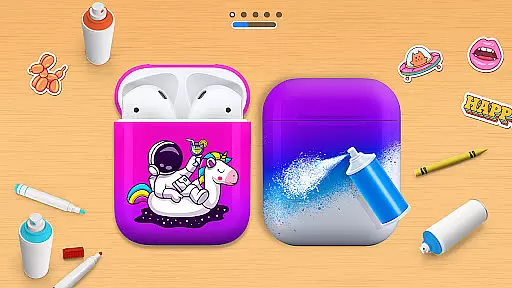
In addition to phone cases, the app allows customization of headphones and earbuds. Features like acrylic art, tie-dye effects, and sticker placement provide diverse creative options. The leaderboard and profile customization add a social element to the experience.
The app's repair function teaches users how to restore damaged cases, while the cleaning tool ensures a perfect canvas for new designs. These practical features enhance the overall creative process.
In Phone Case DIY, the economic system is intricately designed to enhance your creative journey. The game simulates a vibrant marketplace where in-game currency and resources are earned through creativity and skill.
Players can unlock new colors, patterns, and customization options by completing design challenges or achieving high rankings on the global leaderboard. This dynamic feedback loop encourages continuous engagement as users see tangible rewards for their artistic efforts.
The resource management aspect is balanced to provide both accessibility for newcomers and depth for experienced designers. You'll find that every spray paint or sticker pack earned feels like a meaningful accomplishment.
This economic depth creates an immersive experience where your creative investments directly translate into expanded design possibilities, making each customization decision more impactful and rewarding.
Phone Case DIY offers an impressive balance in its resource management system, ensuring players maintain steady progress while facing interesting challenges. The game provides various ways to acquire essential design resources.
You'll discover multiple avenues for earning resources - from repairing damaged phone cases to completing acrylic art projects. Each activity contributes differently to your resource pool, creating strategic choices about which projects to pursue first.
The game maintains equilibrium between resource scarcity and availability. While basic colors and tools are readily accessible, premium customization options require more substantial creative achievements to unlock.
This careful balancing act ensures that both casual decorators and hardcore designers find satisfaction in managing their resources effectively, leading to a more engaging and rewarding creative experience overall.
User-friendly interface
Wide range of customization options
Engaging social features
Educational repair tools
Vibrant color palette
Limited offline functionality
Some features require in-app purchases
Occasional performance issues
Ads may interrupt workflow
Steep learning curve for beginners

Explore sandbox simulator featuring crafting and socializing in Portia
 4.10
4.10
Rule the night as a club security!
4.3
40+ original, licensed construction vehicles, over 60 jobs, USA setting.
3.90
Fly around the world with Aerofly FS Global Flight Simulator
4.30
Family, house & life simulator - build your dream home in a virtual world!
4.50
Prank and cause chaos in the house. But don’t get caught!
4.10
Grow your agricultural empire with 100+ authentic machines!
4.40
Become a pilot! Fly and land in airports around the world with iconic airplanes
4.20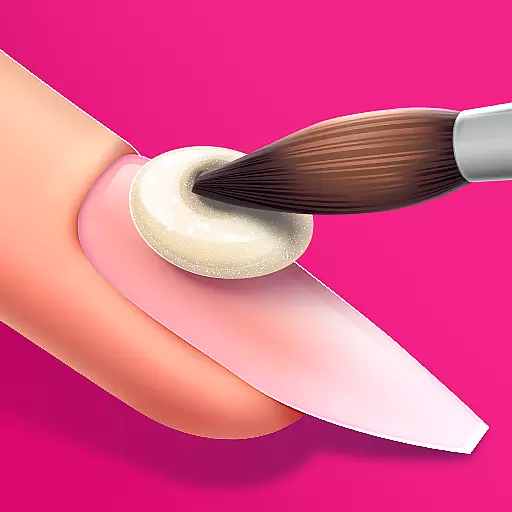
Nail salon combining crayola nail art at the halfway of fashion and beauty care.
4.30
Enter a world of magic and adventure and create your own RPG-style town!
4.80
Make a Wizard's journey to find the Philosopher's Stone in an Incremental RPG!
4.80
Join storage auction! Manage your pawn shop! Become an auction tycoon!
4.40
Experience multiple vehicles in a single driving simulator game.
4.40
Solve the mysteries of the universe with potato power!
4.40
Merge chips, craft upgrades, and power up your microcircuit to earn more!
4.30
A fun and challenging bridge builder puzzle game.
4.20
Play classic and popular PS3 games on your Android device!
3.90
Manage the Logging Factory and Build an Idle Lumber Empire in the clicker game
3.90
start a cult from your phone in this cozy idle-clicker game.
4.5


User Reviews