

NYT Games is your ultimate destination for word, logic, and number puzzles. Featuring a diverse selection of games including Wordle, Crossword, Connections, Spelling Bee, Sudoku, and more, this app offers daily challenges suitable for all skill levels. Whether you're solving classic crosswords or testing your word-guessing skills in Wordle, NYT Games provides an engaging experience that sharpens your mind while delivering hours of entertainment.
The app goes beyond basic gameplay by offering advanced features such as Wordle Bot, Connections Bot, and detailed stats tracking. With leaderboards to compare scores with friends, puzzle archives for subscribers, and hints available through community forums, NYT Games ensures users stay motivated and connected. Perfect for puzzle enthusiasts who want variety, depth, and convenience in one sleek package.
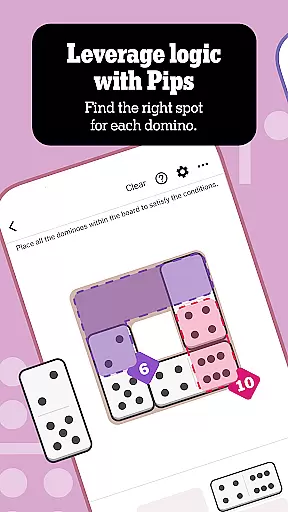
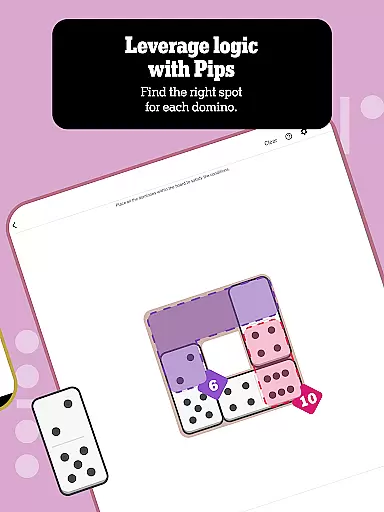
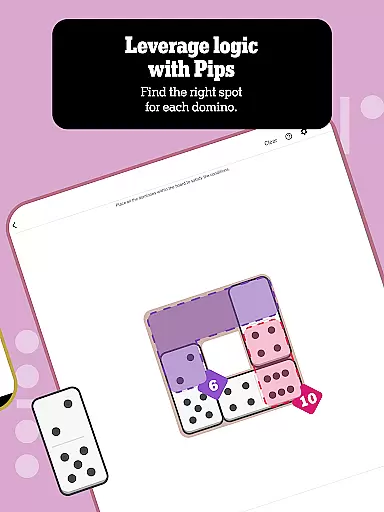
NYT Games stands out with its rich variety of innovative features designed to enhance user engagement. The app includes multiple game modes like PIPS, THE CROSSWORD, WORDLE, CONNECTIONS, SPELLING BEE, SUDOKU, STRANDS, THE MINI CROSSWORD, TILES, and LETTER BOXED. Each mode caters to different preferences, from wordplay lovers to logic puzzle fans. For instance, PIPS challenges players' numerical reasoning, while SPELLING BEE rewards creativity in forming words from given letters.
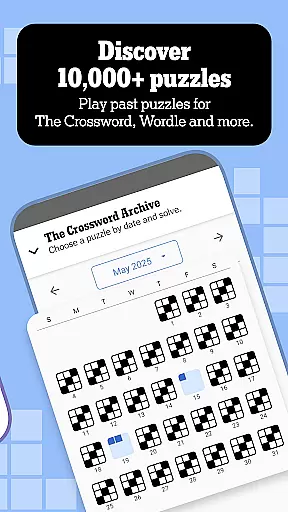
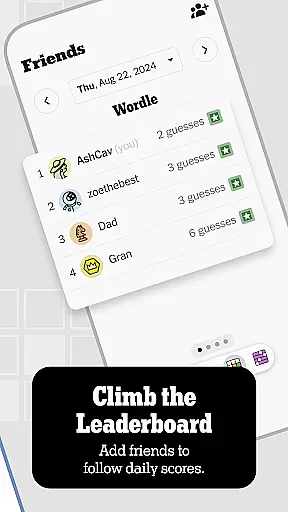
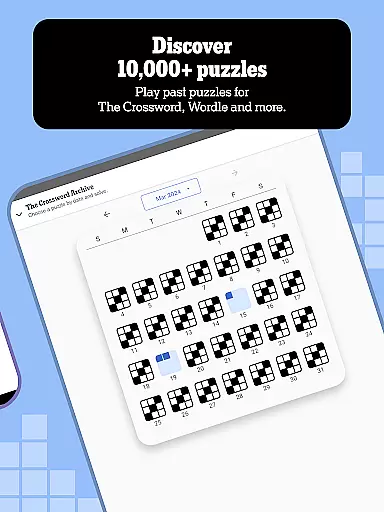
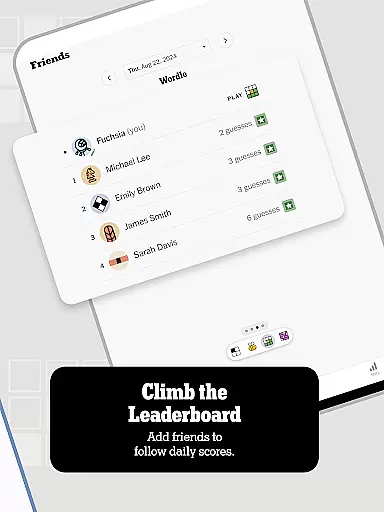
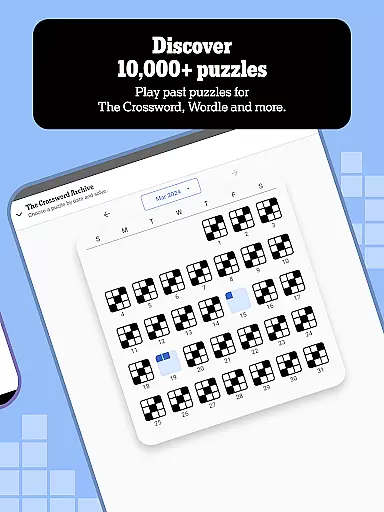
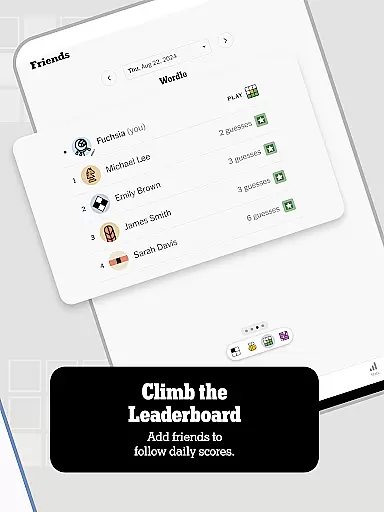
Beyond individual gameplay, the app fosters competition and progress tracking. Users can earn badges for achievements across various games, monitor their streaks, and analyze performance metrics such as average solve times. Leaderboards allow friendly rivalries among friends, while the Puzzle Archive grants access to over 10,000 past puzzles for subscribers. These thoughtful additions make NYT Games not just a gaming platform but also a comprehensive tool for personal growth and social interaction.
Clue quality and clarity are essential components of any word puzzle game, ensuring that players can engage with the challenge without unnecessary confusion. In NYT Games: Wordle & Crossword, clues are crafted to guide users through solving puzzles while maintaining an appropriate level of difficulty.
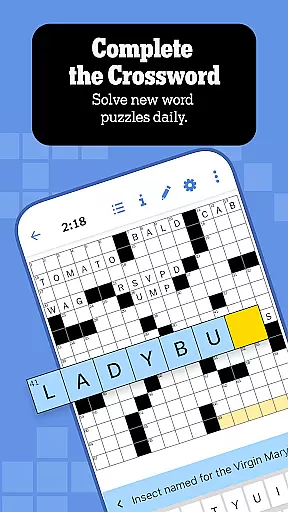
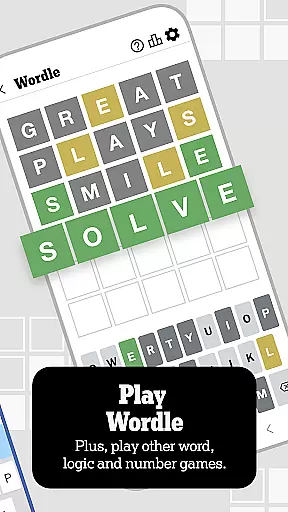
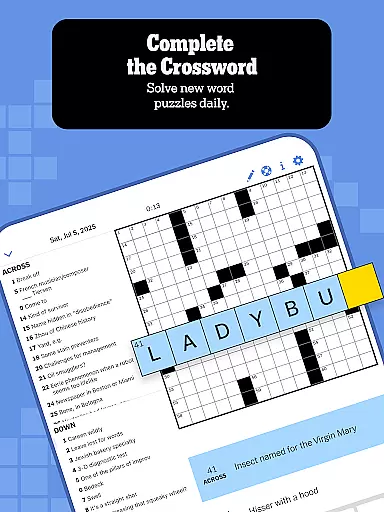
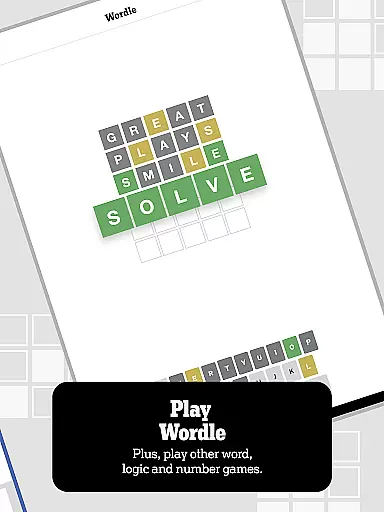
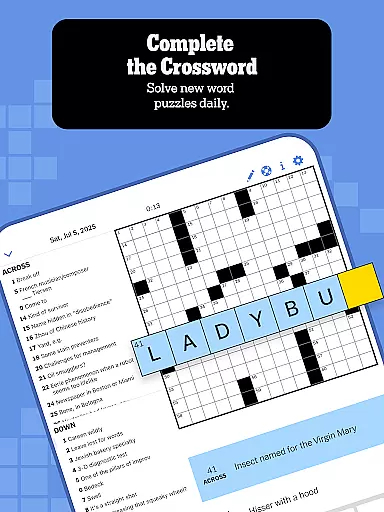
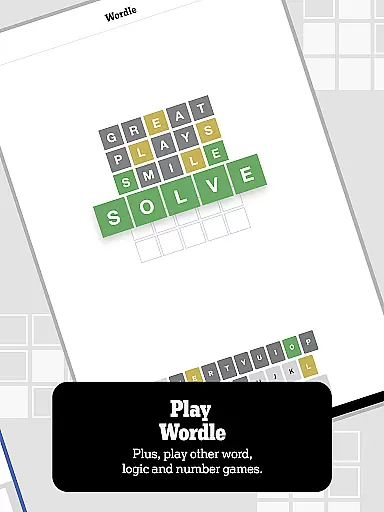
The app offers a variety of games including the classic Crossword, where clues increase in complexity throughout the week. This deliberate design helps players develop their skills progressively. Additionally, Wordle provides a unique twist by allowing users to guess a five-letter word within six attempts, encouraging strategic thinking with each clue analyzed after every guess.
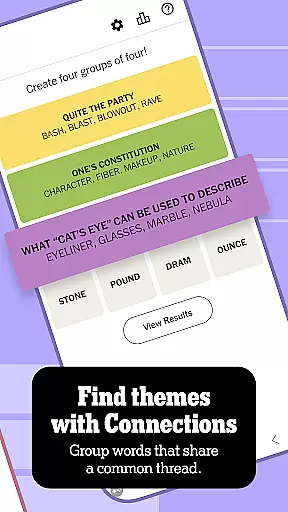
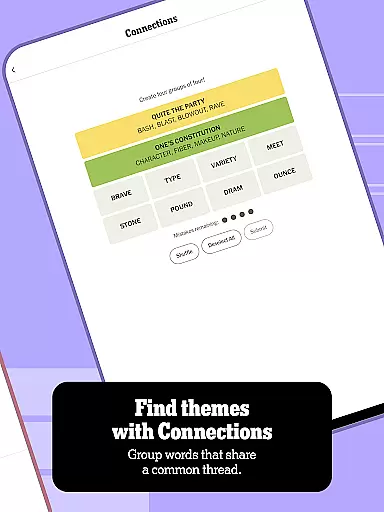
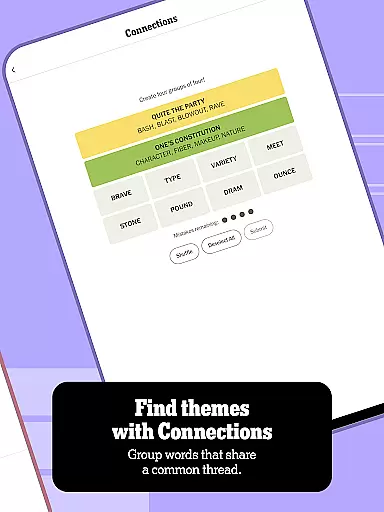
Connections and Spelling Bee further enhance this experience by grouping words based on shared themes or letters, respectively. These mechanics not only test vocabulary but also logical reasoning as players decipher how different elements relate to one another. By focusing on clear and meaningful hints, these games ensure that users remain engaged and motivated to solve puzzles daily.
Overall, NYT Games prioritizes high-quality clues that strike a balance between challenge and accessibility. Players benefit from well-structured hints that promote learning and improvement over time, making it an ideal choice for enthusiasts looking to sharpen their linguistic abilities while enjoying themselves.
Puzzle variety is a cornerstone of the NYT Games: Wordle & Crossword app, offering users an extensive range of challenges that cater to diverse interests and skill levels. With multiple games like PIPS, THE CROSSWORD, WORDLE, CONNECTIONS, SPELLING BEE, SUDOKU, STRANDS, THE MINI CROSSWORD, TILES, and LETTER BOXED, there's something for everyone.
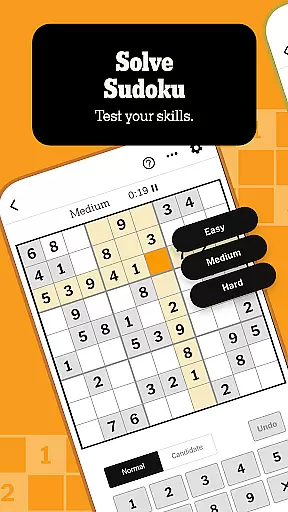
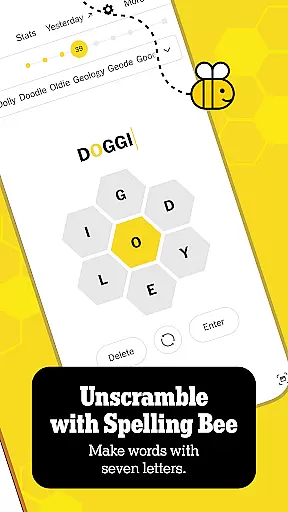
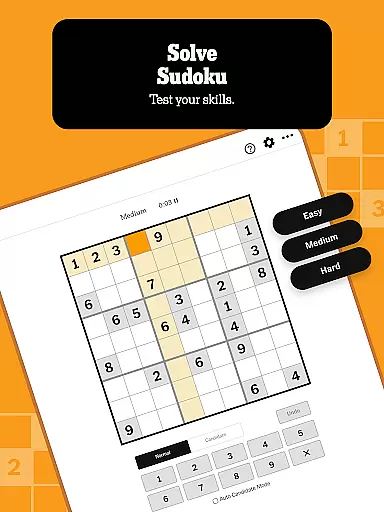
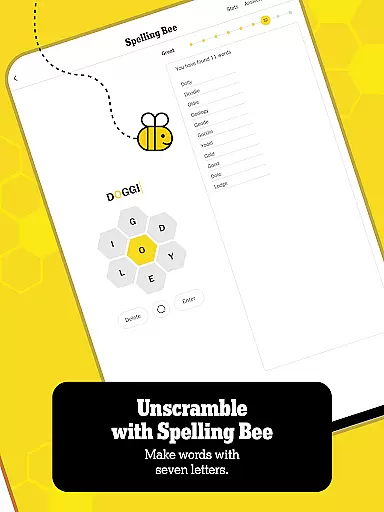
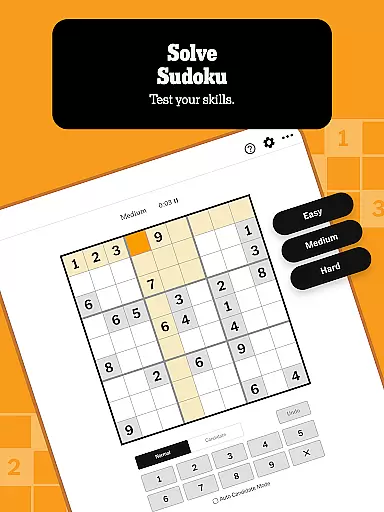
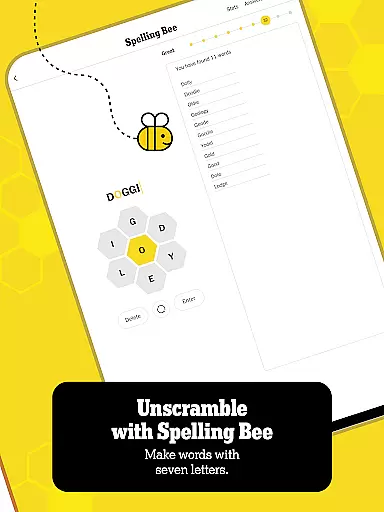
Each game brings its own unique mechanics and appeal. For instance, PIPS introduces a numbers game where players must strategically place dominoes to fill the board, while SUDOKU focuses on logic and pattern recognition without requiring mathematical prowess. Meanwhile, SPELLING BEE challenges users to create as many words as possible from seven given letters, promoting creativity and vocabulary expansion.
THE CROSSWORD and THE MINI CROSSWORD provide traditional word puzzles with varying difficulty levels, ensuring that both casual solvers and seasoned pros find enjoyment. WORDLE adds a modern twist by limiting guesses to six attempts, fostering quick thinking and analysis. CONNECTIONS encourages strategic grouping of terms, enhancing cognitive skills through association-based gameplay.
This rich assortment ensures that users never run out of fresh content to explore. By regularly updating puzzles and introducing new formats, NYT Games keeps players engaged and excited about returning for more brain-teasing fun each day.
User-friendly interface
Diverse game options
Daily new challenges
Advanced stat tracking
Active community support
Some features require subscription
Limited free content
Occasional ads
Complexity may overwhelm beginners
Internet connection needed

Dive into the fun word puzzle games for adults! Train your brain with word games
 4.80
4.80
Using letters and numbers, decode hidden words in this сryptogram game!
4.40
Try to find the hidden words!
4.30
Play word games with friends! Smart puzzles, custom tiles & multiplayer fun!
4.40
Word puzzles with cute bears to enjoy, just don’t let the bubble bee bother you!
4.2
Daily Word Search Puzzles
4.10
Crossword puzzles for all ages- easy to hard games. All offline!
4.80
Zen Word - where challengers relax, solve word games, and train their minds!
4.80
Train your brain daily with fun crosswords and addictive word puzzles!
4.80
Search for FAITH and FUN!
4.90
Unleash your vocabulary in the world’s #1 word cross puzzle game!
4.70
Enjoy the beautiful scenery and endless word search puzzles!
4.70
Get the incredibly addicting word search game that everyone is talking about!
4.70
101 offline games: words, puzzles, quizzes! Play, learn and compete!
4.70
Crossword & Trivia Game for Christian
4.60
Play this fun word connect game to calm and train your brain.
4.60
Relax, challenge yourself, and sharpen your mind anytime, anywhere!
4.60
Relax your brain with this fun word puzzle game and beautiful landscapes!
4.50
Follow 25 rules and use your wits to escape from the horrifying school.
4.1


User Reviews