

Meetup is a social networking app that connects individuals with shared interests, both online and offline. With over 60 million members, it facilitates career networking, tech community discovery, personal branding, and hobby engagement. The app's core function is to help users find like-minded people through a vast network of over 330,000 groups, spanning various categories from professional conferences to recreational activities such as yoga.
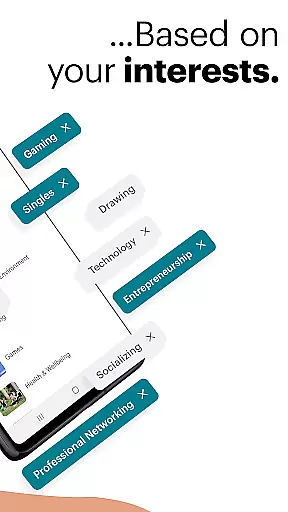
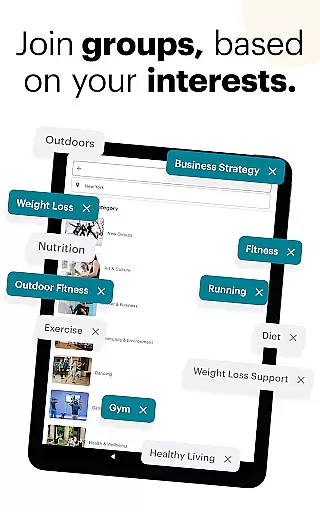
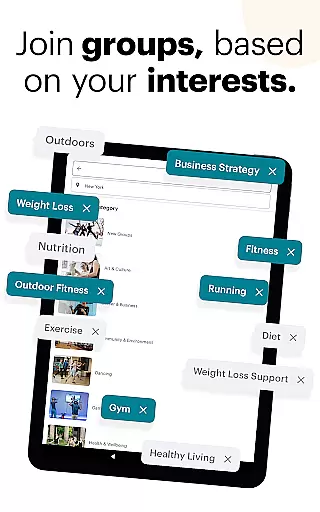
One standout feature is its ability to match users based on their specific interests, making it easy to create or join groups aligned with their hobbies. Whether you're looking to expand your professional network or simply make new friends, Meetup offers an intuitive platform for organizing and attending events. Its value lies in fostering meaningful connections and facilitating community building across diverse interest areas.
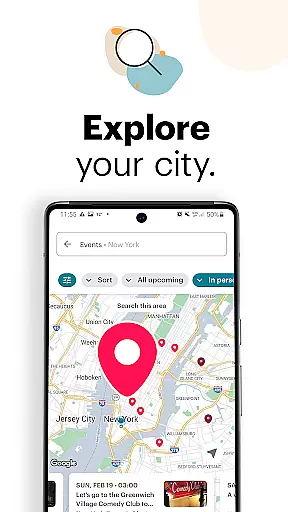
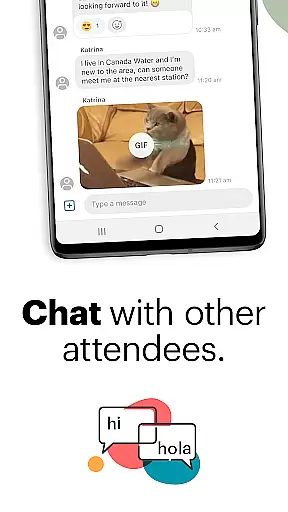
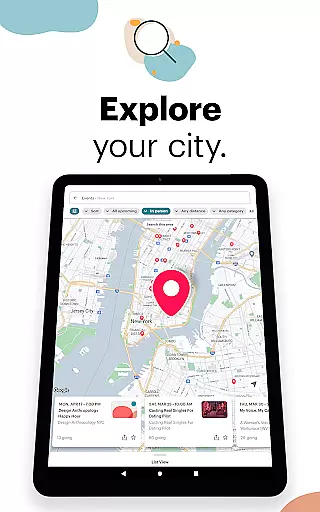
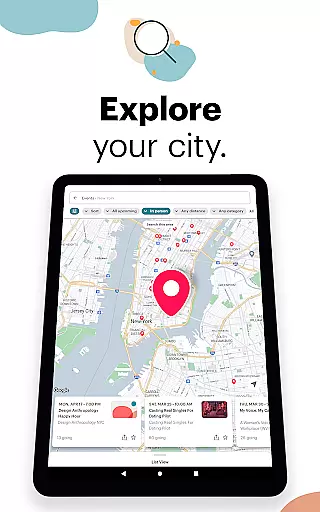
Meetup stands out with its comprehensive event discovery system. Users can explore local and online events by category, keyword search, or popularity within their area. The app provides a seamless experience for saving preferred events and selecting potential friends to meet at these gatherings. Additionally, the discussion and direct messaging features enable continuous engagement with new contacts.
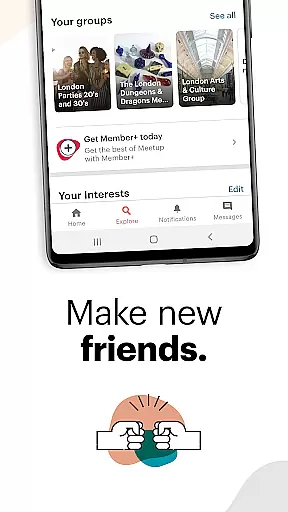
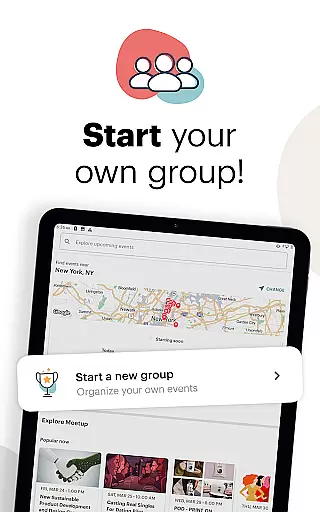
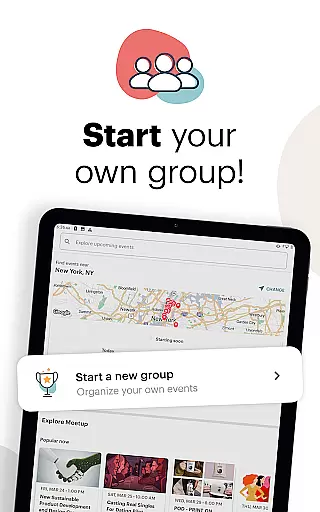
Another key aspect is the ability to start and manage your own groups. Group creators can personalize event schedules, host both online and in-person meetings, and watch their communities grow as Meetup recommends their group to interested individuals. The app also supports momentum-building activities between events, such as photo sharing and ongoing discussions, ensuring sustained interaction among group members.
These features collectively enhance user experience by providing tools for both participation and leadership in interest-based communities, thereby maximizing opportunities for connection and collaboration.
User profile customization is a crucial aspect of any social platform, allowing users to express their individuality and interests. Meetup offers a comprehensive profile system that enables members to showcase their hobbies, professional background, and affiliations with various groups.
The authenticity verification process on Meetup adds an extra layer of trust within the community. By linking social media accounts and verifying email addresses, users can confirm their identity, making interactions more meaningful and secure.
With these features, Meetup ensures that its vast network of over 60 million members can connect with like-minded individuals confidently. Users benefit from a trustworthy environment where they can build career networks, discover communities, and create personal brands based on genuine connections.
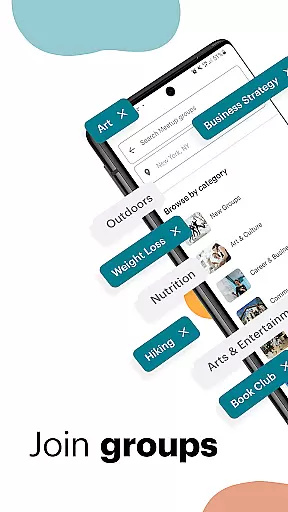
Connection discovery is at the heart of Meetup's functionality, designed to help users find and engage with communities that align with their interests. The app leverages sophisticated algorithms to match members with over 330,000 groups, ensuring they can easily locate tech conferences, hobby clubs, or wellness activities that suit their preferences.
Meetup goes beyond simple keyword searches by offering category-based exploration and geographical mapping. This allows users to not only find local events but also understand what's trending in their area, enhancing their ability to connect with relevant communities.
By saving preferred events and participating in discussions, users can cultivate relationships with others who share similar passions. This personalized approach to connection discovery fosters deeper engagement and helps members expand their social and professional networks effectively.
User-friendly interface
Vast community network
Diverse event categories
Event customization options
Direct messaging feature
Occasional technical glitches
Limited free event hosting
Geographically dependent matches
Premium subscription costs
Variable group quality














The hottest live chat app so far. Video chat and meet great people...
 4.60
4.60
Get your NGL Link
4.60
Honest dating app where real people find genuine love and real matches.
4.20
Social calendar for friends to make plans, group chat, share events & schedules
4.60
Watch super live shows 24/7, chat & meet friends in Plamfy social networking app
4.70
Random chat & meet online. Find your soulmate or someone special and have fun!
3.90
Go Live, Chat & Meet New People! Friends. And more than friends.
3.80
Reddit is where you’ll find your people and feel at home in every conversation.
4.60
Join your friends and discover videos you love, only on TikTok
4.10
Get notifications of FREE Stuff for Nextdoor, Letgo, offerup & TrashNothing
4.70
Date single & make friend
4.60
Dating & make friend to chat, meet, flirt, and make real connections!
4.60
Connection Beyond Content
4.50
Global short video platform: epic effects, trending videos & vibrant community!
4.40
Watch, Edit, Upload and Share Gaming Clips
4.00
Dive into diverse fandoms. Connect, create, reblog.
3.90
The video chat to meet people in the blink of an eye!
3.90
Instant video chat with cool people. Live video call & make friends with Monkey!
3.80
Find your next obsession.
3.50

User Reviews