

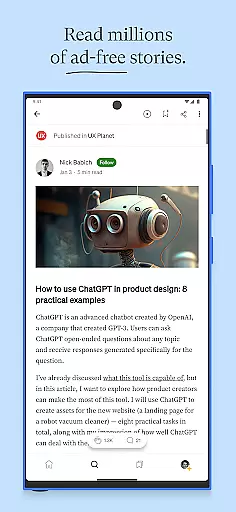
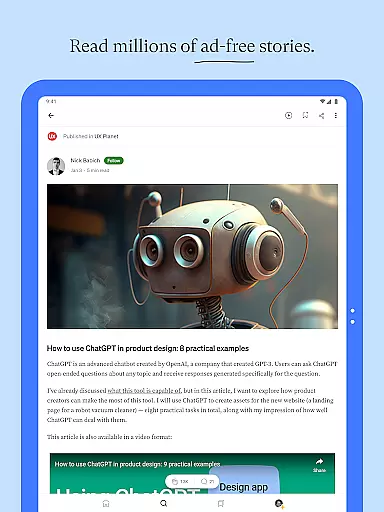
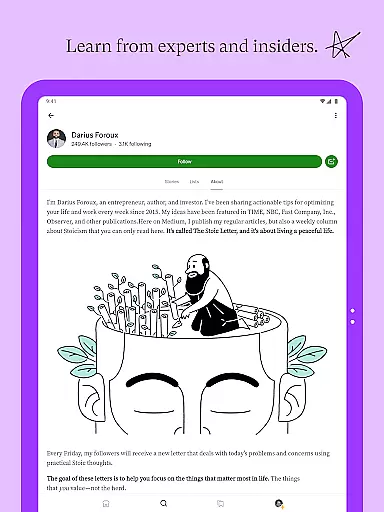
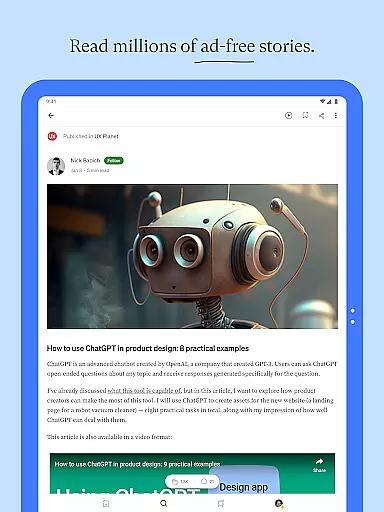
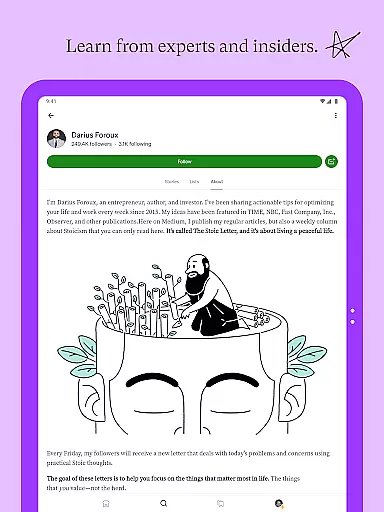
Medium is a premier destination for in-depth stories and expert insights, offering millions of articles from thought leaders and industry insiders. This platform allows users to explore diverse topics through long-form content that fuels curiosity and ambition.
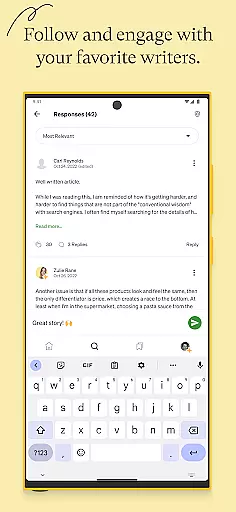
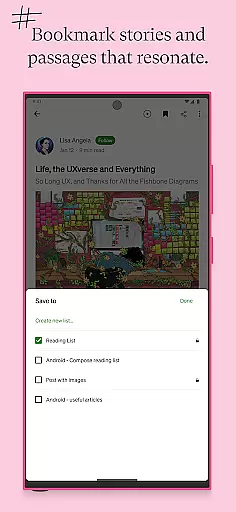
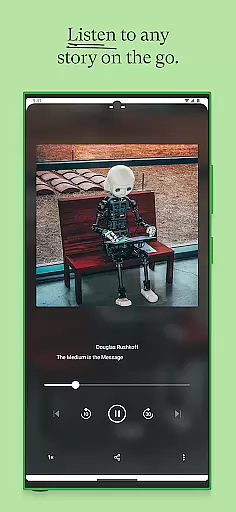
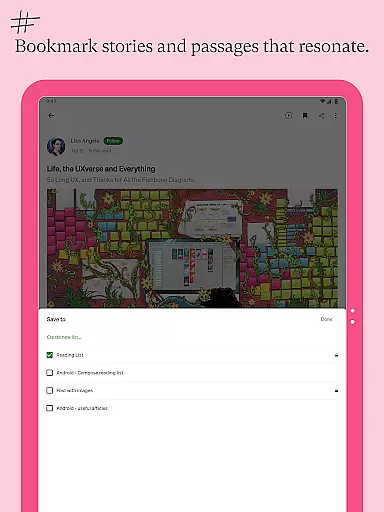
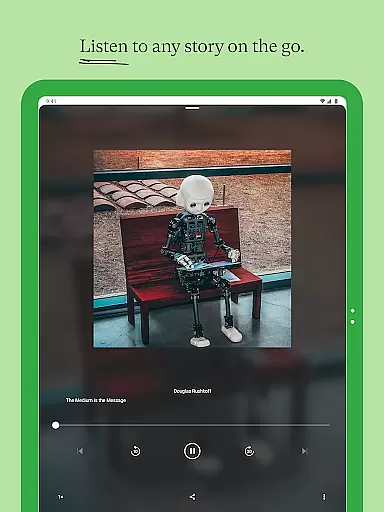
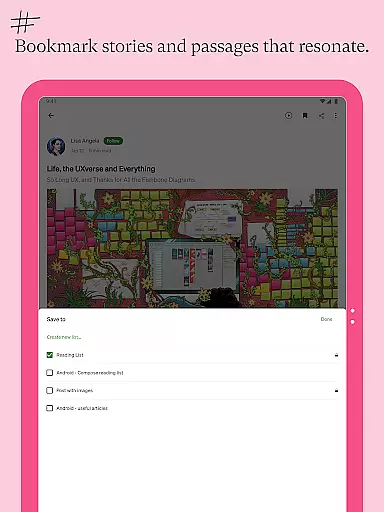
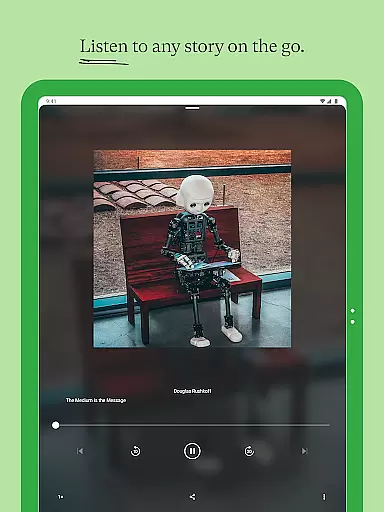
The app provides a personalized reading experience by enabling users to highlight passages, bookmark stories, and follow favorite writers. With features like audio versions of stories, dark mode, and cross-device access, Medium ensures a seamless blend of quality content and user-friendly functionality.
Whether you're looking to expand your knowledge or publish your own work, Medium supports both consumption and creation, making it an essential tool for readers and writers alike.
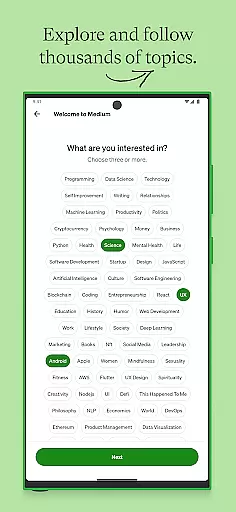
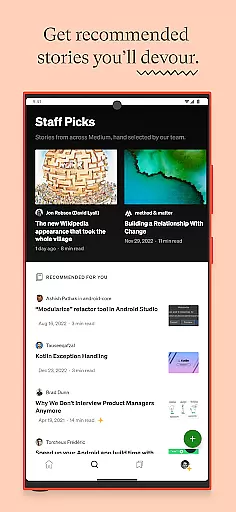
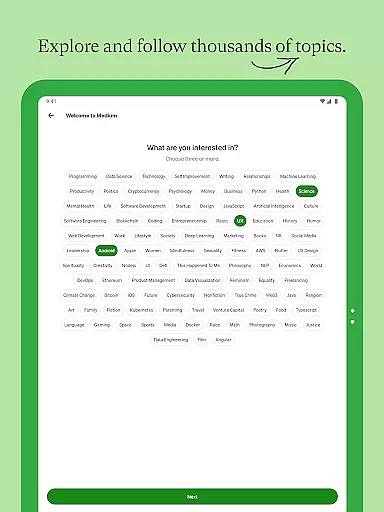
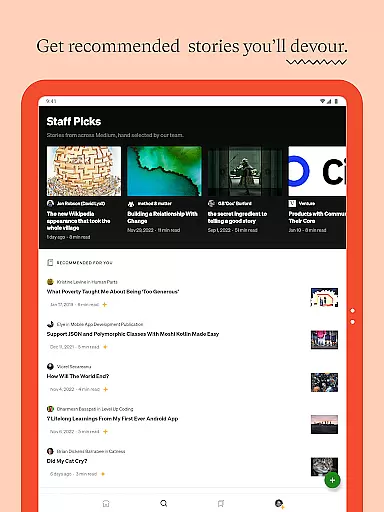
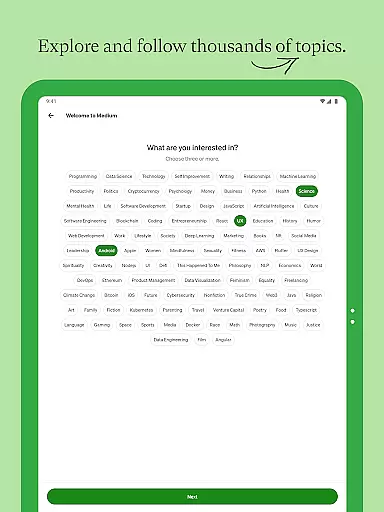
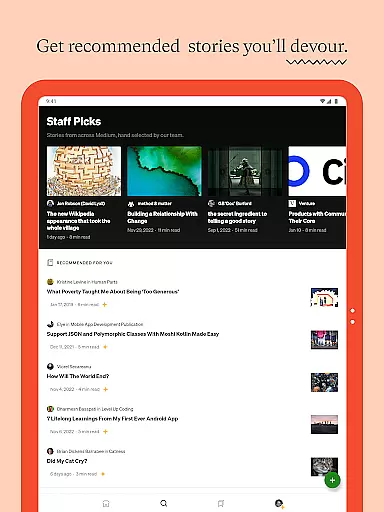
Medium stands out with its vast library of ad-free, long-form content crafted by expert writers worldwide. The app's recommendation engine delivers personalized story suggestions based on user interests, ensuring a tailored experience.
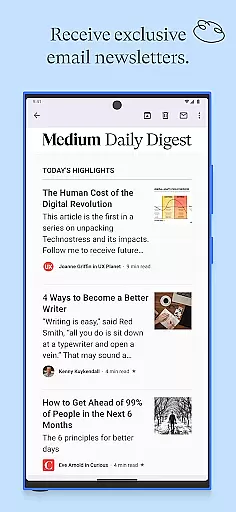
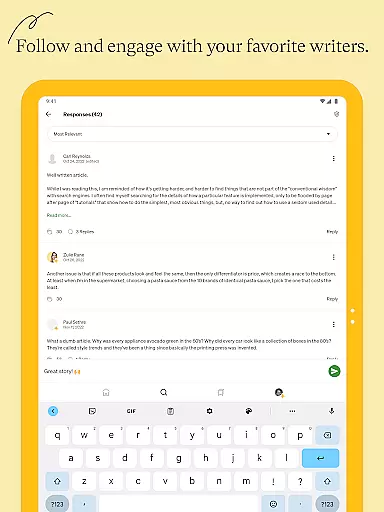
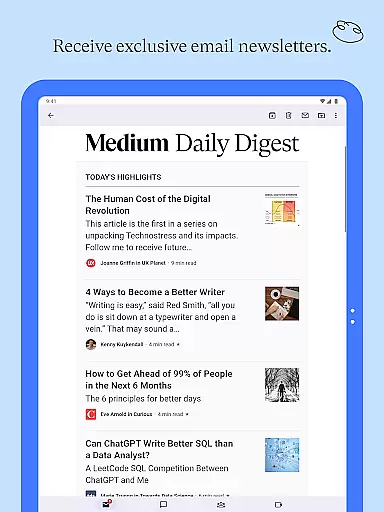
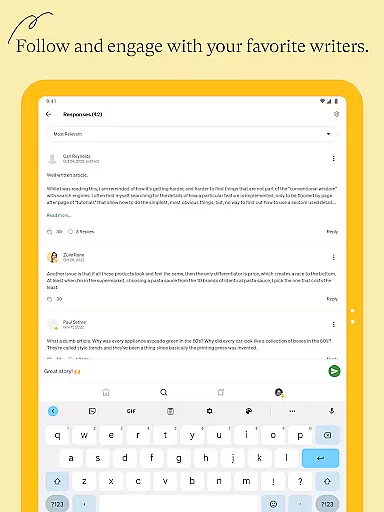
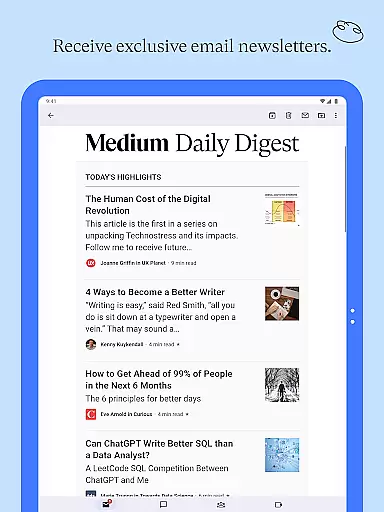
Users can engage deeply with content by highlighting text, saving stories, and creating custom lists. Additionally, the app fosters community interaction through claps, comments, and newsletters. Features such as audio playback, light/dark mode, and effortless cross-device syncing further enhance usability.
For aspiring writers, Medium offers tools to publish stories, grow an audience, and even monetize content via the Partner Program. Members gain unlimited access while directly supporting their favorite creators, adding value to both readers and contributors.
In the realm of digital media, the credibility and diversity of news sources are paramount. Medium, as a platform, aggregates content from a global community of expert writers and independent voices, ensuring that readers have access to a wide array of perspectives. This diversity is crucial for obtaining a balanced understanding of current events and complex issues.
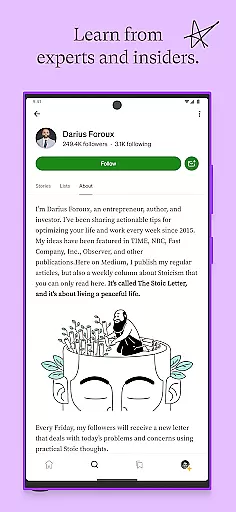
Medium's commitment to source credibility is evident through its rigorous curation process. Stories on Medium come from insiders and thought leaders who provide authoritative insights into their respective fields. By prioritizing quality over quantity, Medium fosters an environment where accurate and well-researched articles thrive, thus enhancing the reliability of information available to users.
For readers, this means having the ability to deepen their knowledge on subjects that matter most to them without worrying about misinformation. The platform's dedication to featuring diverse viewpoints also encourages critical thinking and broadens intellectual horizons. Users can trust that the content they engage with on Medium is not only varied but also vetted for authenticity.
Ultimately, by championing both credibility and diversity in its news sources, Medium empowers its audience to make informed decisions based on comprehensive and trustworthy information. This approach supports a more enlightened readership capable of engaging with the world's challenges from an informed standpoint.
Accuracy in content and stringent fact-checking processes form the backbone of any reputable news platform. Medium places a strong emphasis on these aspects by enabling a community-driven model where expert authors contribute long-form stories that are thoroughly researched and insightful. This ensures that the information disseminated is reliable and valuable to readers seeking depth and precision.
The platformu2019s architecture inherently promotes content accuracy through various mechanisms such as reader feedback, editorial oversight, and algorithmic promotion of high-quality posts. Additionally, Medium's format allows writers to present detailed analyses and cite references, further bolstering the veracity of published materials. Such features collectively enhance the overall integrity of the content hosted on the site.
Fact-checking rigor on Medium extends beyond mere citations; it encompasses a culture of accountability among contributors. Writers are encouraged to uphold journalistic standards by providing evidence-based narratives and transparently correcting errors when they occur. Readers benefit from this meticulous approach as they can engage with articles knowing that factual correctness is a priority.
By maintaining high standards of content accuracy and fact-checking, Medium cultivates a space where ideas backed by solid research take precedence. This commitment not only enhances user trust but also elevates public discourse, allowing individuals to explore complex topics confidently and competently.
User-friendly interface
High-quality content
Personalized recommendations
Cross-device compatibility
Community engagement
Paid membership required
Limited free articles
No offline downloads
Subscription auto-renews
Ads in free version

Live local weather + breaking news in one app. Plan your day and stay informed!
 4.40
4.40
Local Chicago news and weather alerts. Watch NBC 5 Chicago live 24/7.
4.00
Stream Action News and get customized breaking news and AccuWeather alerts.
4.00
Noisy. Opinionated. Right.
4.40
Podcasts. Live Radio. Music.
4.90
Listen your way with the top-rated podcast player
3.60
Stay Informed with Personalized Daily News from Daily News.
4.50
Stay informed on the day’s breaking news, live updates, and headlines with CNN.
4.40
Follow the latest world news, headlines and developing stories with live alerts.
4.80
Go beyond the breaking new
4.90
Live Breaking News & Alerts. Police, Fire, Weather Radios, Air Traffic, & more.
4.80
Independent global news, opinion and analysis, sport, podcasts and puzzles
4.60
Stream & watch 3000+ live channels, TV shows, series, movies, news & sports
4.60
Live radar, daily & hourly weather forecast, latest local & international news.
4.50
Stay connected with Local News for the latest weather, events, and breaking news
4.40
Quora is a place to share knowledge and better understand the world
4.20
Discover community from instant updates, trending stories, and local coverage!
4.10
OneWire News: Real-time news, local updates, and weather at your fingertips.
4.00
Get fact-based, unbiased news coverage 24/7 with the NewsNation app.
3.20


User Reviews