

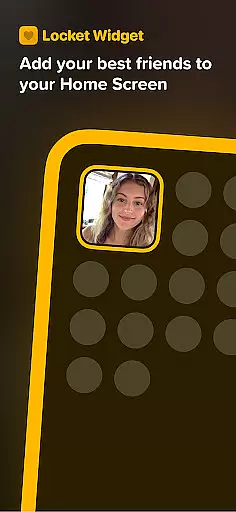
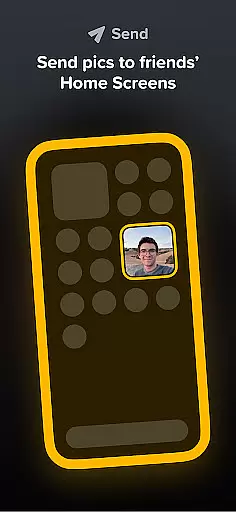
Locket Widget is a unique social application that allows users to share live photos with their closest friends directly through their home screens. The app focuses on creating intimate connections by enabling real-time photo sharing without the pressure of follower counts or excessive social media interactions.
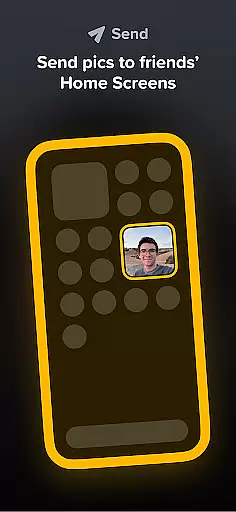
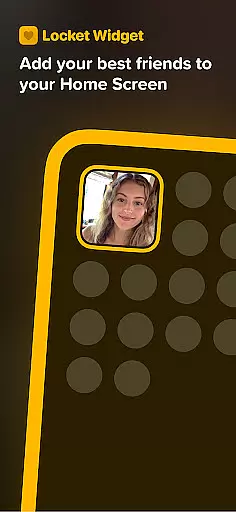
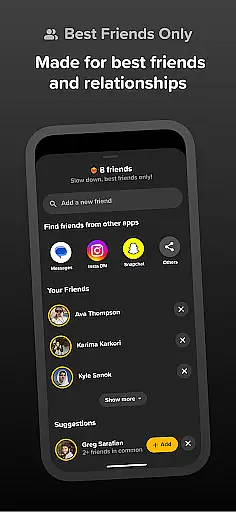
With Locket, users can add a widget to their home screen and instantly receive photos from friends every time they unlock their phone. This creates an ongoing visual conversation that keeps users connected throughout the day. The app emphasizes authenticity and meaningful interactions by limiting friend lists to just 20 people, ensuring that connections remain close and personal.
This app is perfect for those who value privacy and wish to maintain genuine relationships with a select group of friends or family members. By removing public metrics like likes and reactions, Locket encourages users to share moments freely and build lasting memories in a more private setting.
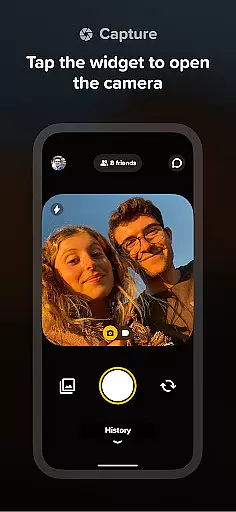
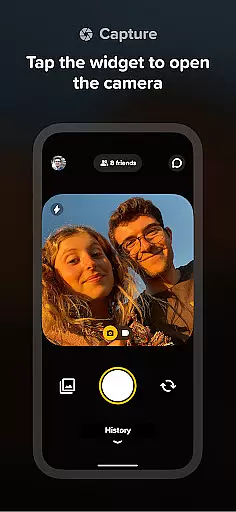
Locket Widget offers several distinctive features that set it apart from traditional social media apps. One of its standout capabilities is the real-time photo sharing functionality, which allows users to instantly send and receive images through the home screen widget. This feature eliminates the need to open the app repeatedly, making interactions seamless and immediate.
The app also includes a reaction system where users can respond to received photos with emojis. These reactions appear as animated effects on the sender's screen, adding a playful element to exchanges while maintaining privacy since reactions aren't publicly tracked or counted.
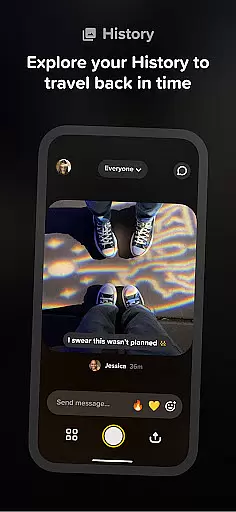
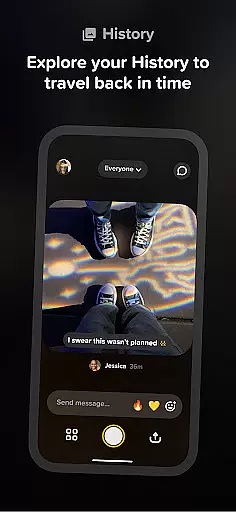
Another notable feature is the automatic creation of a shared history between friends. As users exchange photos, Locket builds a chronological gallery of all sent images, allowing users to revisit past moments and preserve memories. The app's limitation of 20 friends per account ensures that interactions remain meaningful and focused on close relationships.
User profile customization is a crucial aspect of any social application, allowing users to express their individuality and establish genuine connections. Locket Widget offers a streamlined approach to profile management, focusing on simplicity and authenticity rather than complex features.
The app enables users to maintain an unpretentious profile that emphasizes real relationships. By limiting friend connections to a maximum of 20, Locket ensures that each user's network remains intimate and meaningful. This deliberate design choice fosters deeper engagement with close friends and family members.
Regarding authenticity verification, Locket takes a unique approach by eliminating follower counts and public reaction metrics. This creates a safe space where users can share moments without the pressure of social validation through likes or followers. The emphasis is placed on private interactions and genuine photo exchanges between trusted connections.
This focused approach to profile management and verification helps users maintain meaningful relationships while using the app. By removing unnecessary social pressures, Locket encourages more authentic interactions among users' closest connections.
Connection discovery in social applications refers to the process of finding and establishing meaningful relationships with other users. Locket Widget implements a unique approach to connection discovery, deliberately focusing on quality over quantity in user interactions.
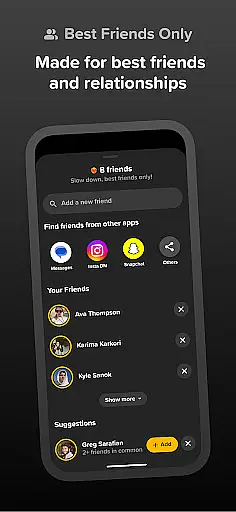
Unlike traditional social platforms that encourage extensive networks, Locket limits users to just 20 close connections. This restriction creates a more intimate social experience, ensuring that every added friend is truly significant to the user. The app's design promotes stronger bonds with a smaller, more meaningful network of friends and family members.
Locket's connection discovery mechanism works through direct invitations and mutual consent. When users want to connect, they must send specific requests to their close friends or family members. This intentional limitation prevents random connections and maintains the integrity of users' personal networks.
The app's approach to connection discovery aligns perfectly with its core philosophy of fostering genuine relationships. By restricting the number of possible connections, Locket ensures that every interaction holds value, creating a more meaningful social experience for users who prioritize quality relationships over extensive networks.
User-friendly interface
Real-time photo updates
Privacy-focused design
Authentic connection emphasis
Free to use
Limited to 20 friends
No advanced editing tools
iOS exclusive features
Requires constant connectivity
Small user base





Watch, Edit, Upload and Share Gaming Clips
 4.00
4.00
Second phone number for phone calls & texts. Text & SMS me now with a 2nd number
4.20
Date single & make friend
4.60
Social calendar for friends to make plans, group chat, share events & schedules
4.60
The official Skool app. Stay connected to your communities on the go.
4.20
Unlimited calls & texts | WiFi voice line plus group txt | Call & text now
4.50
live inside your fandom
4.60
Resonate & Date with New Match
3.70
Reddit is where you’ll find your people and feel at home in every conversation.
4.60
SuperLive is a super popular video-streaming social network
4.60
Live Chat & Match! Explore Real-Time Dating and Make Friends!
4.40
Meet Strangers Online, Live Video Chat & Make Random Video Calls on Joi!
4.30
Online group games like Mafia, Word War, Scattergories, Ludo, Uno, and many more
4.30
A warm, simple dating app for adults seeking real connection.
4.20
Sell unwanted items and buy preloved stuff in your local community.
4.10
Connect and share ideas
4.10
Instant messaging — simple, fast, secure, and synced across all your devices.
4.00
Dive into diverse fandoms. Connect, create, reblog.
3.90
Instant video chat with cool people. Live video call & make friends with Monkey!
3.80


User Reviews