

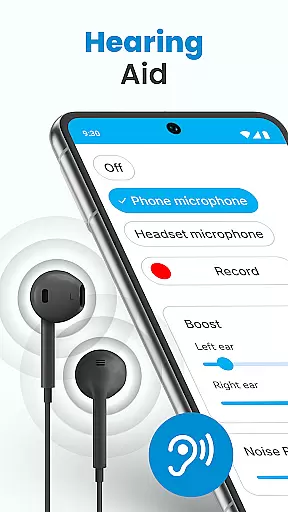
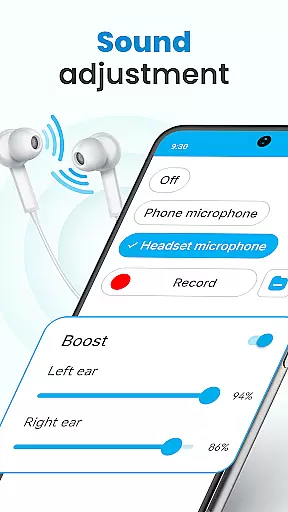
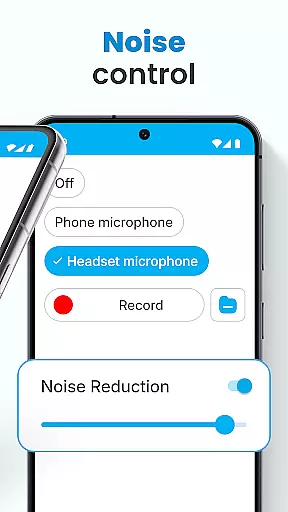
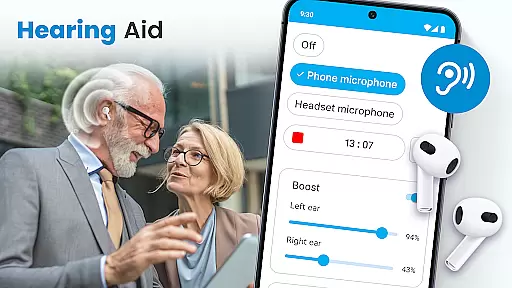
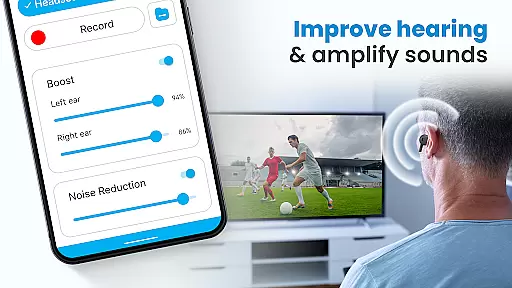
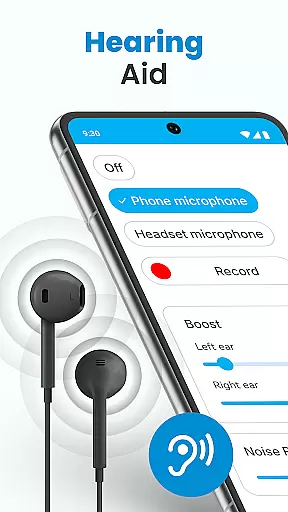
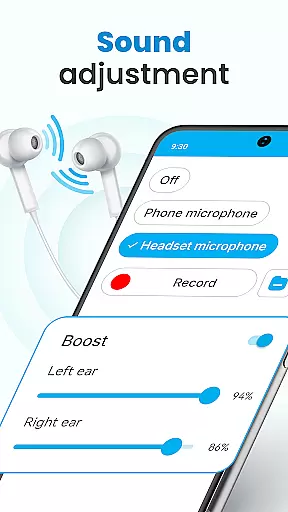
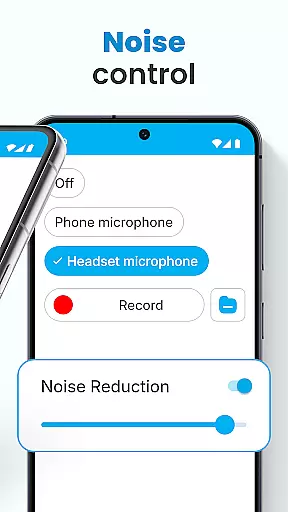
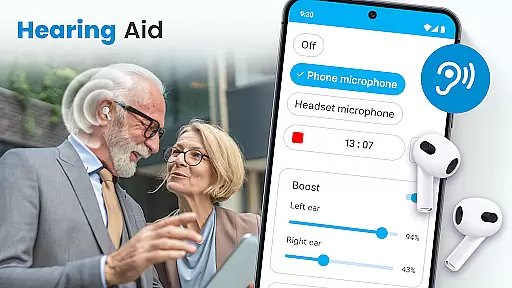
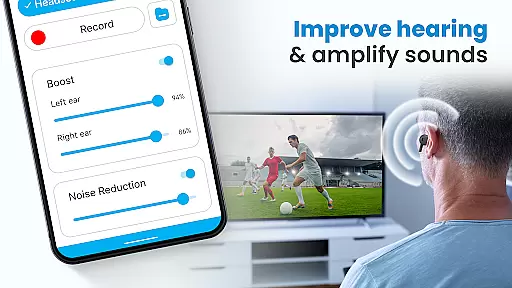
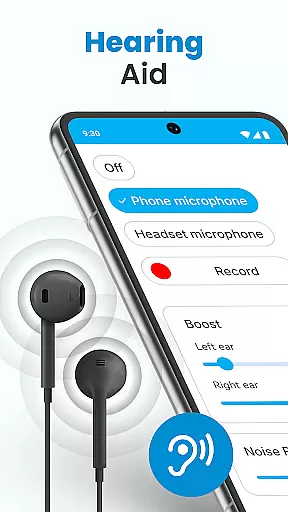
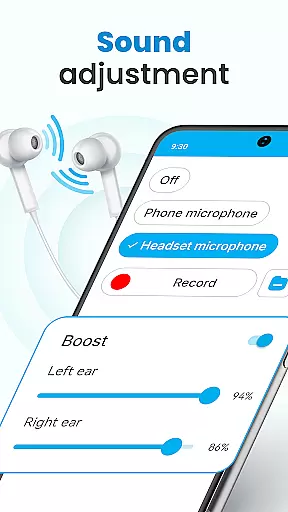
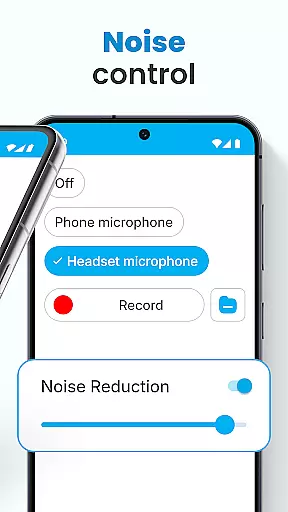
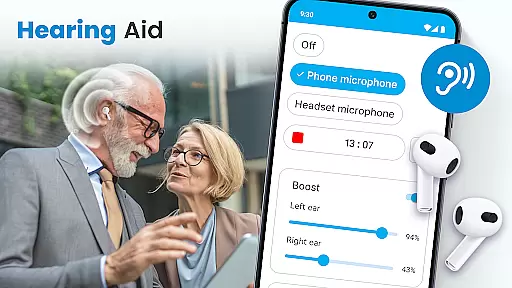
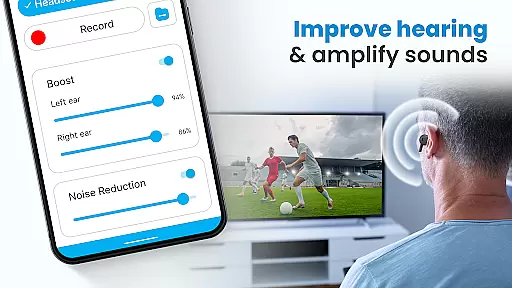
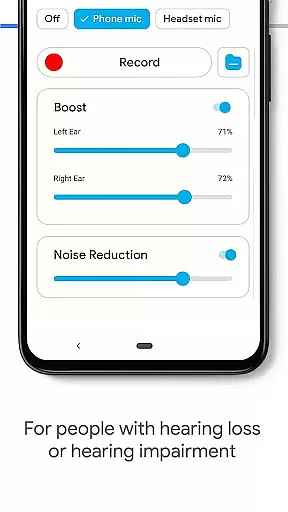
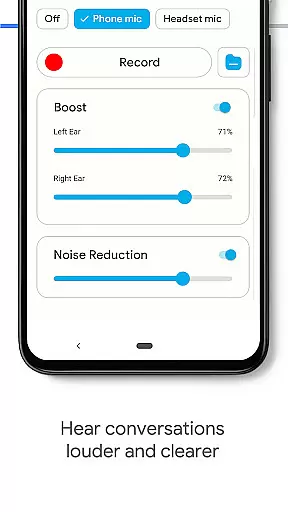
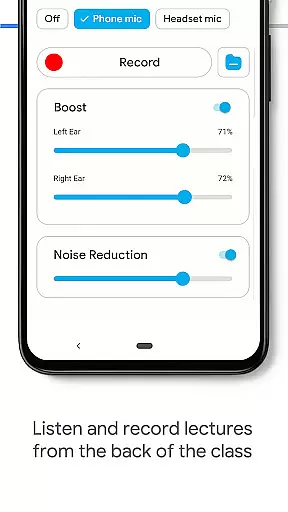
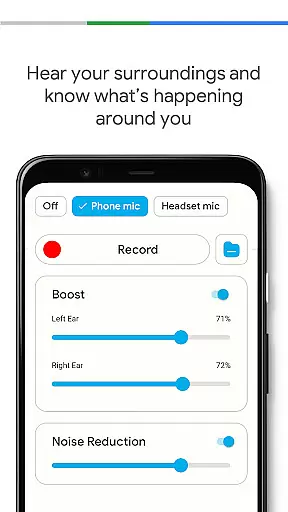
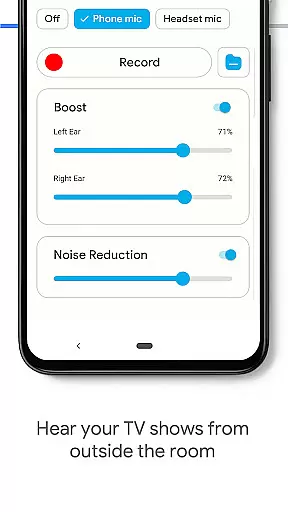
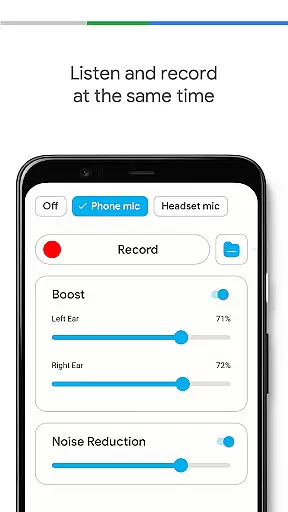
Hearing Aid App for Android is a revolutionary mobile application designed to enhance hearing capabilities and amplify sounds for users with mild hearing impairments. This app transforms your Android device into a powerful hearing aid by capturing external sounds, processing them, and streaming clearer audio at increased volumes. The app's advanced features include noise control to eliminate background disturbances, an audio recorder for personalizing sounds, and left-right ear sound adjustment for customized amplification.
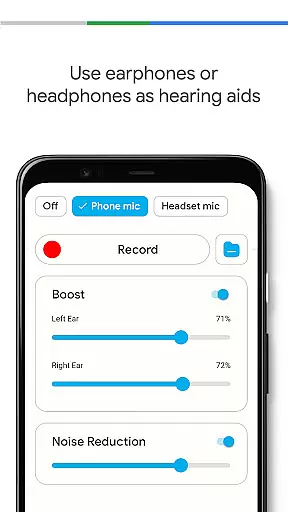
Whether you're attending meetings, lectures, or social events, this app ensures that every word is heard clearly. It supports both wired and Bluetooth earphones, allowing users to enjoy high-quality audio in various environments without compromising clarity. With its user-friendly interface and practical functionalities, Hearing Aid App for Android serves as an essential tool for improving everyday hearing experiences.
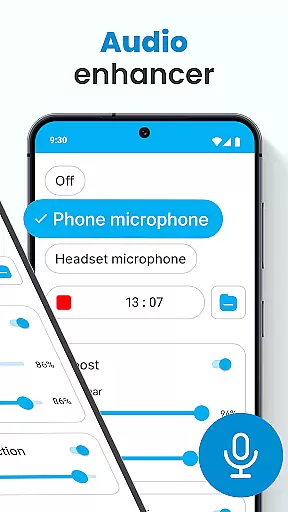
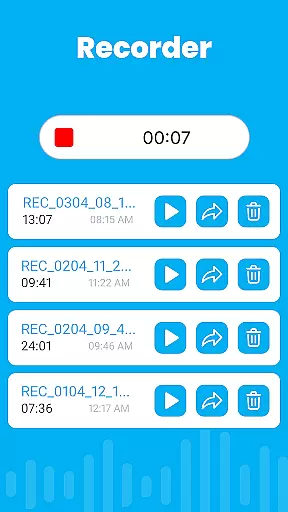
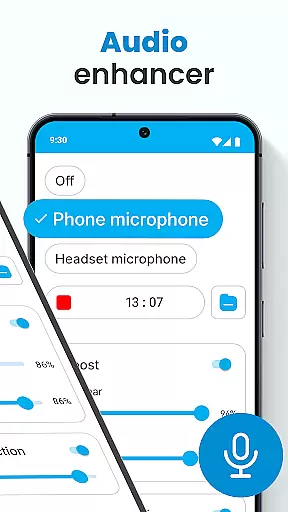
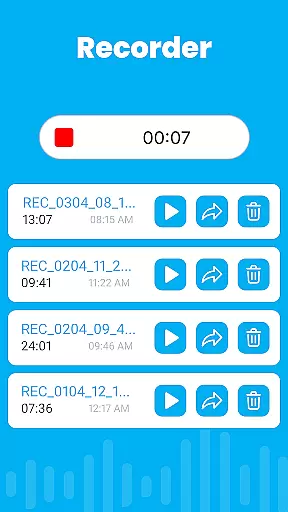
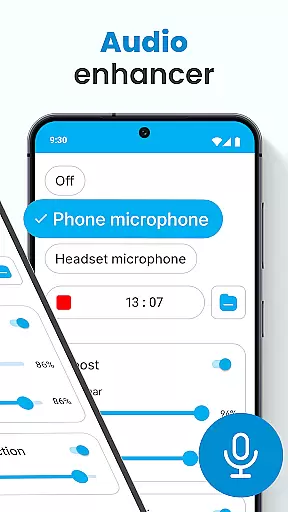
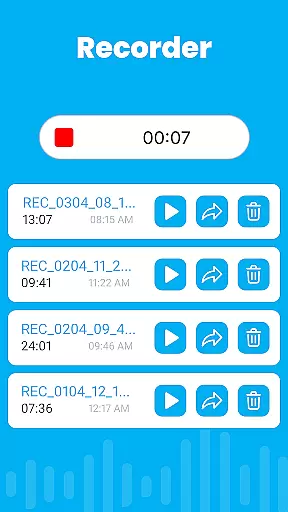
The Hearing Aid App for Android offers a comprehensive suite of features that cater to diverse hearing enhancement needs. One of its standout capabilities is the Audio Enhancer: Sound Booster, which allows users to increase hearing volume significantly. The app also includes Noise Control functionality, effectively eliminating background disturbances to deliver clearer audio. Users can take advantage of the built-in Audio Recorder to capture and personalize sounds according to their preferences.
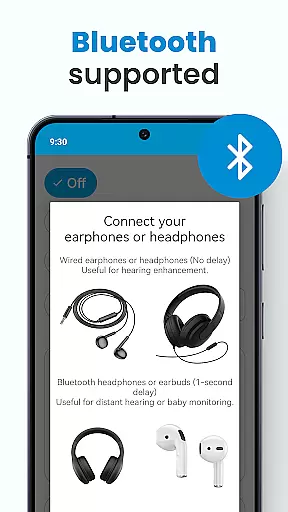
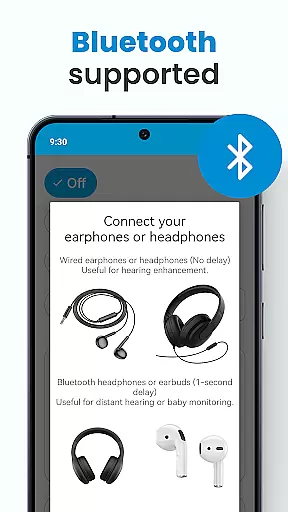
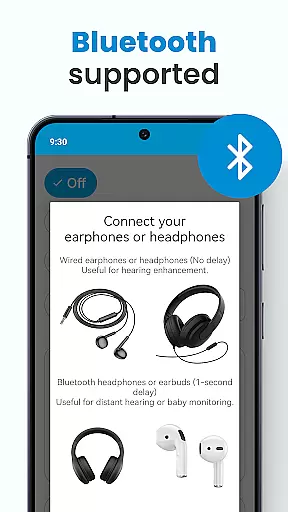
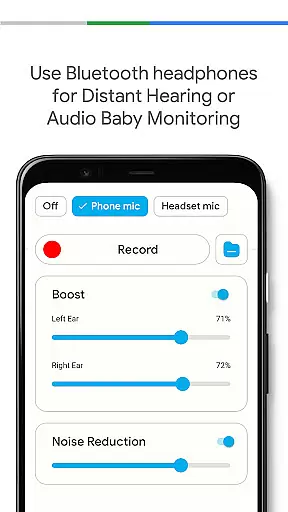
Another remarkable feature is the Super Hearing Volume Booster, which works seamlessly with both the phone's microphone and selected headset microphones. The app provides individualized sound adjustments for each ear, ensuring optimal amplification based on personal requirements. Additionally, it supports Bluetooth connectivity, enabling use with wireless earphones. The Background Mode feature allows continuous listening even when the device is locked or being used for other tasks, making it a versatile solution for everyday hearing assistance.
In the realm of mobile health applications, ensuring the credibility of medical content is paramount. The Hearing Aid App for Android takes this responsibility seriously by offering features that are not only designed to improve hearing but also grounded in sound medical science. This commitment ensures users receive accurate and helpful assistance with their hearing needs.
The app's functionalities, such as the Audio Enhancer and Noise Control, have been crafted based on well-established audiological principles. These features help amplify sounds and eliminate background disturbances, making conversations clearer for users. By focusing on these core aspects, the app provides a reliable tool for individuals seeking to enhance their auditory experience through technological means.
Moreover, the inclusion of an Audio Recorder and personalized sound adjustments for each ear demonstrates the app's dedication to catering to individual user requirements. Such customization options are typically developed in consultation with hearing experts, ensuring that the solutions provided are both effective and safe for long-term use.
By transforming a smartphone into a personal hearing aid, the app offers a convenient and accessible solution for those with mild hearing loss or those exploring free hearing aid options. Its compatibility with Bluetooth devices and background mode functionality further underscores its utility as a versatile listening device, all while maintaining high standards of medical content credibility.
Teleconsultation has become an essential aspect of modern healthcare, allowing patients to receive professional advice remotely. The Hearing Aid App for Android enhances this experience by integrating features that facilitate high-quality teleconsultations. Users can leverage the app's advanced sound amplification capabilities during virtual appointments, ensuring they do not miss any critical information discussed.
One of the standout features contributing to teleconsultation quality is the automatic enhancement of speech. This functionality prioritizes spoken words over background noise, making it easier for users to focus on the conversation at hand. Whether attending a meeting, lecture, or social event virtually, the app ensures that every word is audible and understandable.
Additionally, the ability to adjust volume levels according to different environments adds another layer of convenience. Users can fine-tune their listening experience based on their surroundings, whether they are in a bustling cafu00e9 or a quiet room. This adaptability ensures consistent audio clarity regardless of external conditions.
By supporting both wired and Bluetooth earphones, the app provides flexibility in how users engage in teleconsultations. This compatibility allows for seamless integration with various devices, enhancing overall usability. As a result, the Hearing Aid App for Android stands out as a valuable tool for anyone seeking to improve their hearing while maintaining high standards of teleconsultation quality.
User-friendly interface
Effective noise cancellation
Customizable sound settings
Supports Bluetooth devices
Background mode functionality
Limited to mild hearing loss
Requires compatible hardware
May drain battery quickly
No advanced medical features
Dependent on internet connection

Check and Track your Blood Pressure & Heart Rate.
 4.50
4.50
Amplify surrounding sounds, conversations, TV or lectures for louder hearing.
4.70
World's largest contact lens store
4.60
The Omada app enhances your program experience and helps you stay engaged.
4.50
Conveniently receive lab results, schedule lab appointment and pay your bills
3.70
Enjoy 200%+ volume booster with bass booster, equalizer and headphone supported.
4.60
Personalized hearing experience and health data tracking
4.50
Log your symptoms in the MyZio app — the perfect companion to the Zio monitor!
4.60
Boost reading, writing, speaking and listening with a scientifically proven app.
4.70
A comprehensive 3D atlas of the human body
4.80
Sync your blood glucose device, log values automatically and tame your diabetes!
4.60
The OptumRx app empowers you to become an advocate of your pharmacy benefits.
4.40
Molina Members: My Molina. Manage your health anytime, anywhere!
4.30
Control your hearing aids discreetly with the touch of a finger
4.30
Master AEMT with 1,400+ study items, TEIs, practice tests, and scoring.
4.10
Donating plasma just got easier with the BioLife Plasma Services mobile app.
3.90
An easy way to earn money donating plasma. Book a visit, sit back, and get paid.
3.80
A fantastic 3d reference that includes over 300 structures and a quiz function.
3.00
A rapid reference for prehospital providers caring for pediatric patients.
4.4

User Reviews